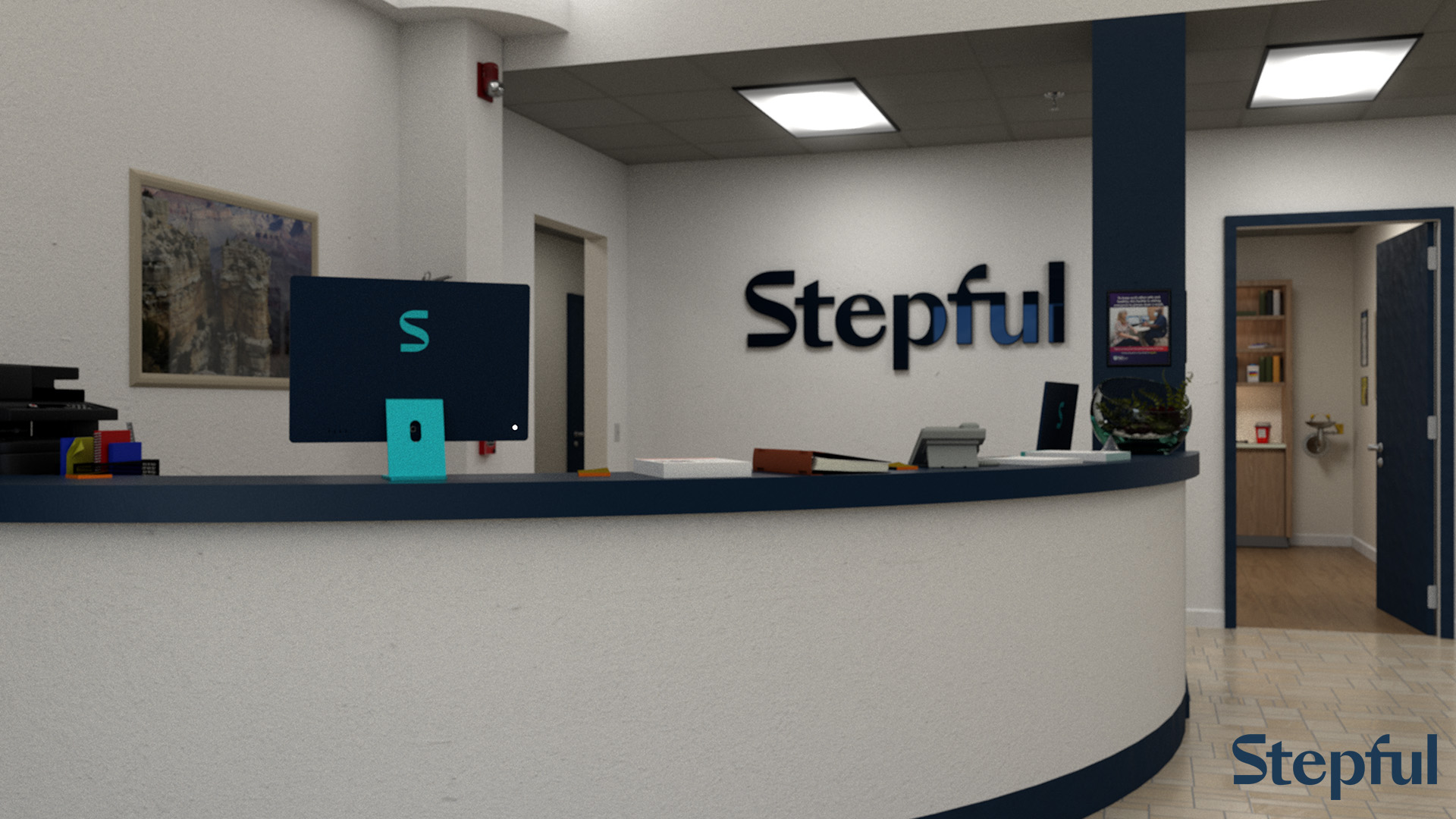
Since 2024, I’ve been working with Stepful as a video post-production generalist. Stepful is a company that provides on-line training courses for various medical certifications. I edit (and occasionally direct) prerecorded lessons for their courses, similar to the kinds of videos I made when I worked at UC Santa Cruz.
Since I began, Stepful has been building up their video production muscles, starting from at-home remote self-tapes by instructors, to creating a greenscreen stage in their main office for more controlled and elaborate filming. For the latest lessons, we decided to create custom greenscreen backgrounds.
I began researching medical clinics on-line, finding floorplans and photos as reference. I roughed out a lobby space with a large window and waiting area, a desk, and a door to an examination room. I also included some spaces that could be expanded on if needed in the future; a stairwell with elevators, and two hallways with doors.
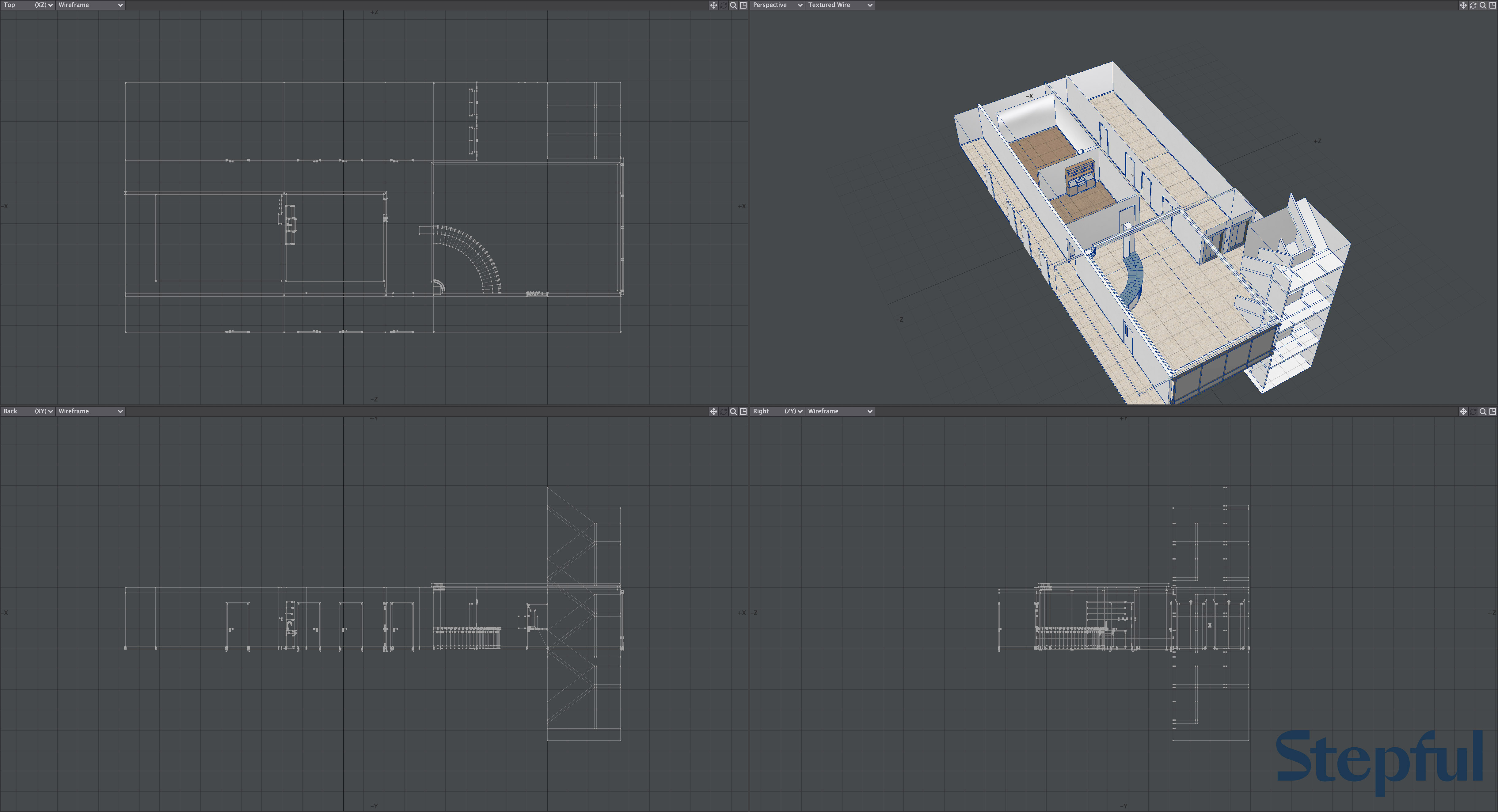
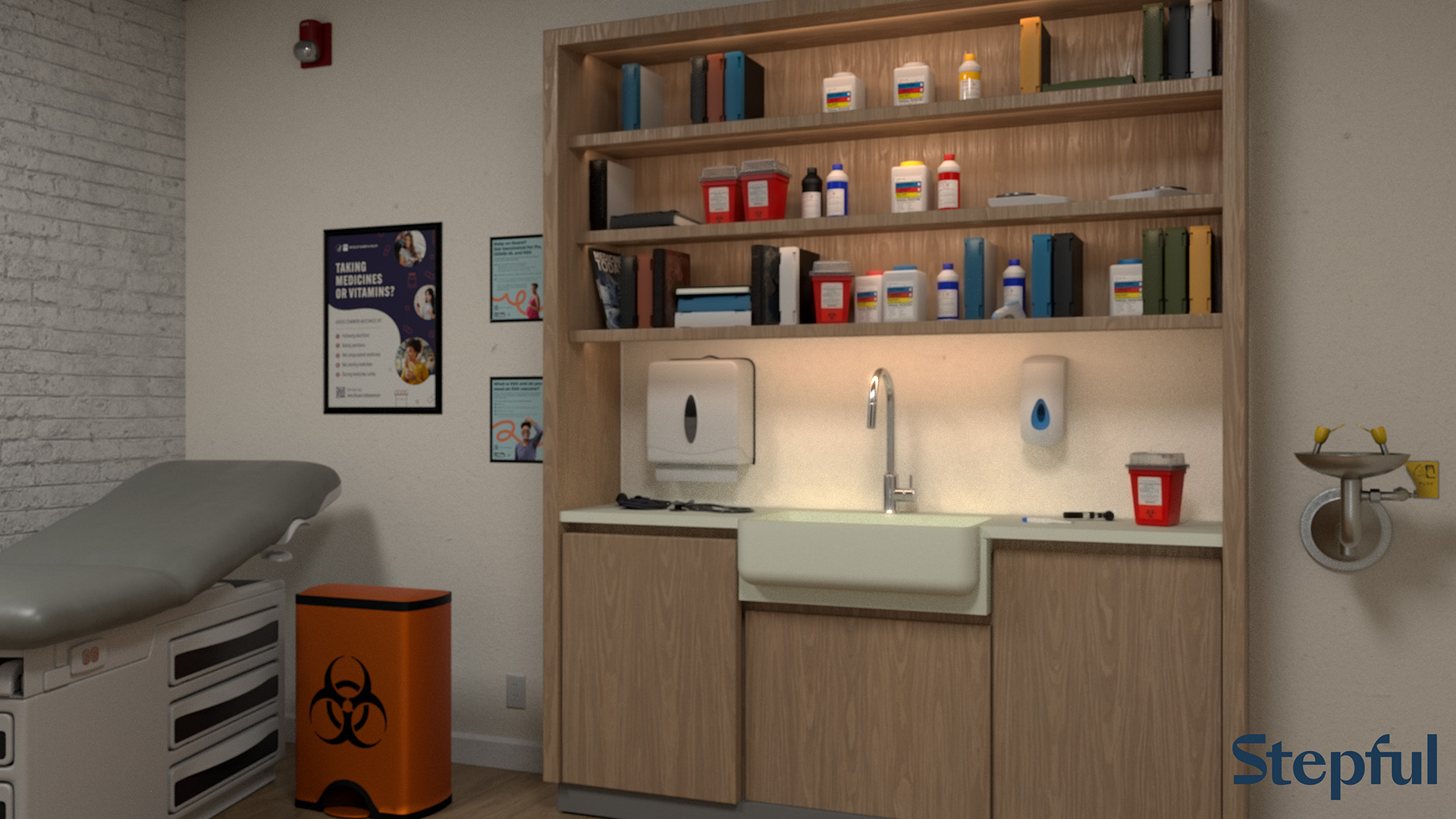
Once the rough layout was approved, I began adding surfacing and set decoration. I started with my personal library of assets and some of my favorite public domain sources. Stepful’s stock image and video provider, Envato, also includes 3D assets, some of which were extremely useful.
I collaborated with Stepful and End of the Island, who was handling the video shoot, on pre-production, and was also able to sit in during the actual filming. Once the footage was finished and delivered, I sorted it by video and determined how many individual backgrounds would be required. We filmed with two cameras, and between various live-action elements (tables, seats, trays) and context shifts, I determined we needed twelve virtual set-ups, making for twenty-four total renders. I then edited the videos, on the theory that work on the backgrounds could expand or contract to match the time I had left before delivery, but if I’d done the virtual set and greenscreen composites first and didn’t have enough time to edit actual informative videos, that’d be a real pickle. The virtual set was optional, having an approved edit with captions and infographics was mandatory.
Once the cuts were cut, I returned to Lightwave. I created a camera and lighting rig matching the positions of our A and B cameras relative to our presenter, as well as the stage lighting that was on her, and positioned them throughout the set. I adjusted the set-dressing to camera now that I could see it in context (for instance, repositioning a computer she was meant to be typing on, or reorganizing a shelf once I saw what would be on camera, what would be out of frame, and what would be directly behind her and blocked from view). I also rendered each viewpoint with overscan horizontally and vertically, allowing me to pan and tilt beyond the frame of the original footage, which is very useful for on-screen sidebars as well as when punching in to create a close-up.
Compositing was done in Adobe After Effects, taking advantage of Adobe’s Dynamic Link feature so I didn’t have to pre-export composited version of all the raw takes. There were some challenges that required rotoscoping (it turns out, many pieces of medical equipment are translucent plastic or mirror-finish stainless steel), but this was another aspect where editing prior to visual effects was the smart play, as I was able to narrow that work down to only the moments where the affected objects were on-screen.