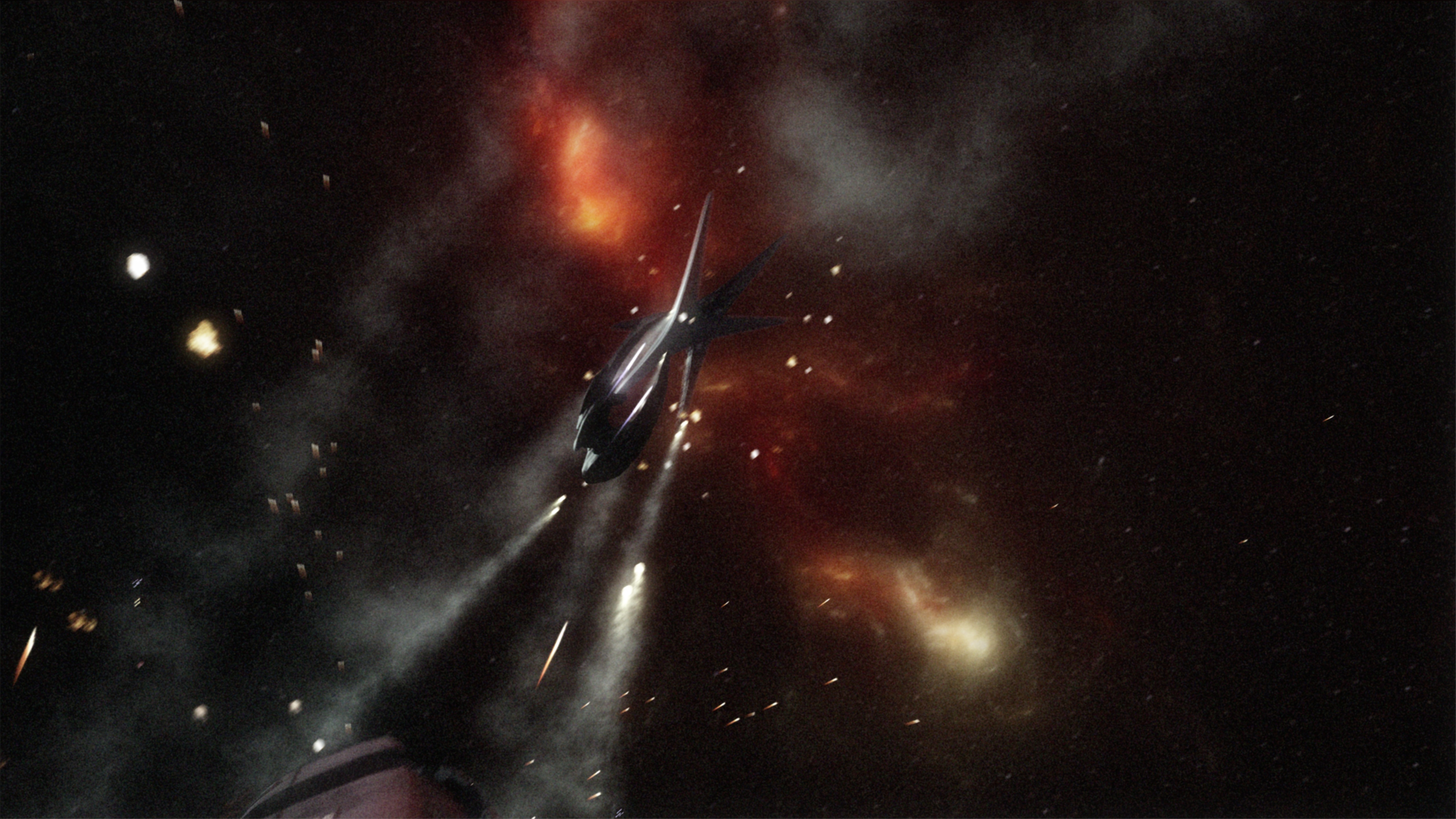
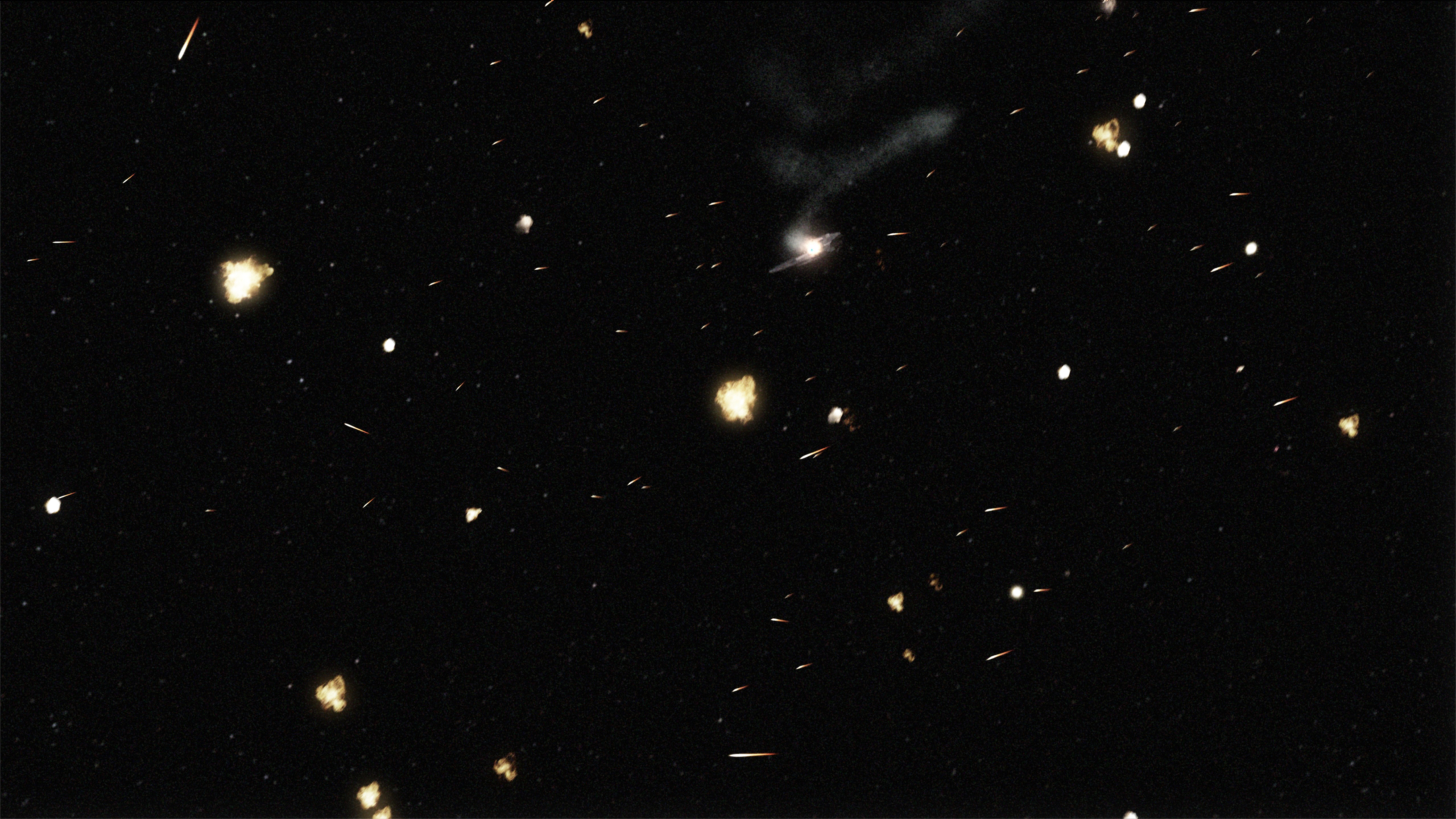
I recently mentioned wanting to attack “quantum space” from the most recent Babylon 5 production, “The Lost Tales.” Quantum space was a faster version of hyperspace. From what I remember hearing, it was actually a late addition to the script, so the quantum space effect was just the updated B5 hyperspace environment Atmosphere Visual Effects was already building, recolored from red to blue. I’m taking TLT as a sort of baseline style guide from my Babylon 5 project, so if I want a hyperspace model that reflects the most recent look of it, then I’ll need to emulate the TLT effect.
Diaspora is a space combat simulation game set in the universe of the remade Battlestar Galactica, and based on the Freespace 2 engine. It’s super-fun and polished, and if you ever wanted to fly a Viper, you should probably download it now. A while ago, the call came out once again for volunteers, specifically mentioning visual effects animators. I leapt at the chance.
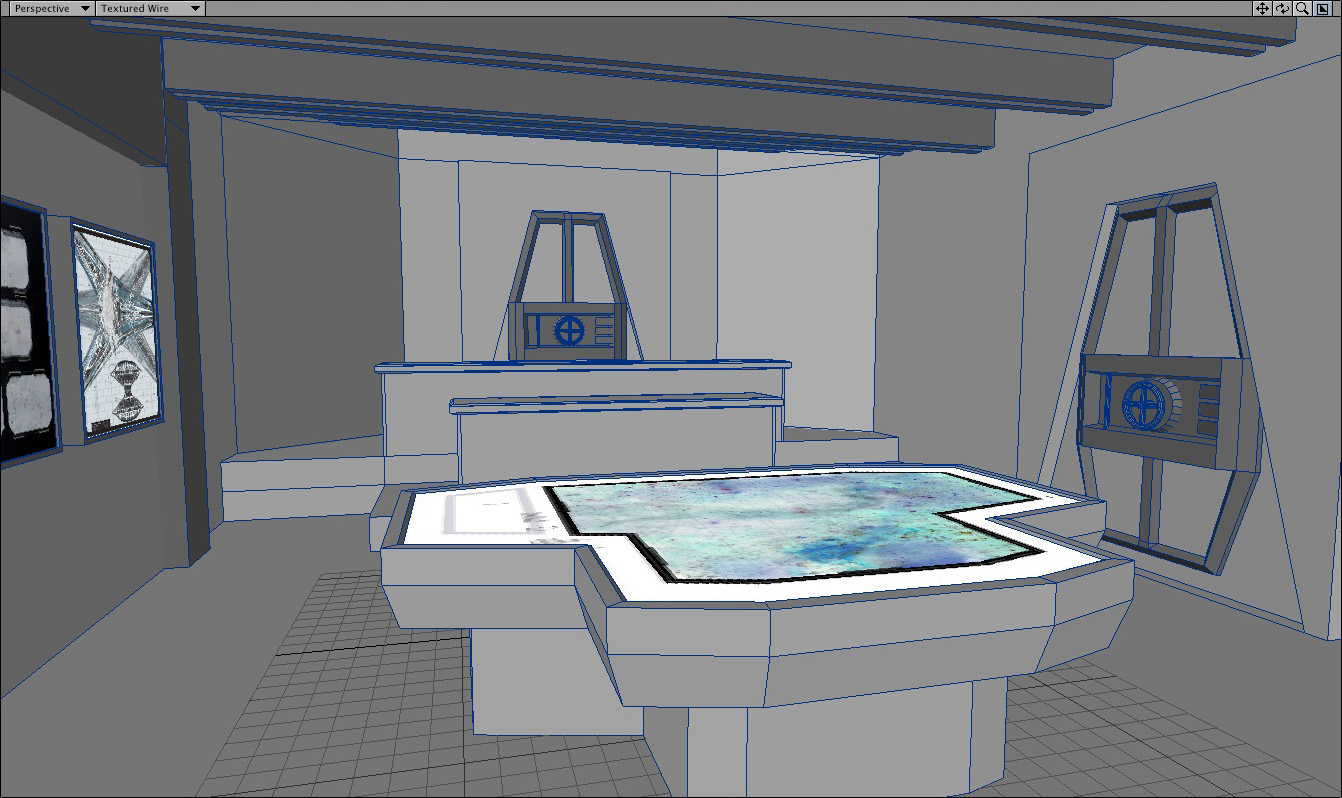
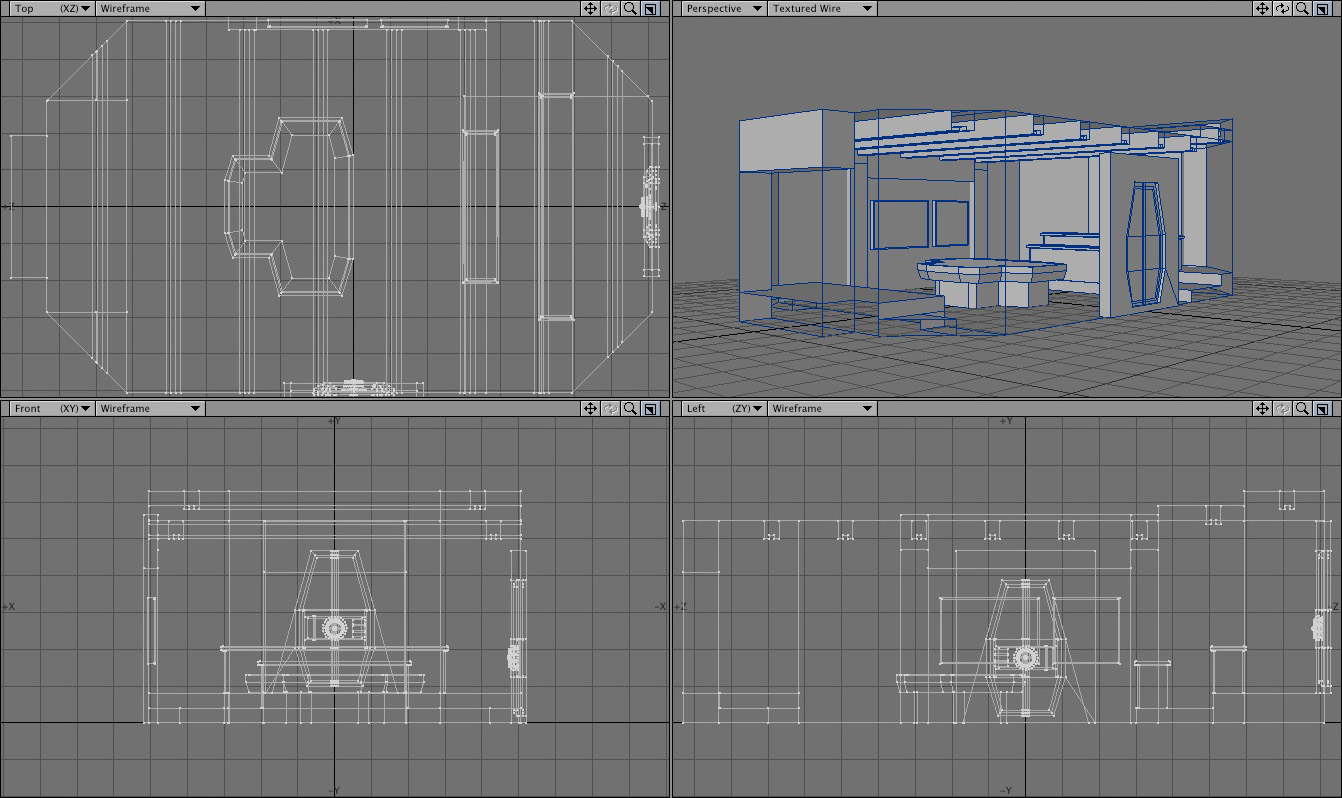
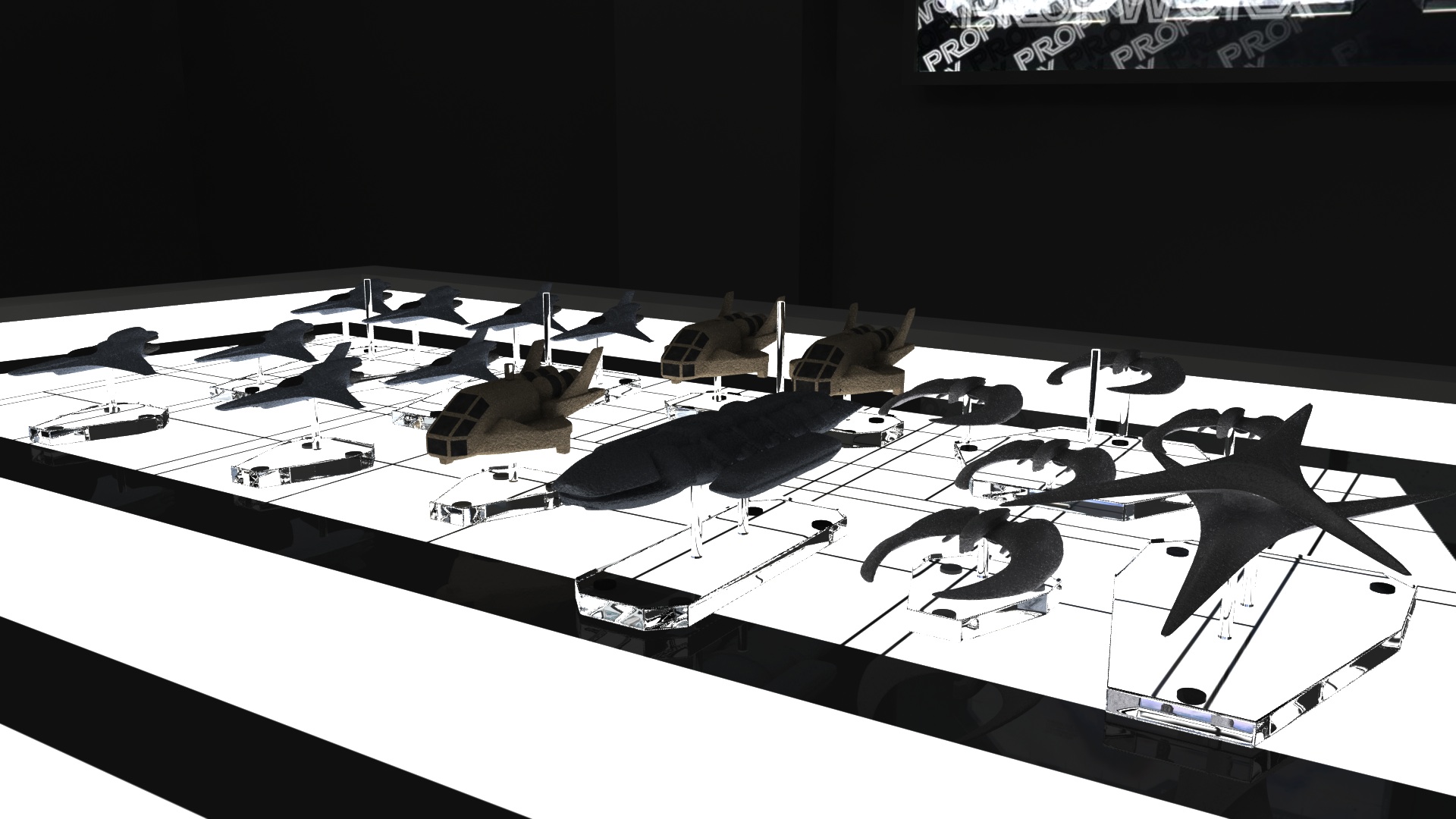
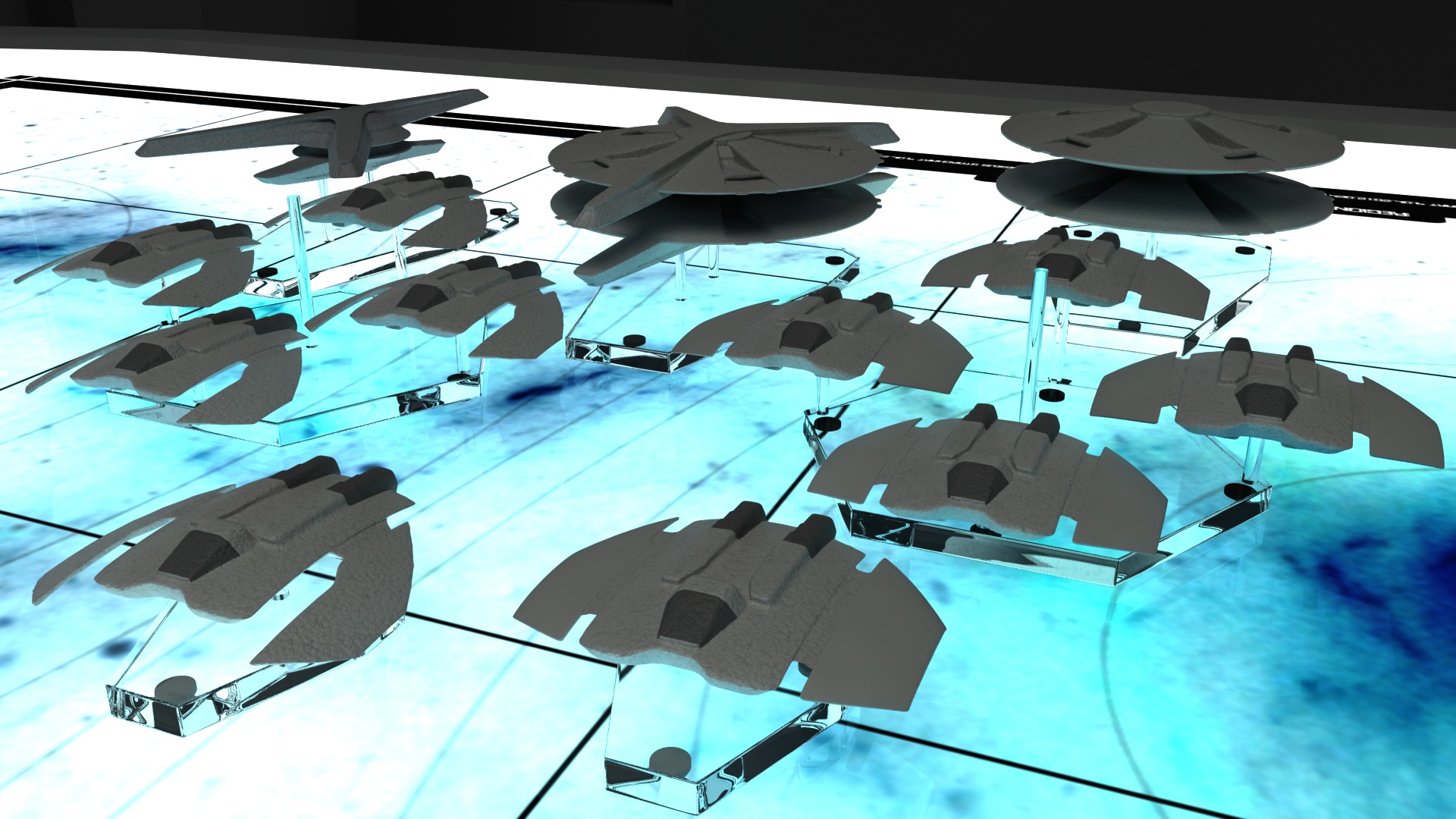
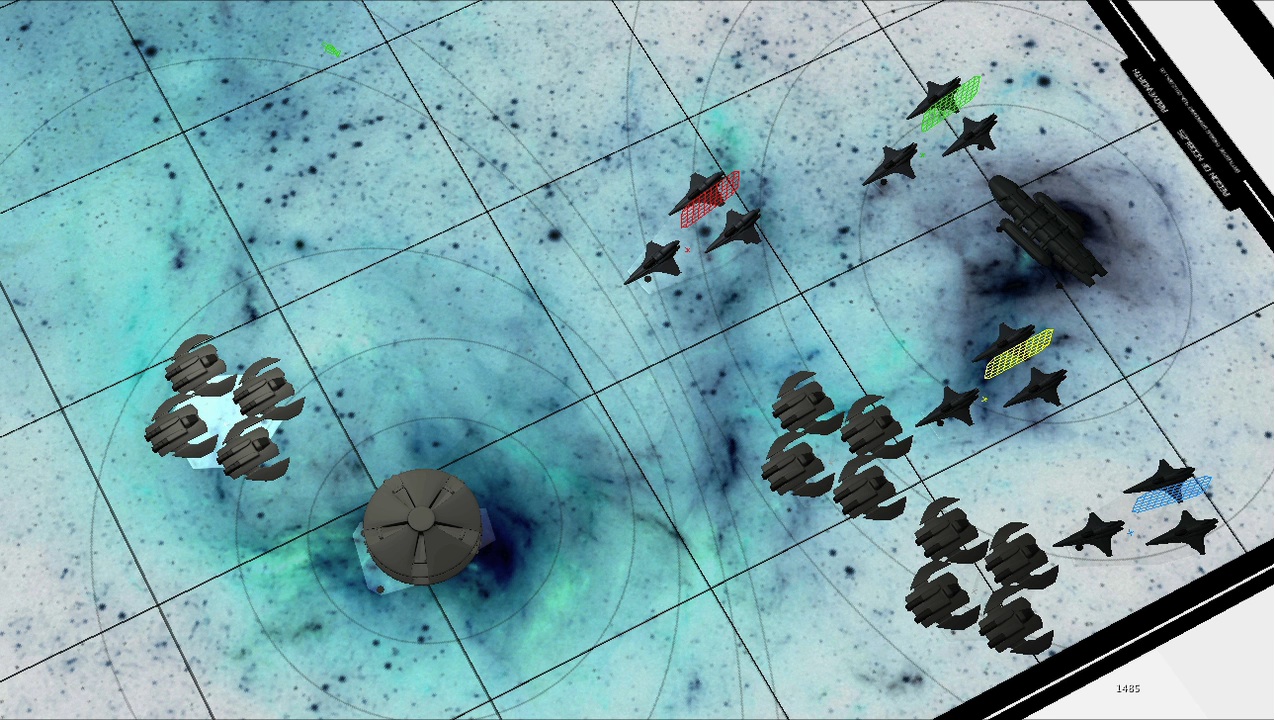
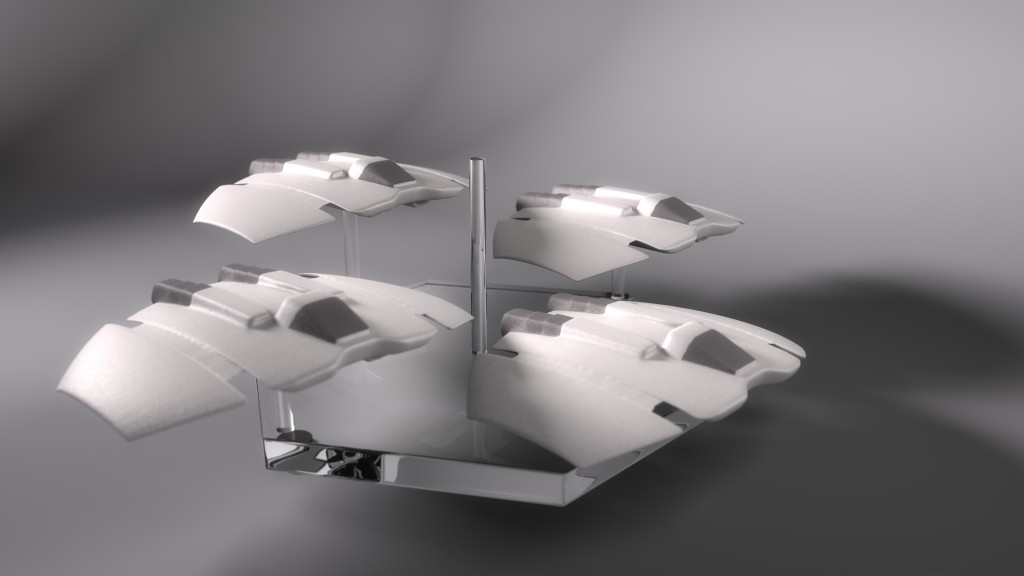
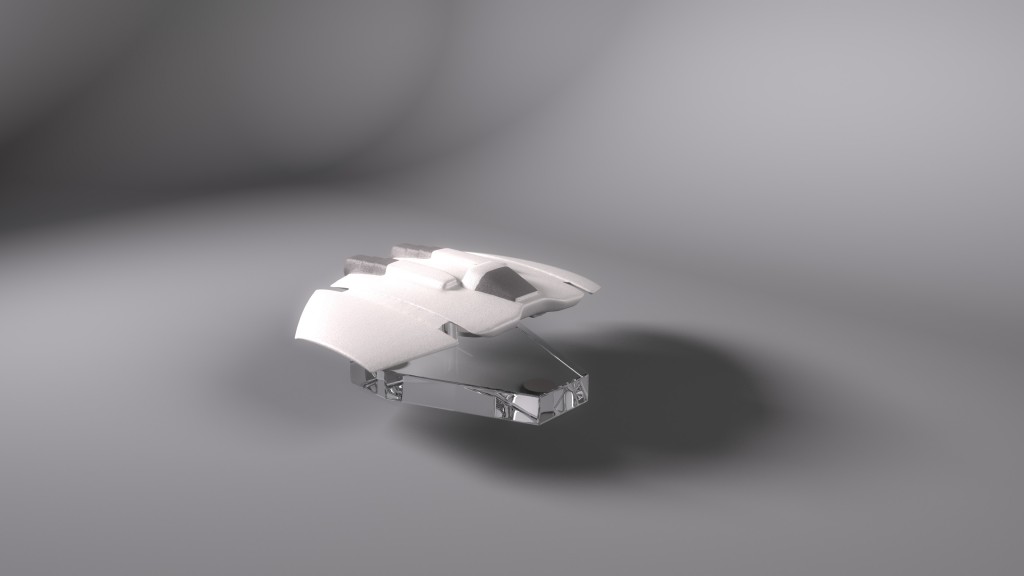
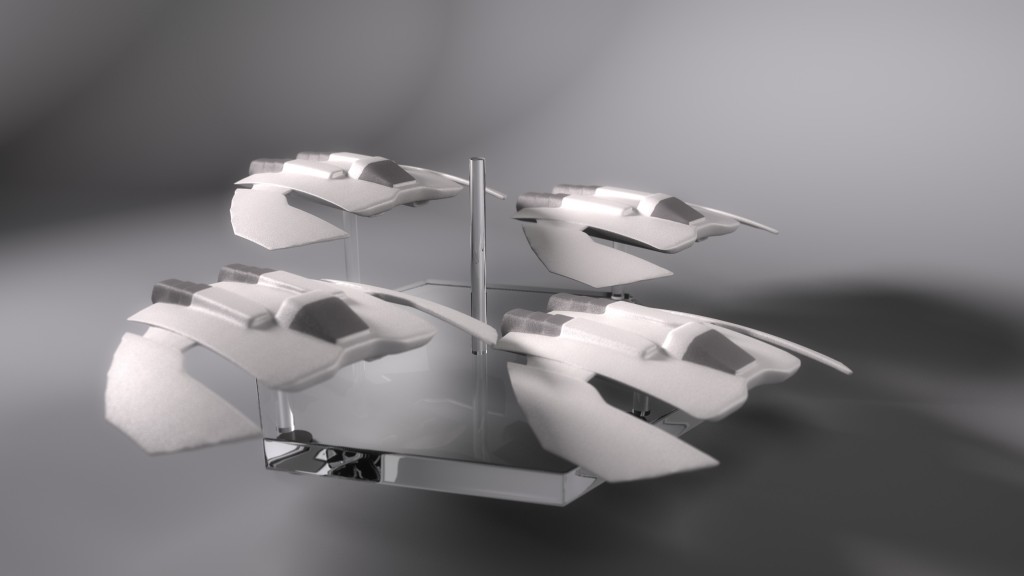
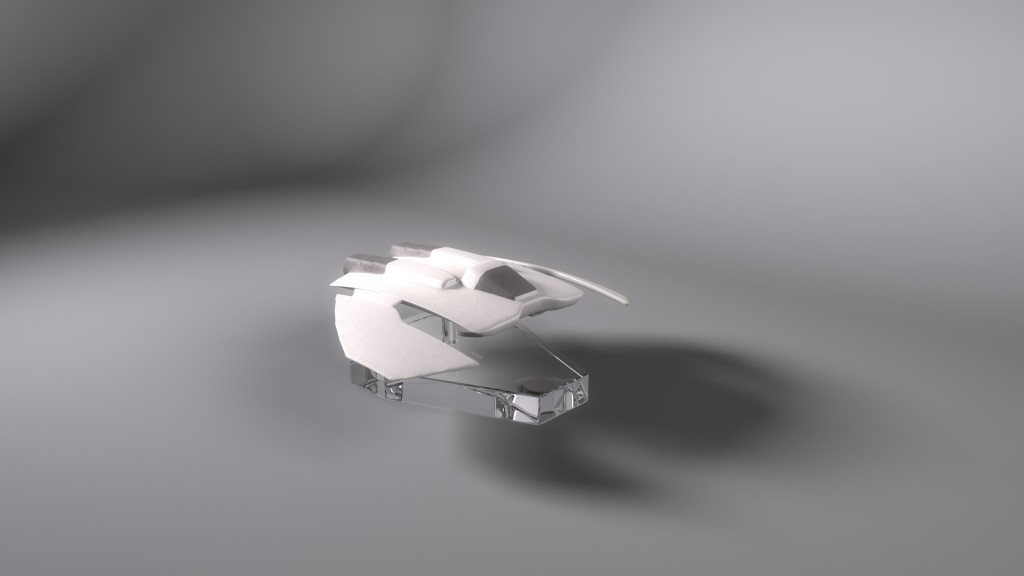
When you ask to join the Diaspora team, there’s an audition process where you’re given a minor assignment in whatever your area is. The original concept for mine was deceptively simple: In several episodes, the Galatica’s “war room” was seen, which had as its centerpiece a large light-table where the crew pushed around little models with sticks to plan attacks, or keep track of battles that were in-progress. The concept was to have a 3D-rendered version of the table and these models, and to show them being pushed around in a cutscene, to replace one of the in-engine briefings for “Shattered Armistice,” the first episodic release of Diaspora.
After some modeling and some R&D figuring out what the best conceit was for how to present it, we settled on the idea that a war room strategy session with the CAG, CO, XO, and other important initials which was recorded by a ceiling-mounted camera, and was being played back for the pilots on the briefing room overhead projector.
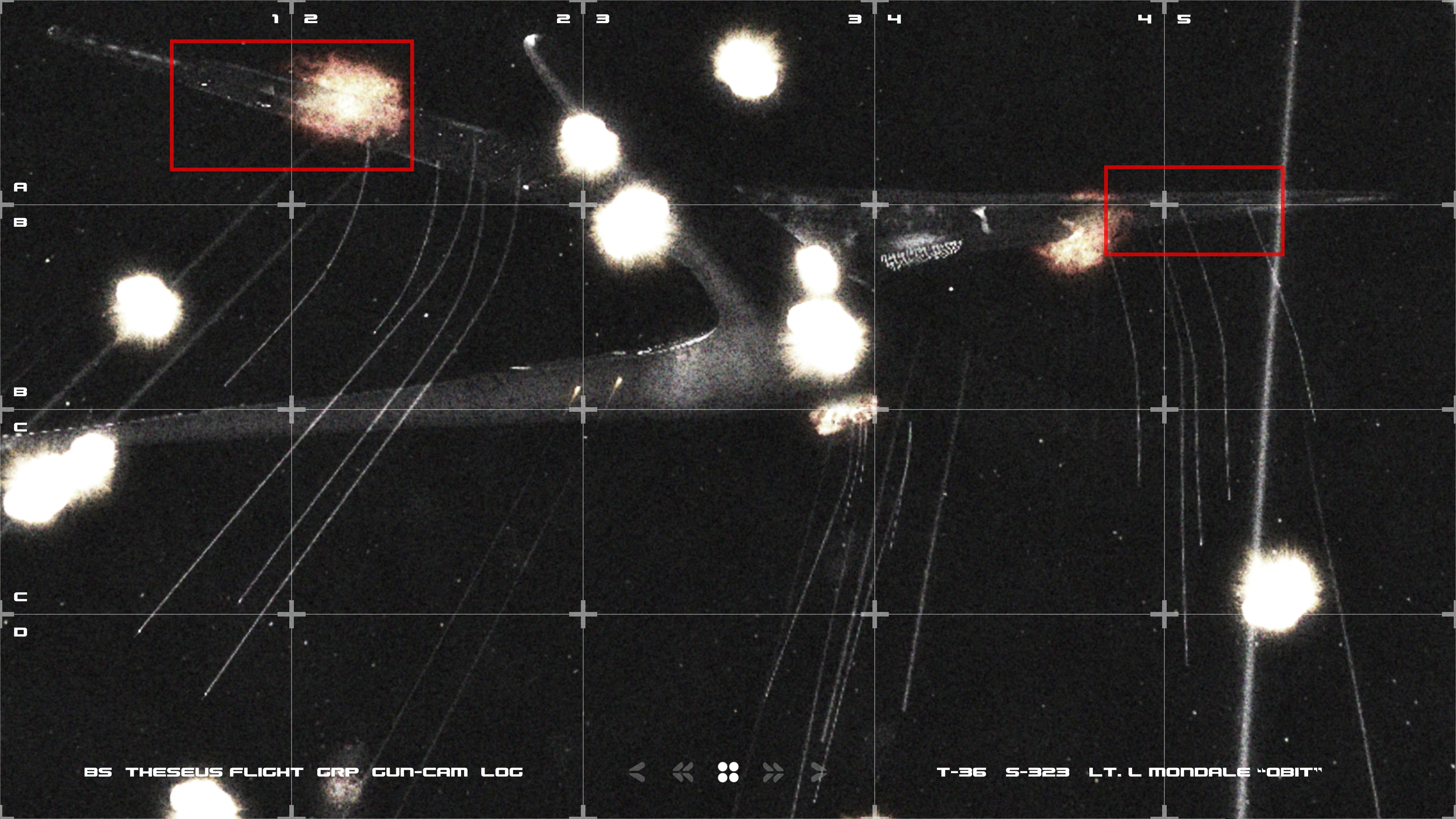
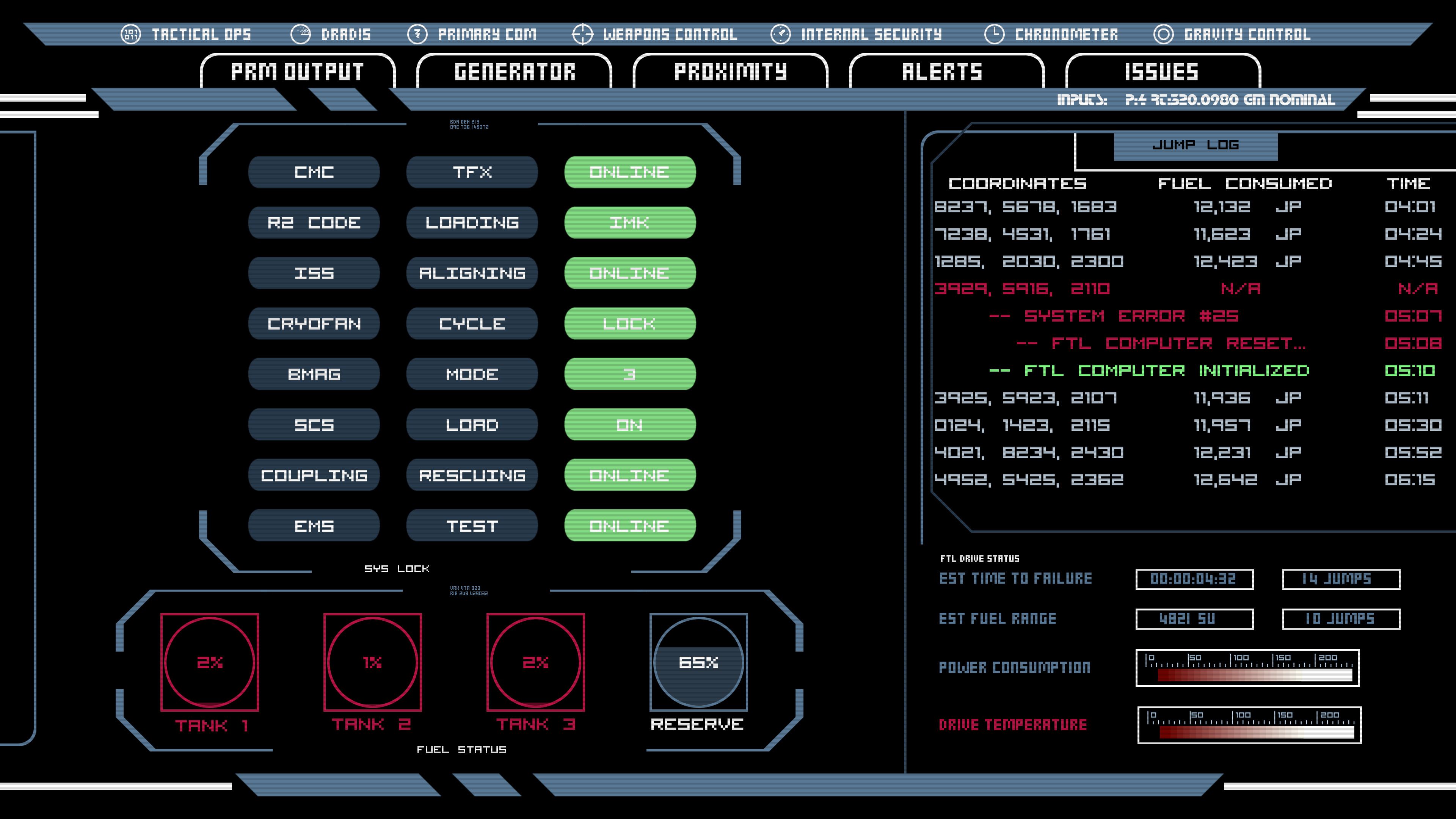
After animating the models being pushed around in time to the existing voiceover, I saw there were a lot of holds and dead air, and there were some concepts I was worried weren’t being communicated, such as the location of the missile batteries to be targeted on the enemy ships, so I experimented with cutting in some “gun-cam photos” of the Cylon basestars, and an engineering status screen. These were a hit with the team, so I continued in that vein, using the tabletop models in a supporting role as one visual aid among many.
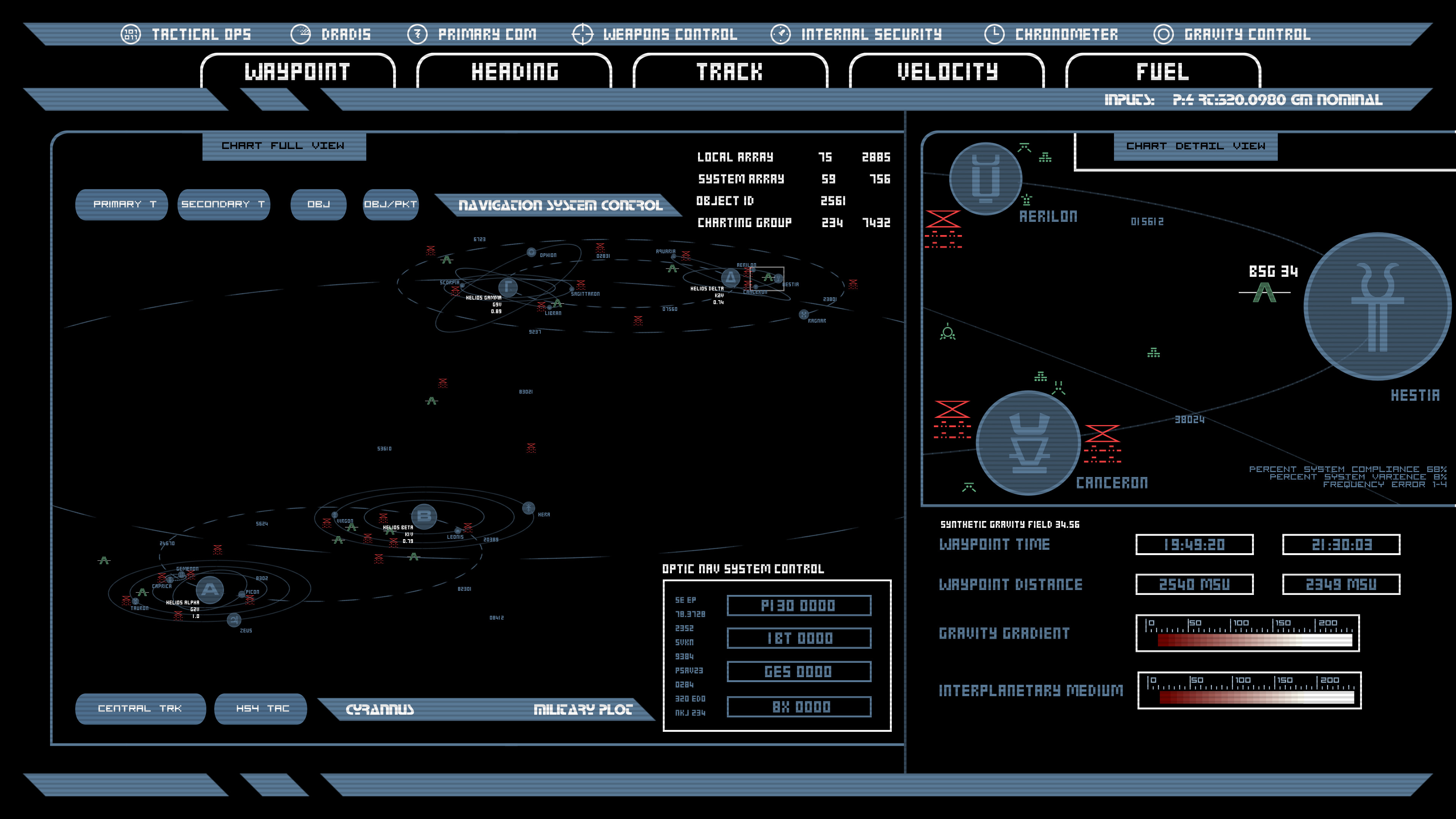
Once I had a completed cut of the briefing, I was officially inducted, which consisted mostly of me getting a little icon on the Diaspora forums implying I know what I’m talking about. Lacking anything else to do, and realizing that it’d be kind of weird to have just one cutscene briefing, I started replacing all the single-player mission briefings for “Shattered Armistice.” Since there was only one mission with a degree of planning or strategic complexity that justifies the use of the war room, I created DRADISreadouts, starcharts, comm-screens, countdown clocks, and whatever else I could think of that the CAG might slap together into a futuristic PowerPoint show for her briefings. I even redid the engineering readout for the first briefing I did, after I’d built up a library of BSG-style computer graphics. And let me give a shoutout to Matt Haley, who recreated the DRADIS screen in Adobe Illustrator and graciously allowed me to use it and build on it in these cutscenes.
The most ambitious section was easily the recording of a pilot being shot down for the third mission’s briefing.
I animated a BSG-style space-battle, shot from a Viper gun-camera, with no cuts. The most challenging part was working out the timing and animation of the camera, so I could show everything I needed to show, without a lot of dead air, while still feeling like something the player would recognize from the show and, more importantly, from their experiences with the game, where they would’ve been playing the mission this recording was depicting moments earlier.
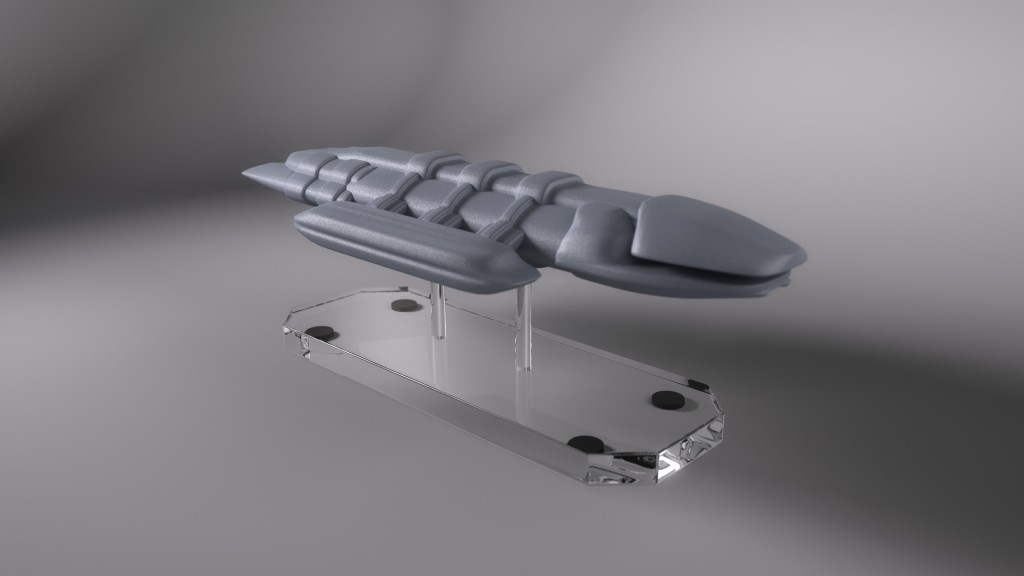
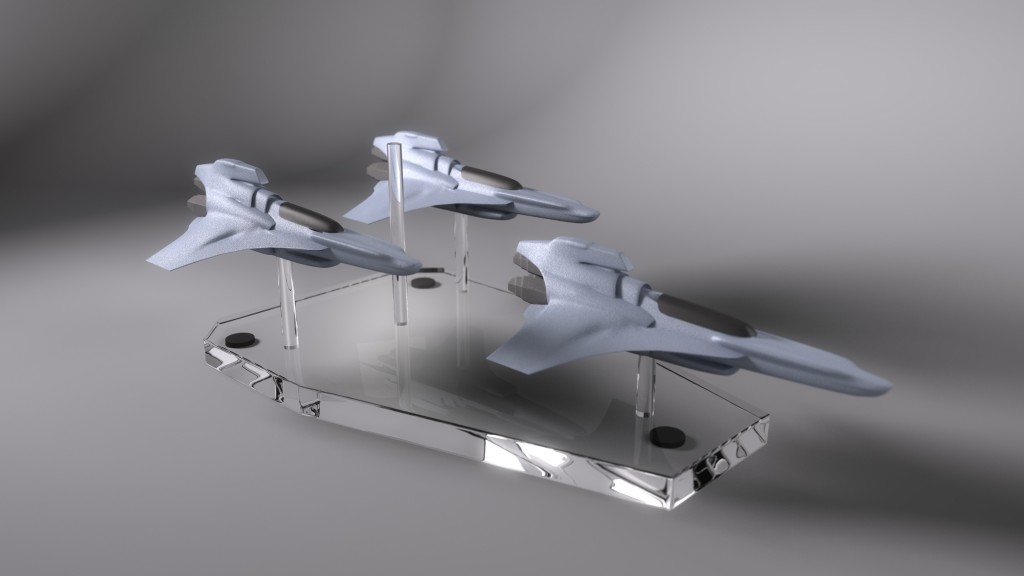
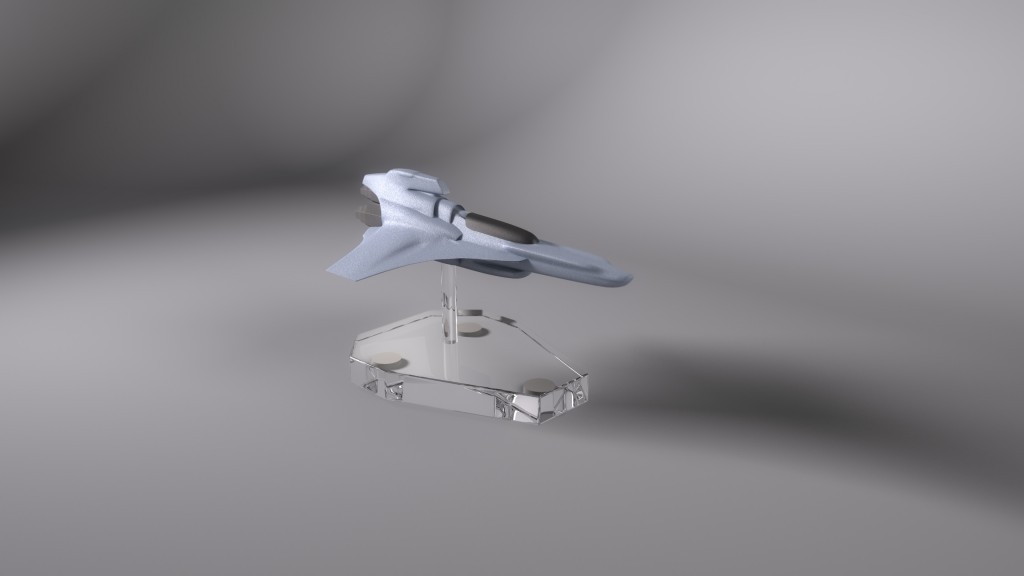
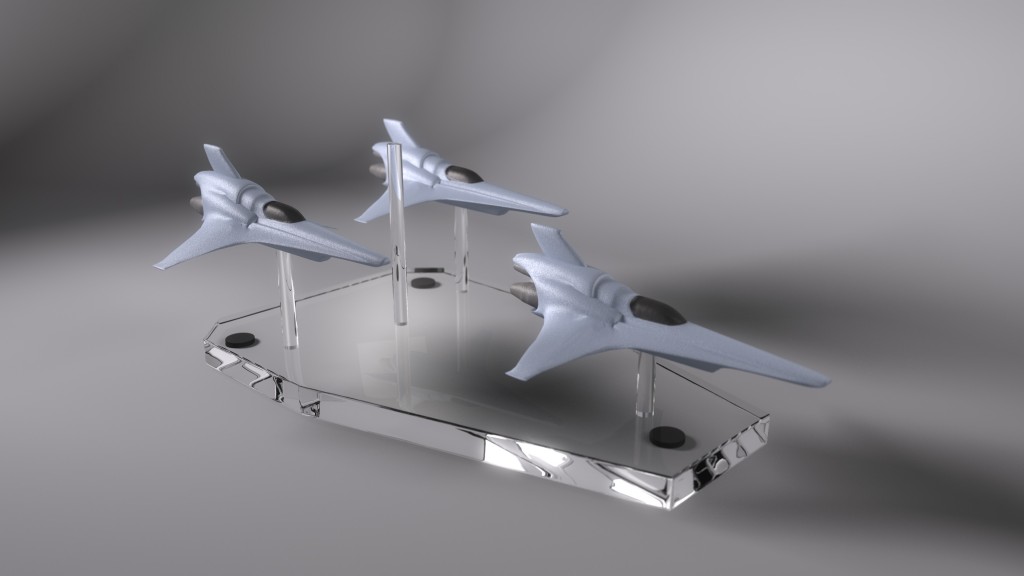
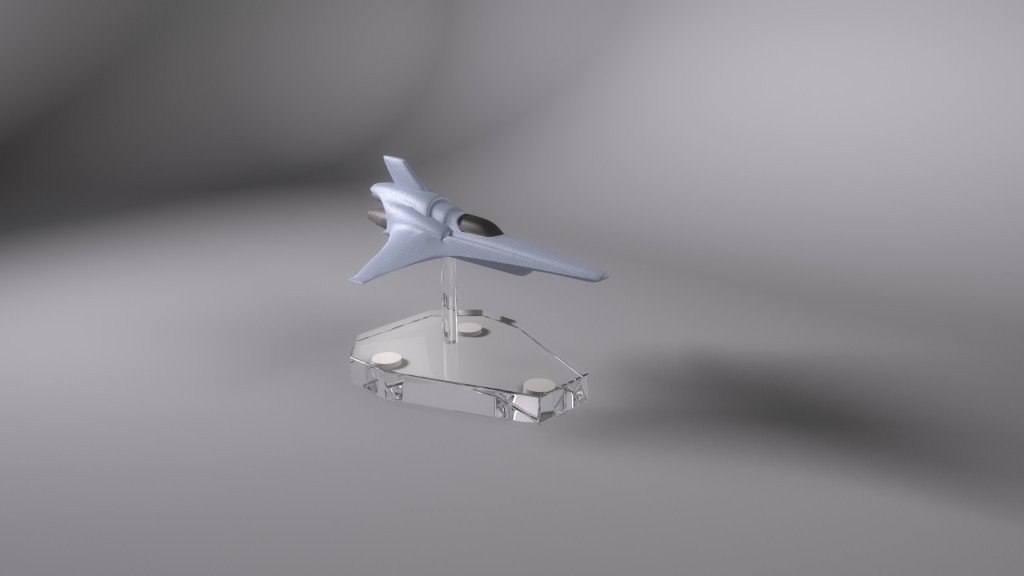
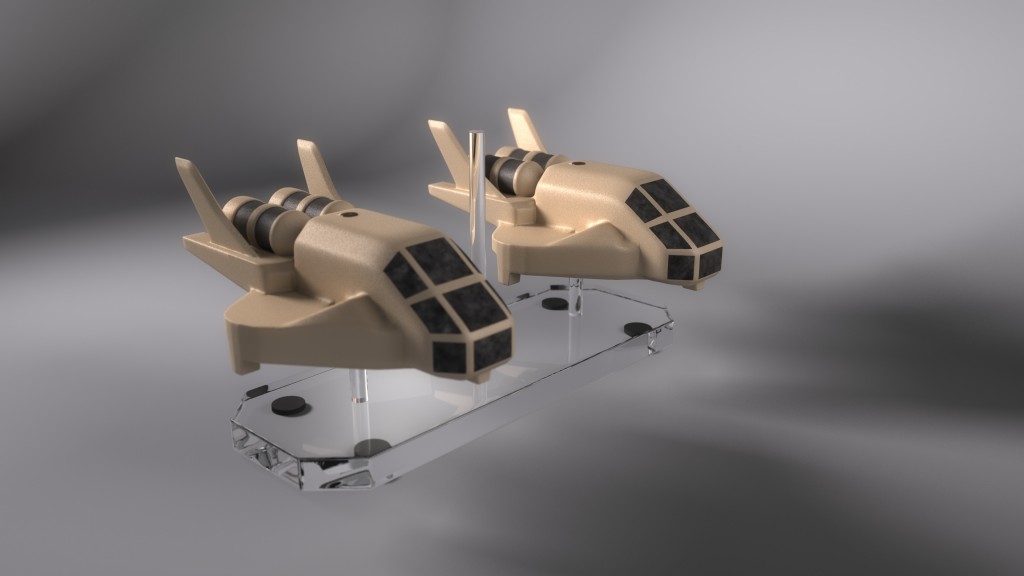
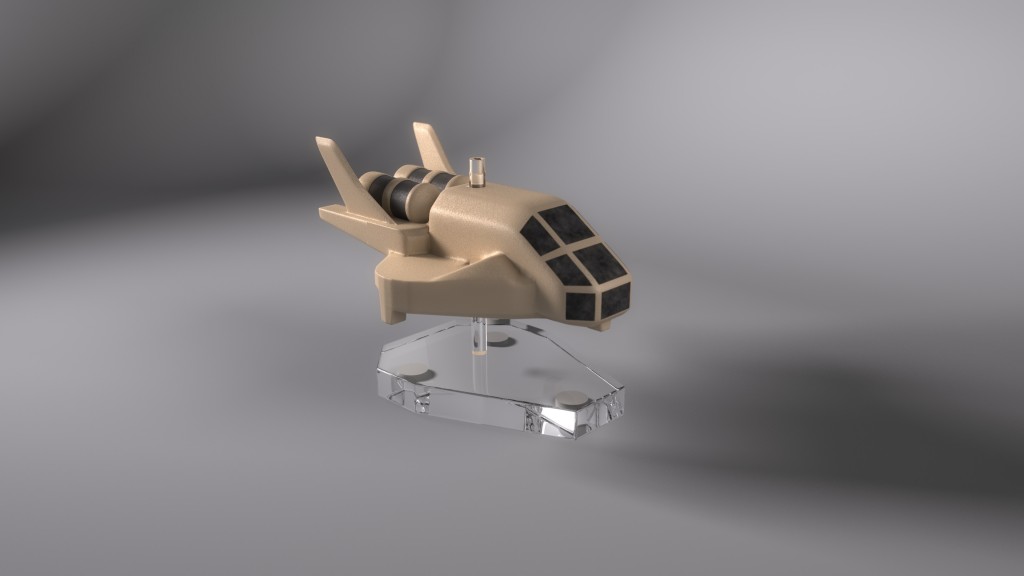
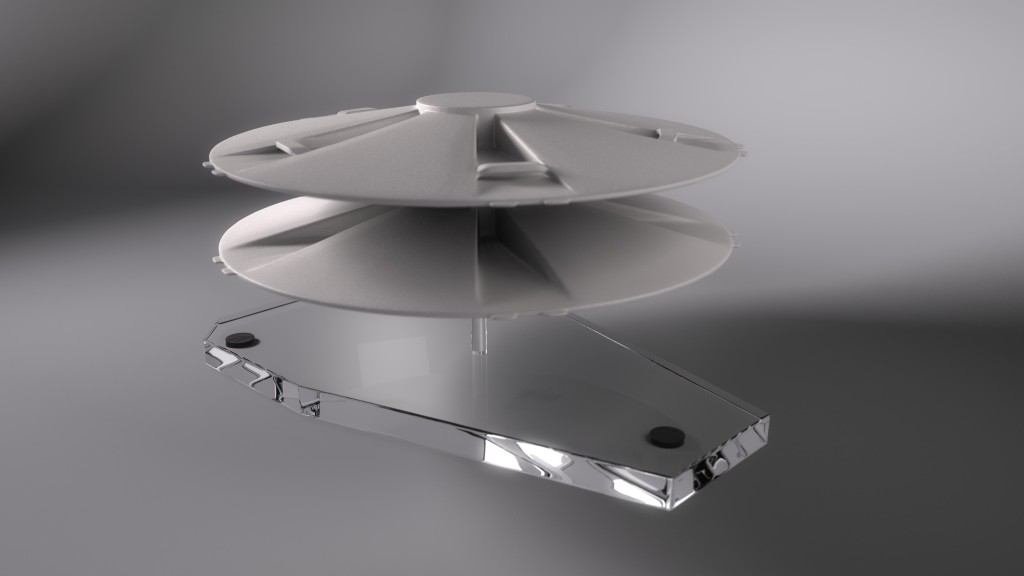
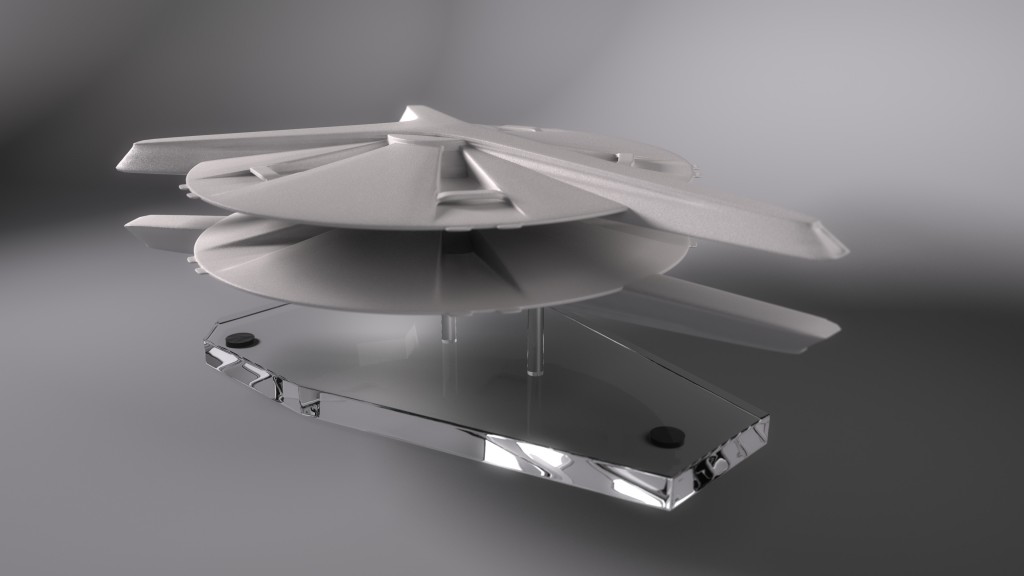
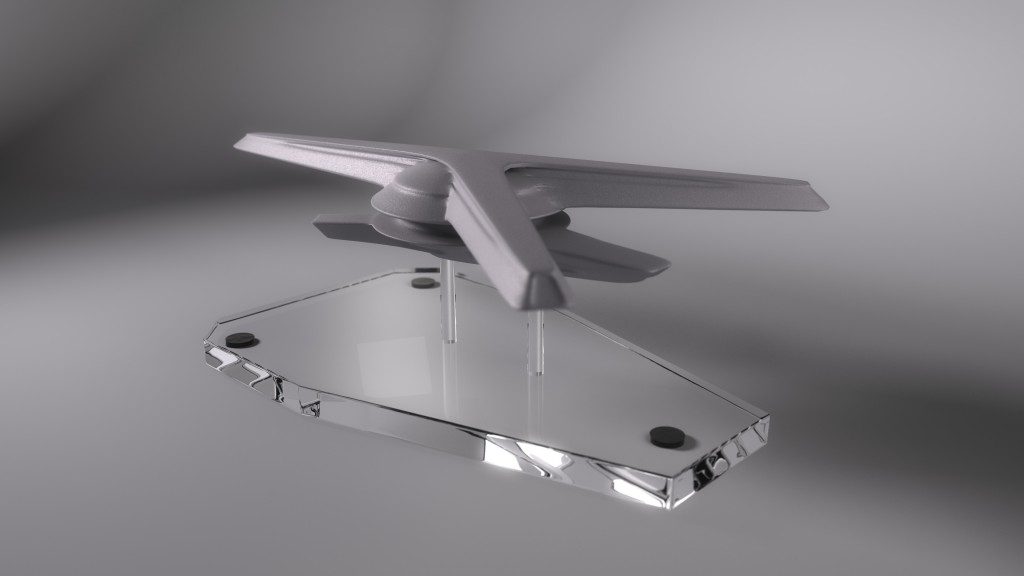
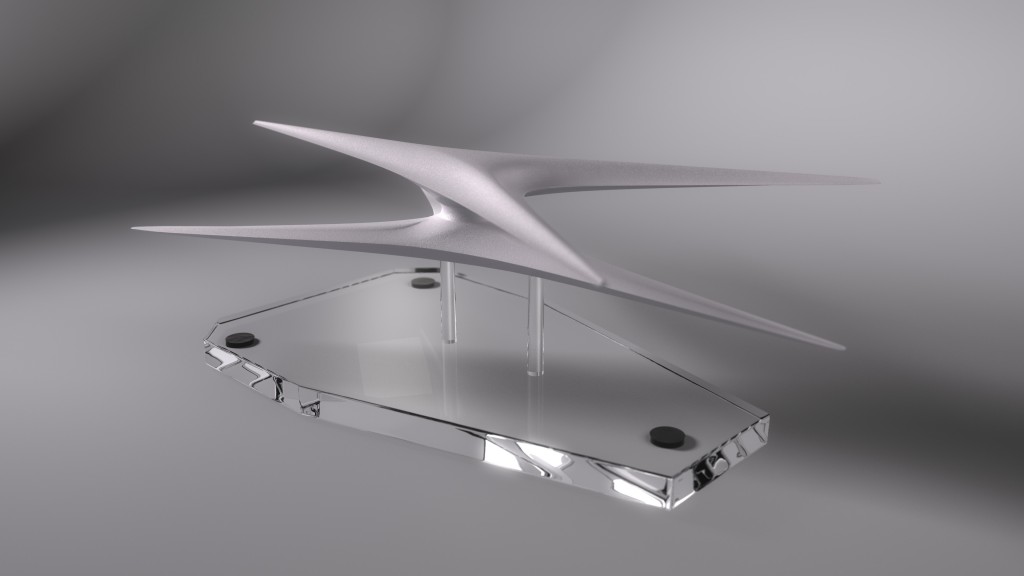
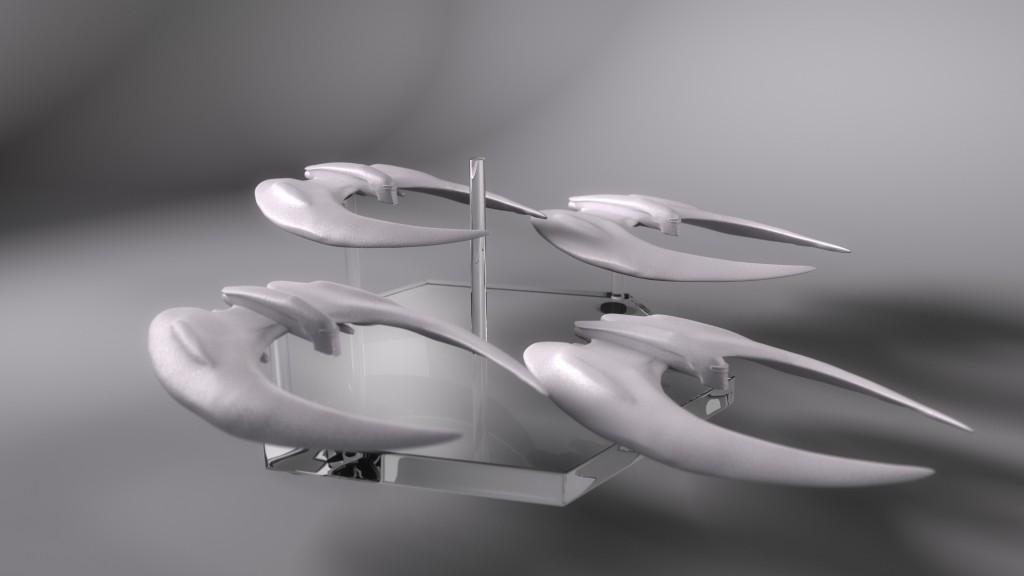
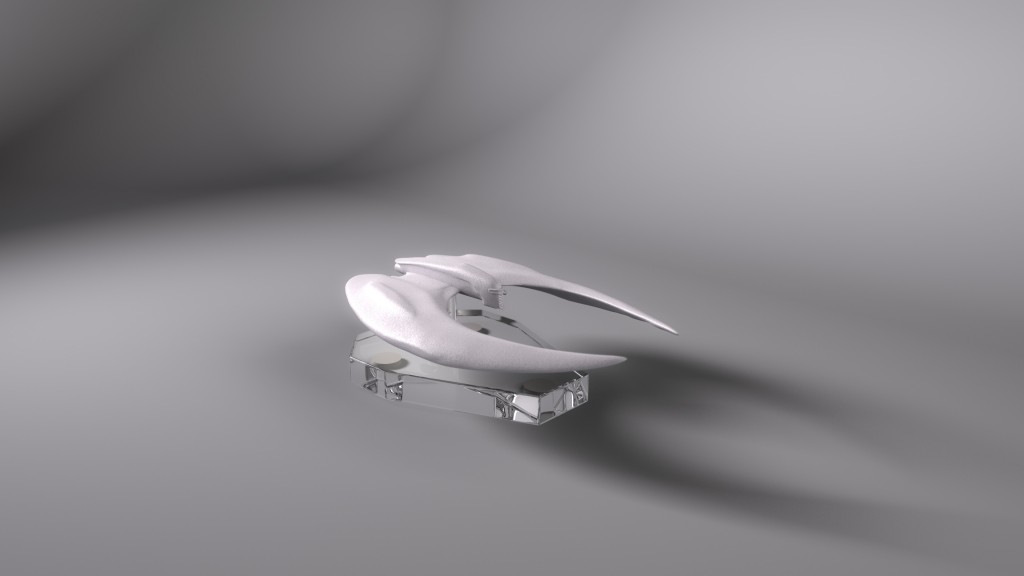
As a bonus, I created desktop-sized renders of all the tabletop models I created for this project, including several that weren’t used. At least, not in this release.
I was pleased to see that these videos I animated at Ninjaneer have been publicly released.
The project was very straightforward, so there’s not much to sink my teeth into with one of my trademark write-ups. Assets, storyboards, and voiceovers were all provided for us. Heather Knott was lead on the project, and we coordinated and cross-checked to ensure all our flourishes and tweening were consistent, so the videos would have a unified style. The videos were animated in Adobe After Effects from assets provided as Adobe Illustrator files, and compression for delivery was done with Handbrake.
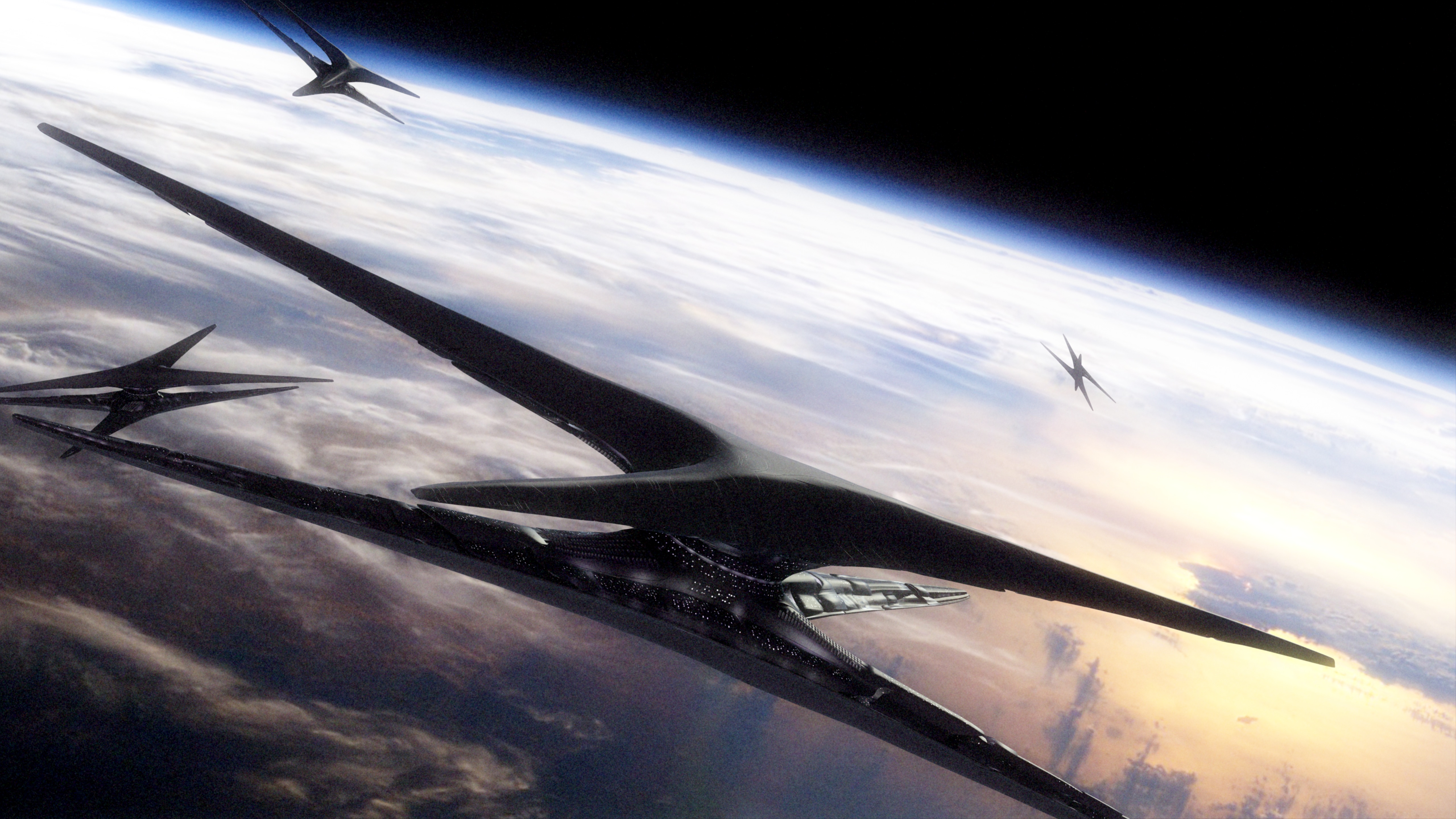
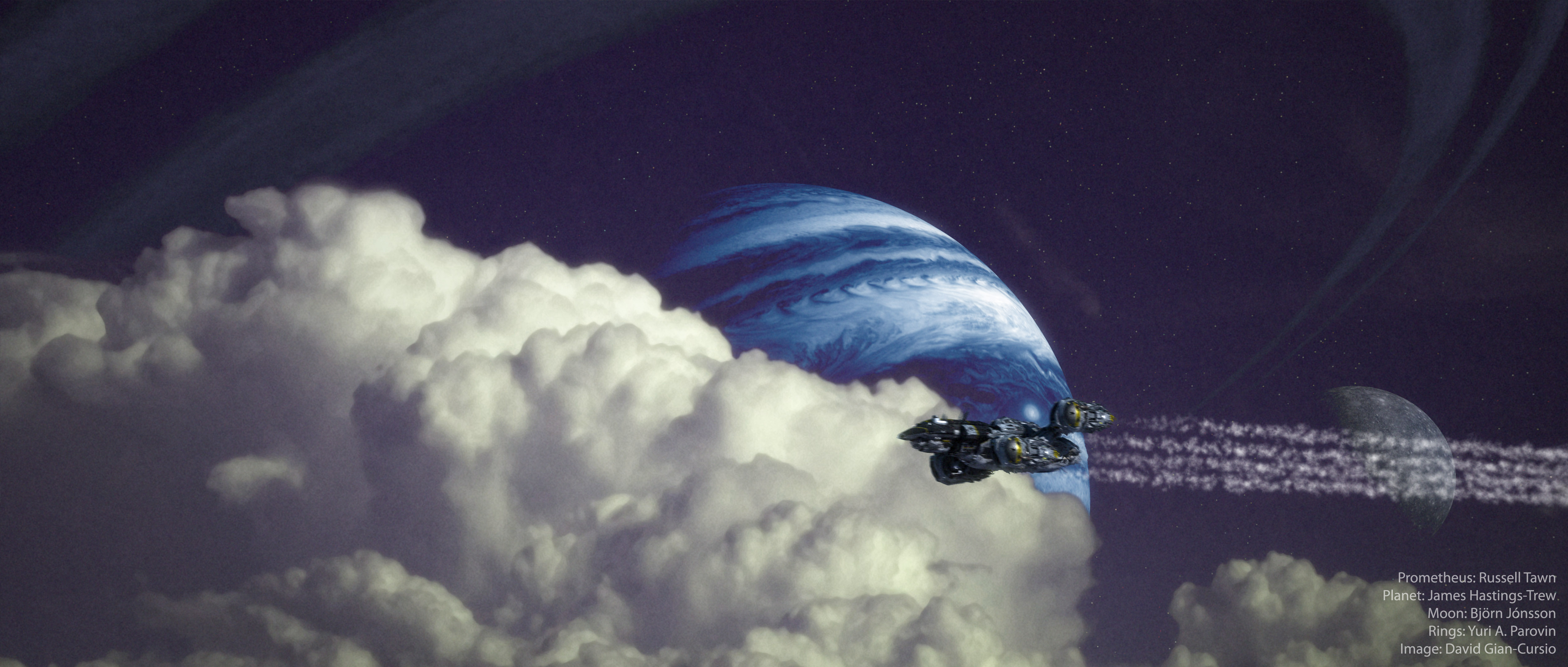
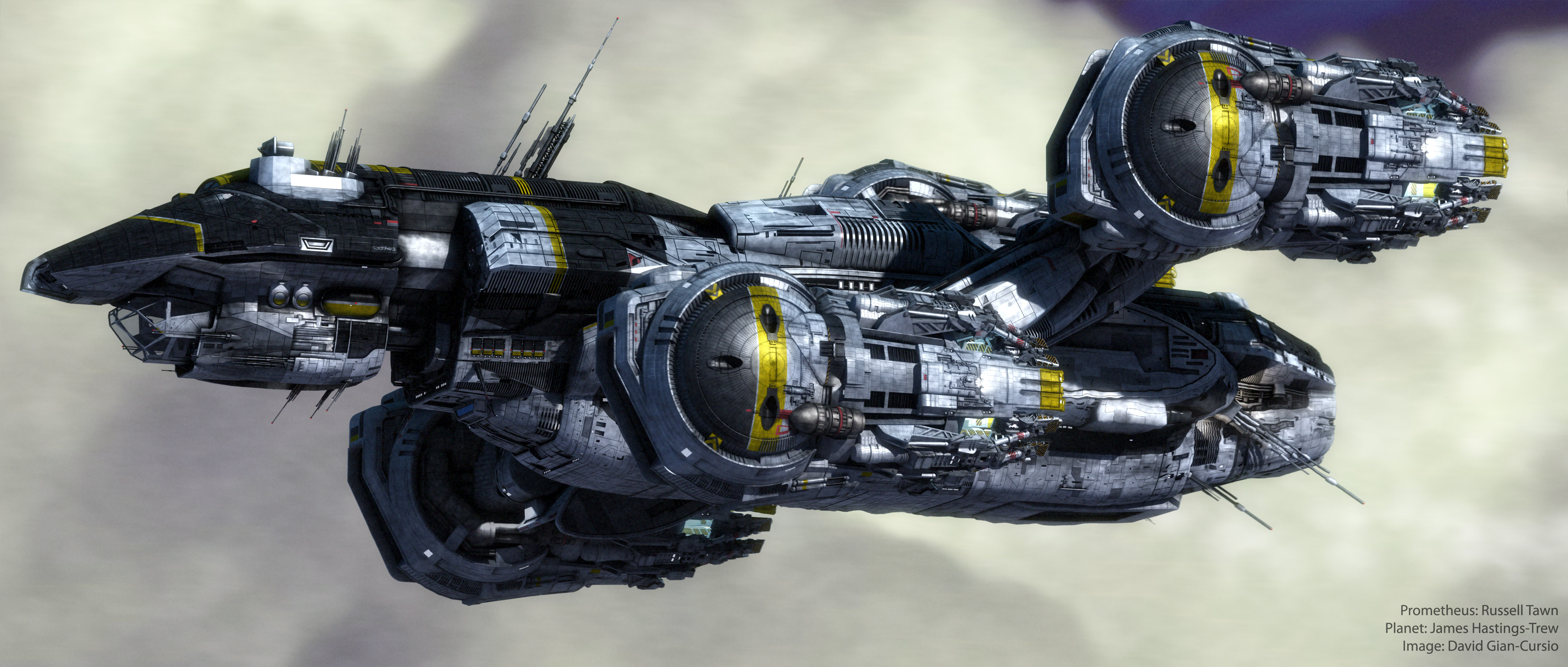
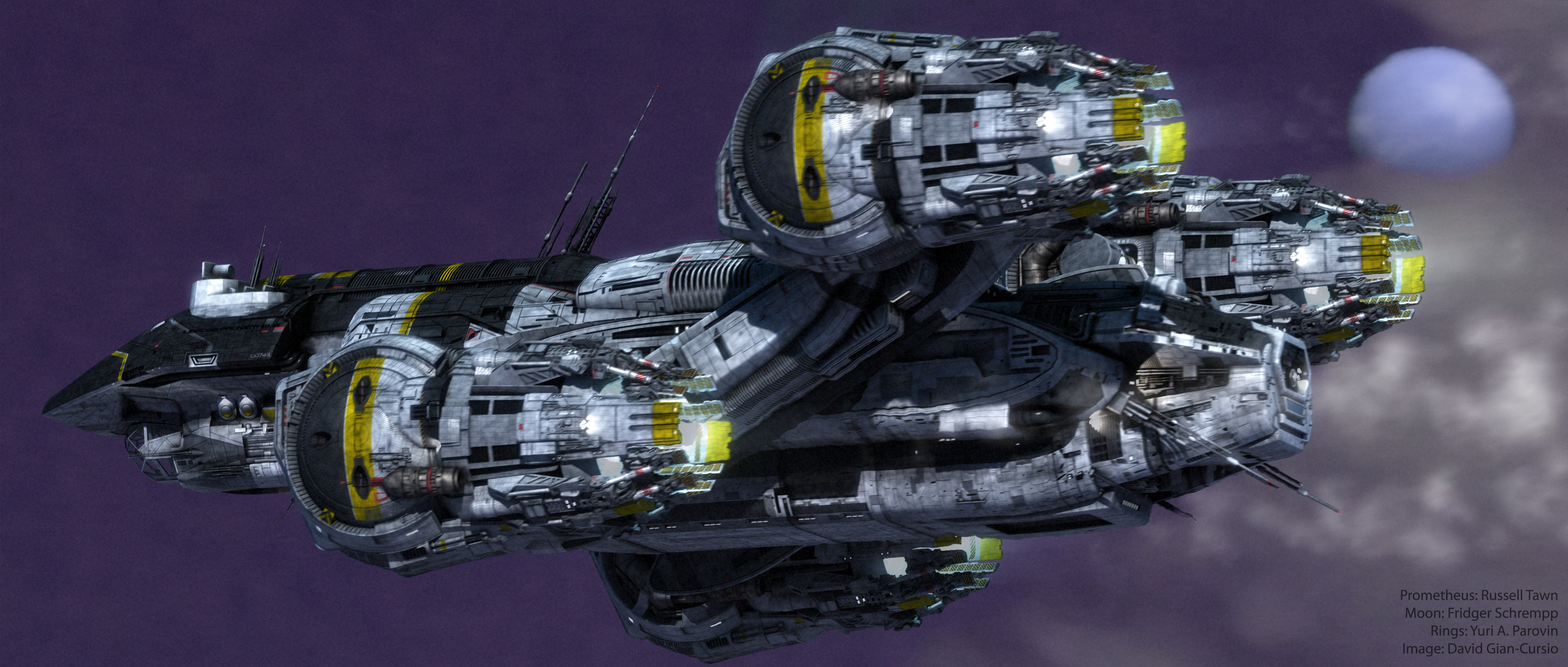
A quick animation using Foundation 3D’s favorite new spaceship. There wasn’t much excitement to this. A bit of noise added to the camera to give it some wobble (which YouTube insists on trying to “correct”), and the Jupiter map was recolored in the comp to be an alien planet. The cloud plate was a photo I shot with my phone and then enlarged with this on-line tool, though I still had to do some noise reduction in Photoshop.
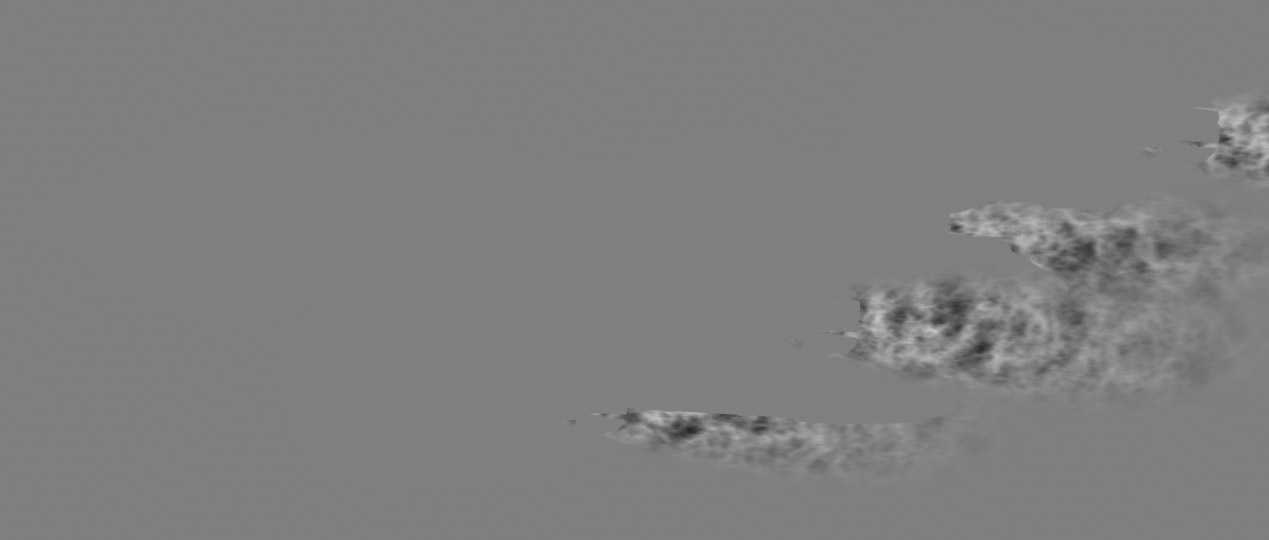
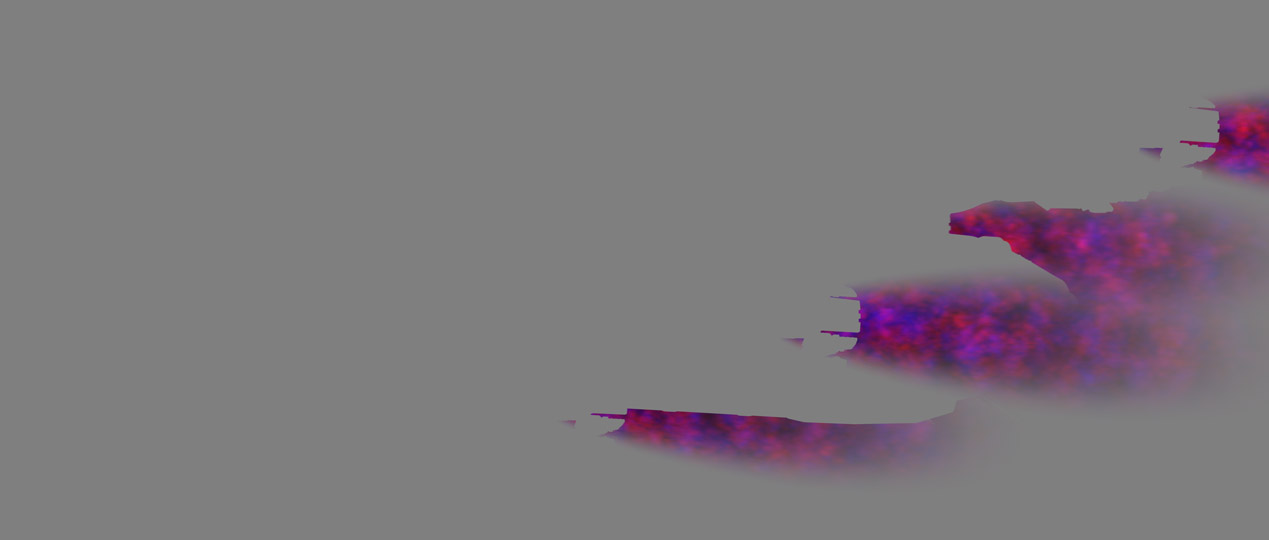
The most interesting thing was a new idea I tried to do the heat haze coming from the engines, which I made using After Effects’ “Displacement Map” filter. I created a couple of blimp-shaped dummy objects in Lightwave which I placed inside and behind the engines of the ship. I colored the environment and the ship 50% grey for the render, and gave the gave the haze objects an animated black-and-white procedural noise texture. I had the transparency fade towards the rear and edges of the object with gradients.
The Displacement Map filter can actually drive horizontal and vertical seperately displacement based on separate color channels. I experimented with using colored noise when I rendered the still frames, but it would only make a real difference in an animation.
Credits:
Prometheus: Russell Tawn
Planet: James Hastings-Trew
Moons: Fridger Schrempp and Björn Jónsson
Rings: Yuri A. Parovin
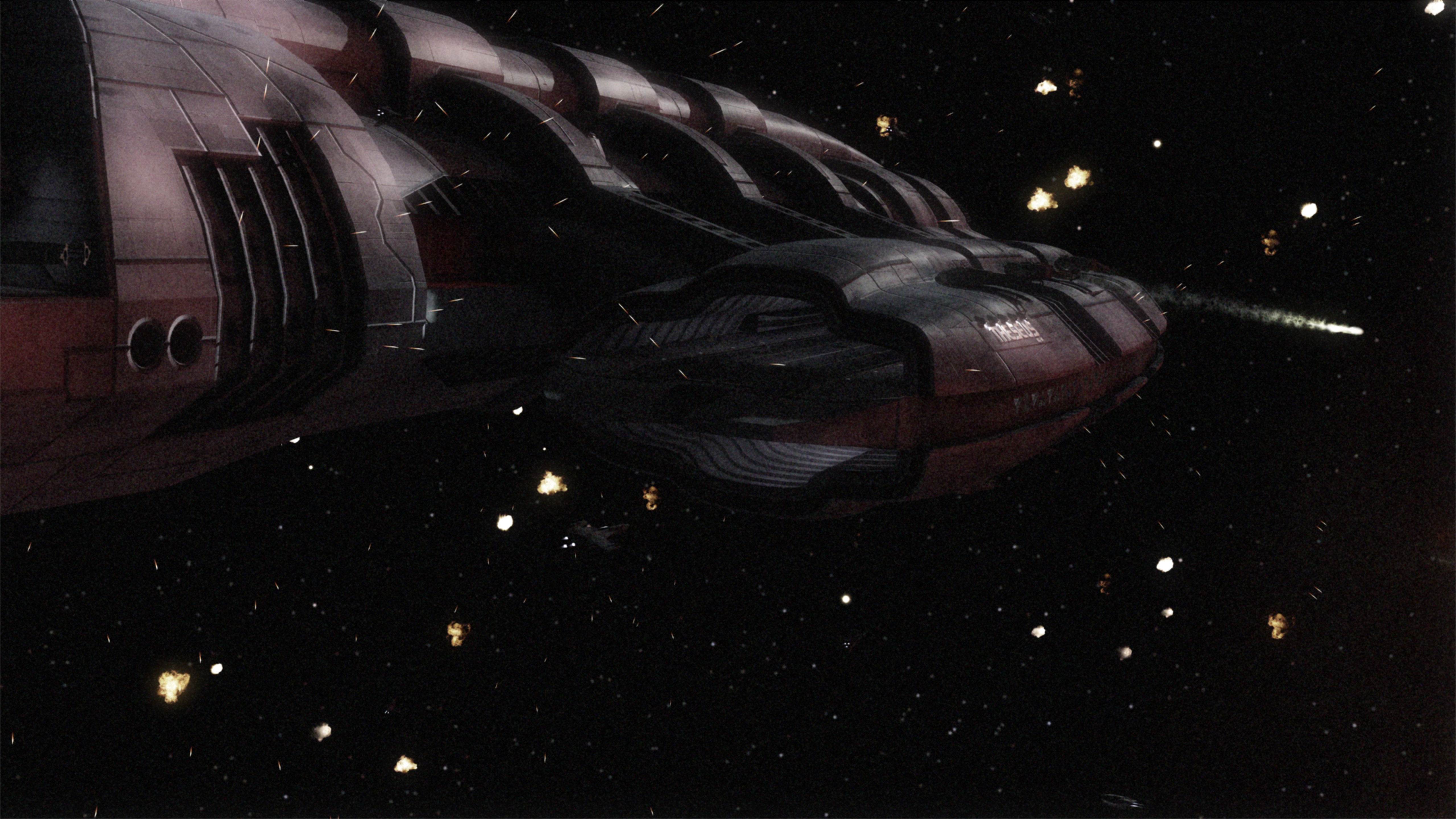
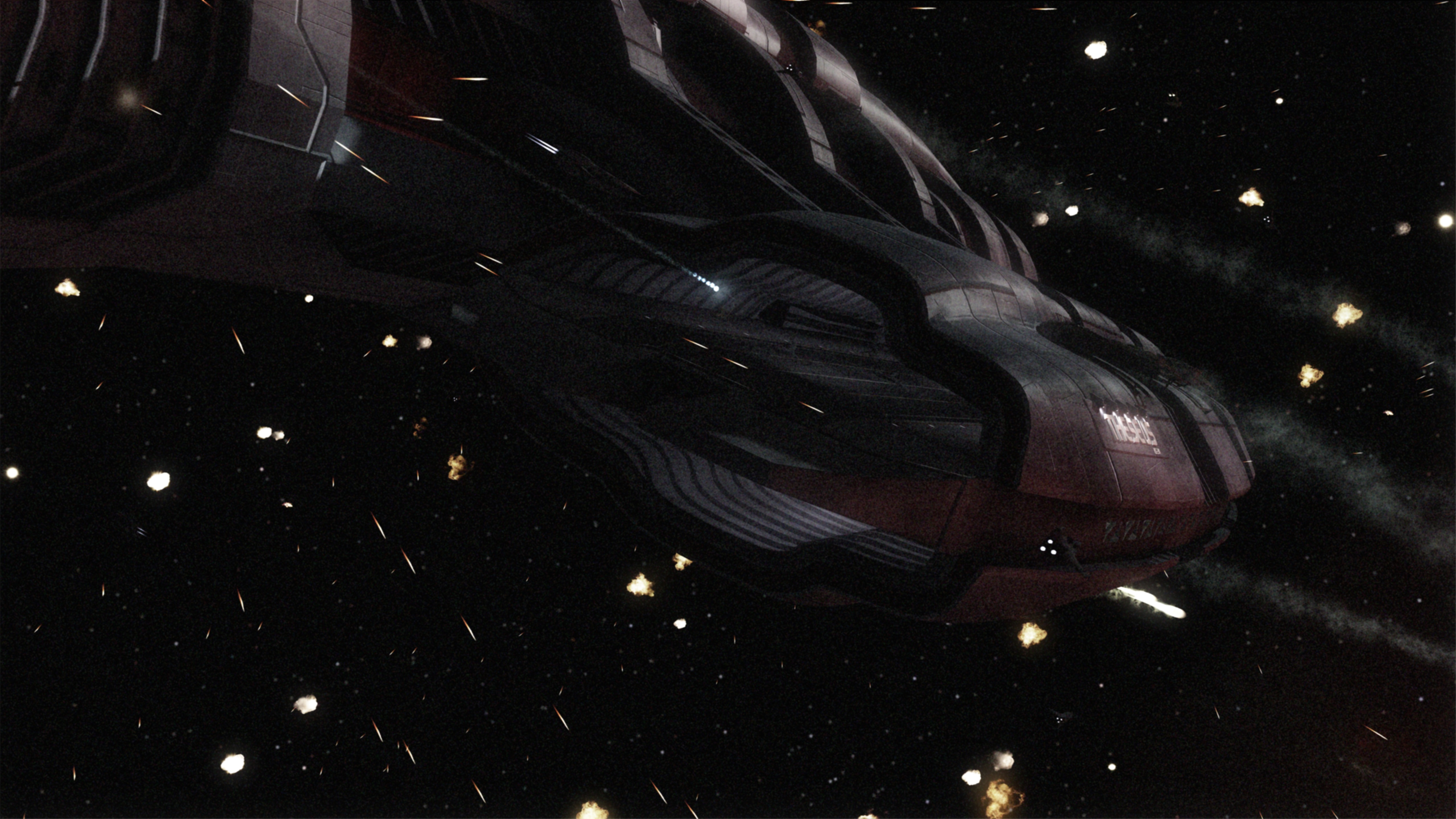
I also have a trio of 4k stills for your viewing pleasure.