Scene Development Reel – June 2013
Modeling Reel – June 2013
Compositing Reel – June 2013
Motion Graphics Reel – June 2013
Tech the Tech: The Battlestar Galactica’s Hangar Deck
Buildings and vehicles in movies tend to have discrepancies between the exterior and interior, thanks to the realities of filming. It’s difficult to build an exterior mock-up to full scale, or construct an interior set to perfectly match the shape of a model. The Battlestar Galactica from the 2003 remake is a rare exception, and after some examination of it, I was surprised by how much effort went in to matching the hangar deck set with the design of the exterior of the ship. Years ago, I built a rough 3D model of the Galactica hangar, based on the model used for set extensions on the show, and I wanted to complete and expand it at some point. I began looking at the design of the ship in more detail in to start to work out a plan. A couple months ago, I found Lee Stringer’s Flickr, which included a bunch of photos taken of the hangar set, Viper Mark II prop, and the construction blueprints for both that were apparently taken during pre-production of the 2003 miniseries as reference for the VFX team to build their 3D versions. This was the motherlode, and I found that I’d have to restart my model from scratch once I compared it to the actual set drawings.
I don’t quite have the time to knuckle down and actually remake my hangar deck model yet based on this new information, but I can write up all the research and extrapolation I did rather than just keeping it in my brain and hoping I remember it all when I get around to it. I also intend to do posts like this (with increasing amounts of extrapolation) for the hangars of the Blood and Chrome version of Galactica, the Pegasus, the Valkyrie, and the Theseus from “Diaspora,” the fan-made BSG-themed game. I’m going to start with the physical set and CG set extensions, then the exterior model, and then synthesize the two together, including a few areas that logically should exist, but weren’t explicitly seen on the show because they can’t go rebuilding their biggest set every week to make the minority of fans watching with a pause button and a slide-rule happy.
The set of the Galactica hangar deck is a standard segment, consisting of four launch tubes with a control room in between them on the outer side. On the inner side is a series of three semi-enclosed areas (two behind launch tubes and a wider one behind a launch tube and the control room) and a tool room. The tool room has a door leading out to the hangar deck, and another door on the inside, apparently connecting to a corridor.
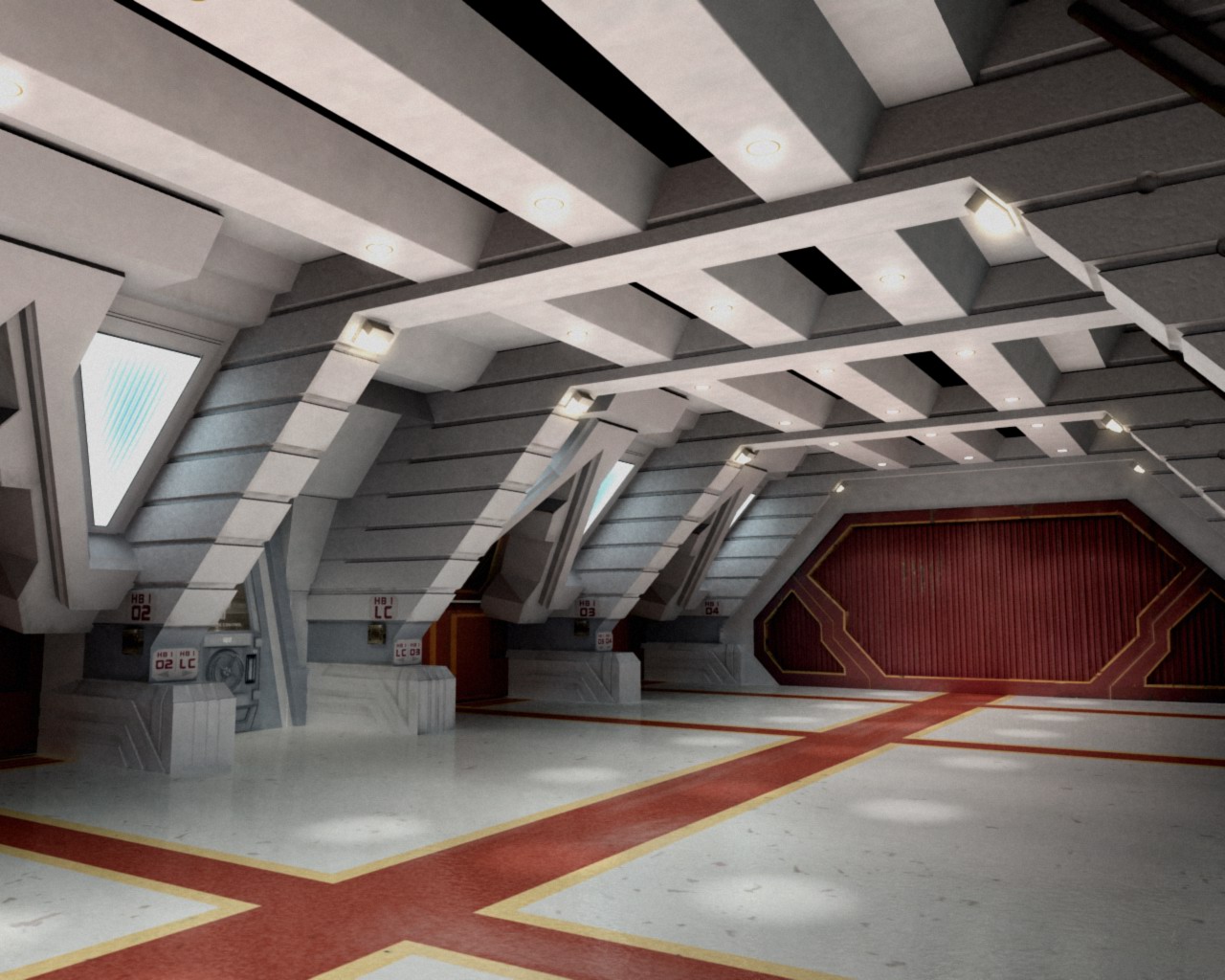
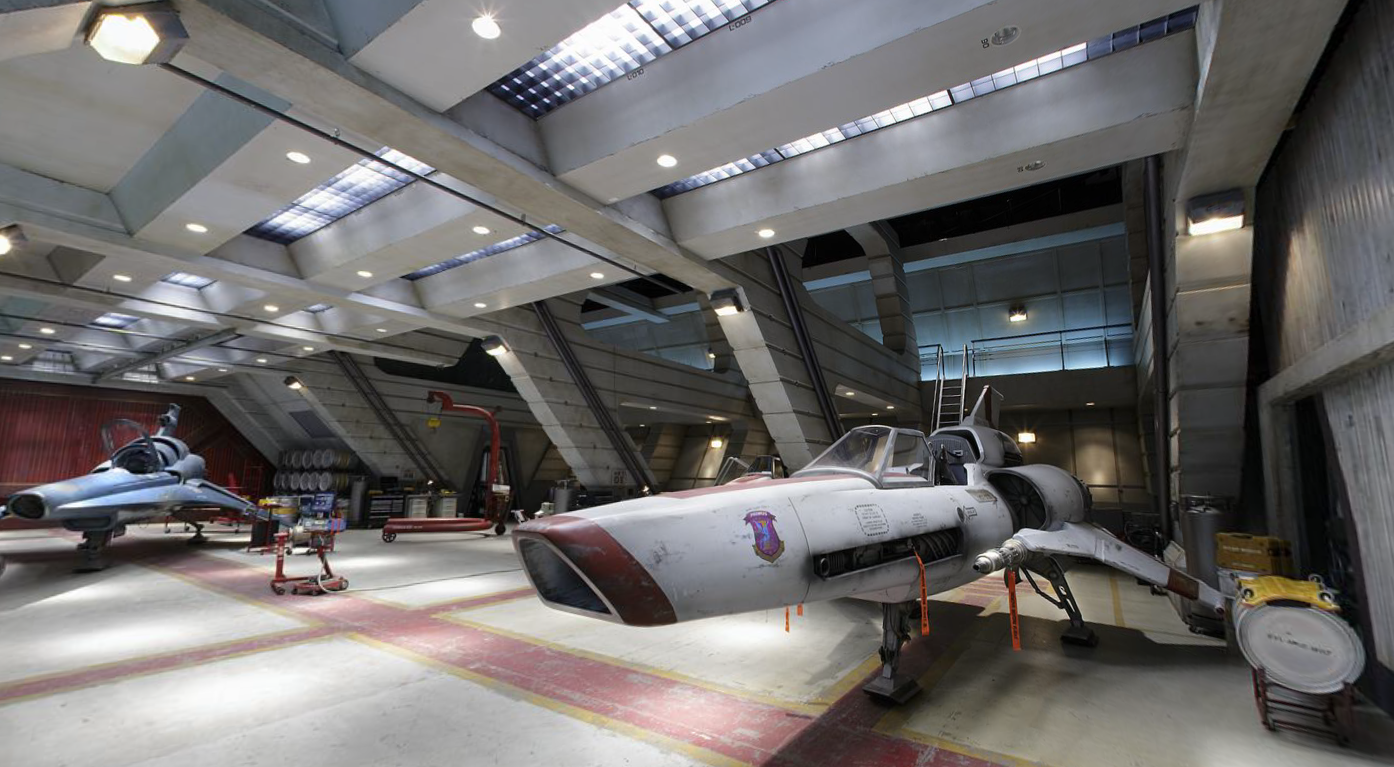
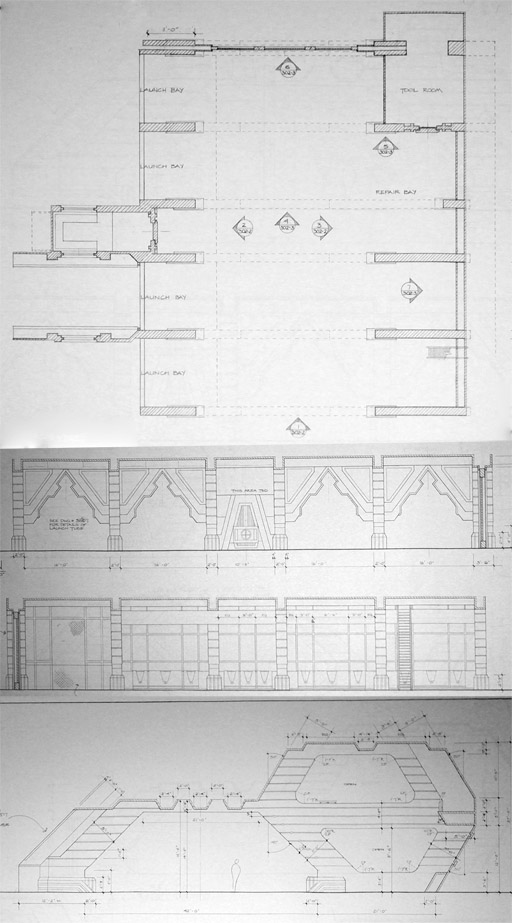
Each end of the hangar deck can be capped with a variety of endpieces or green-screen set extensions. These are:
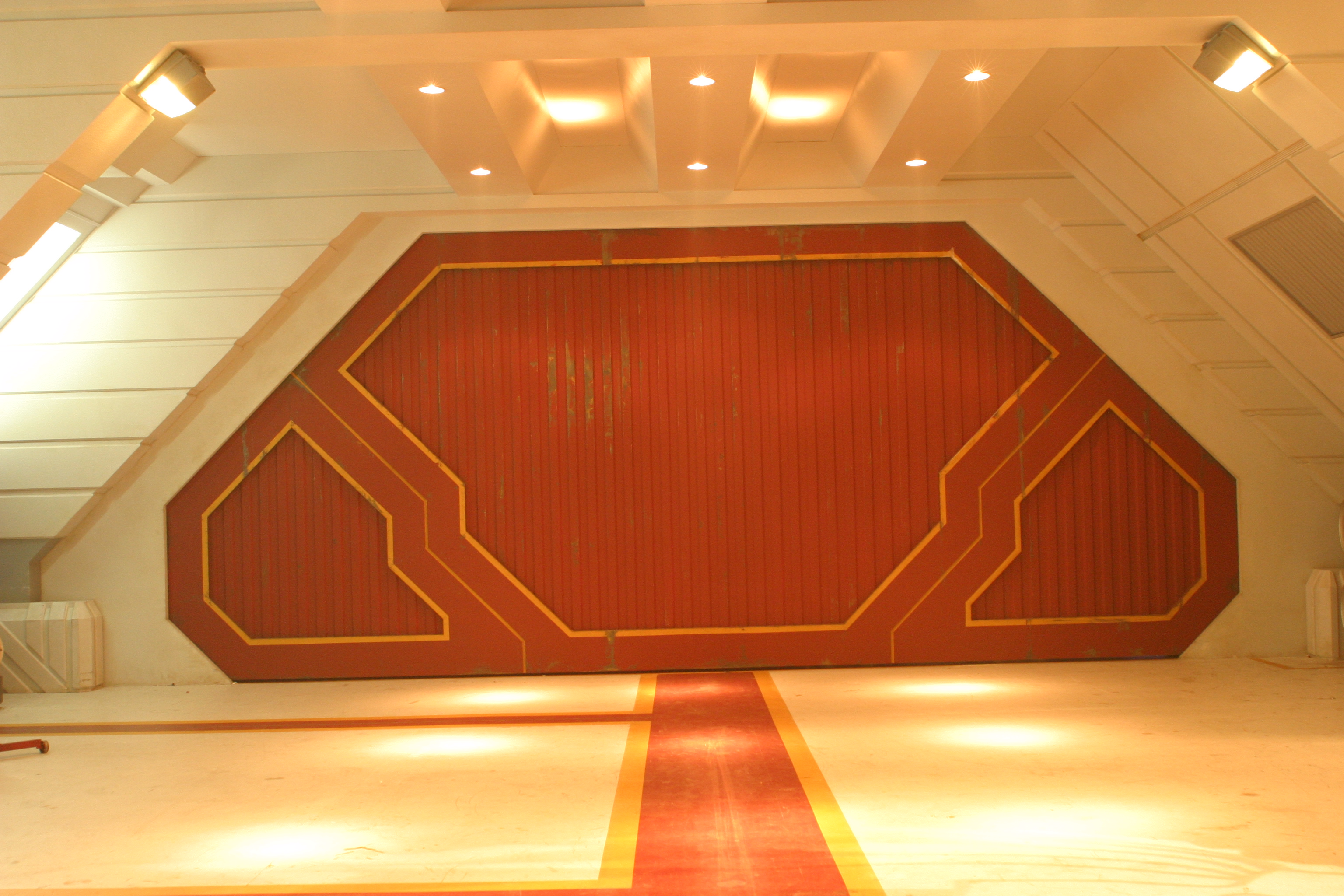
Large door
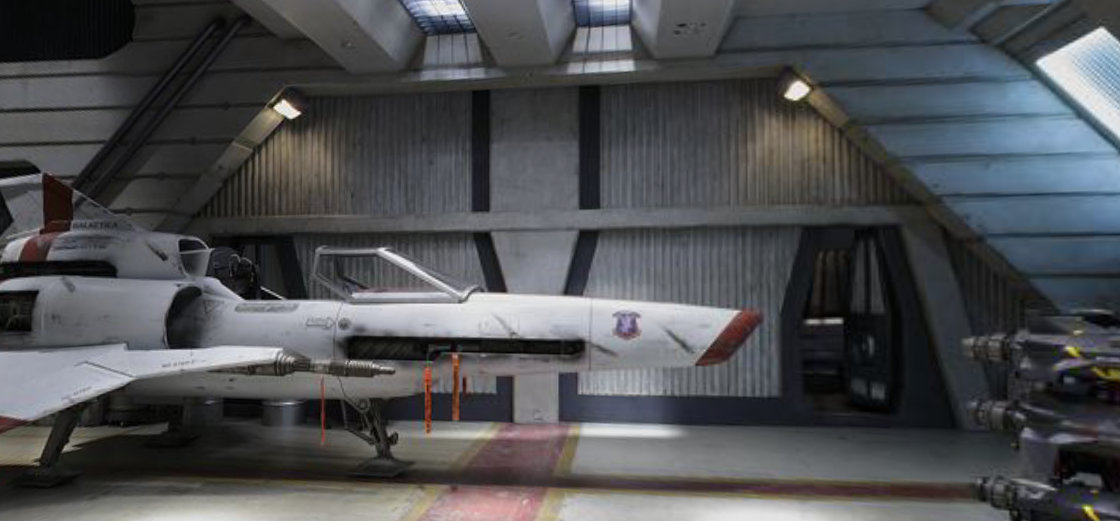
Bulkhead with two personnel hatches
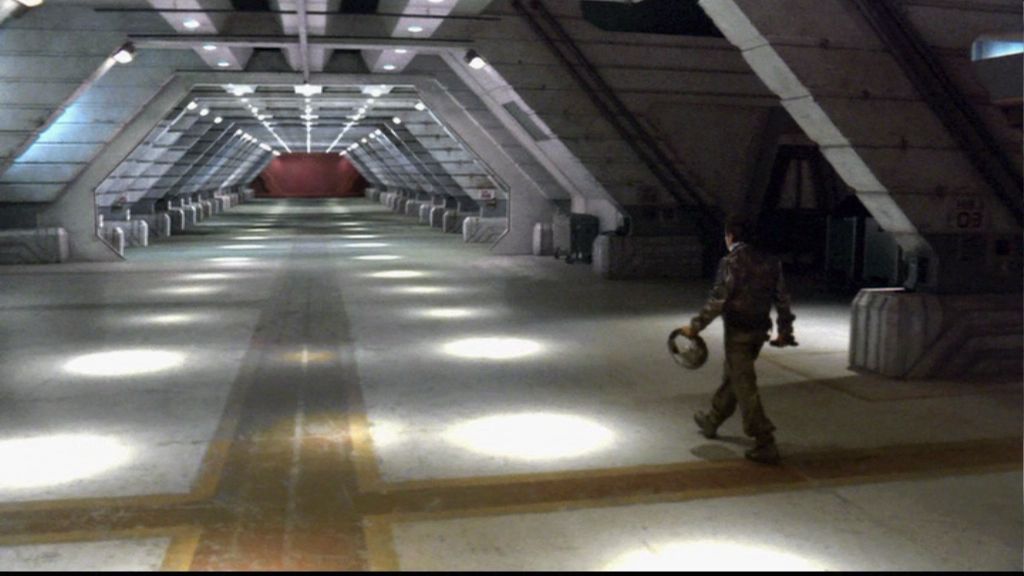
More hangar
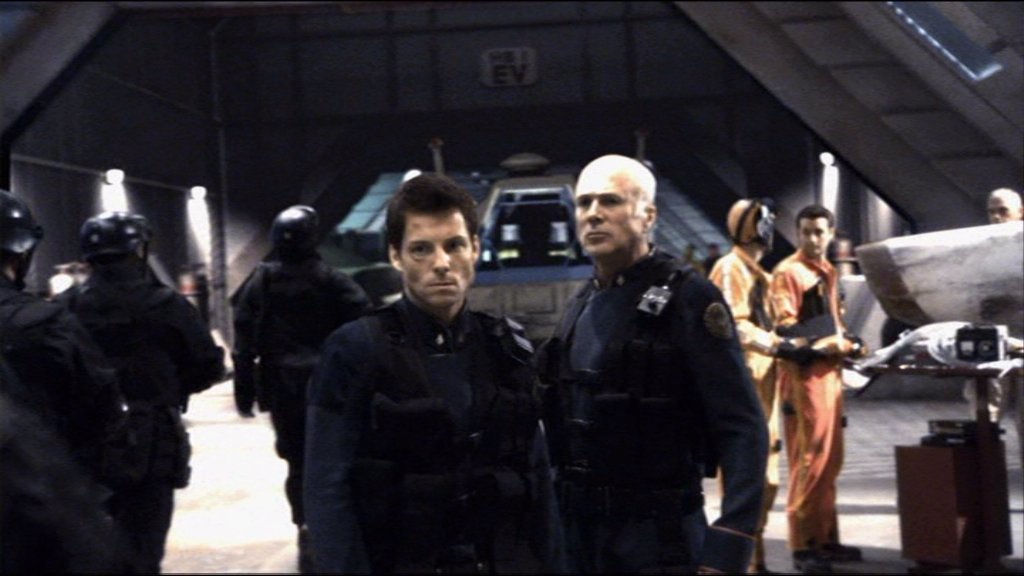
Aircraft Elevator
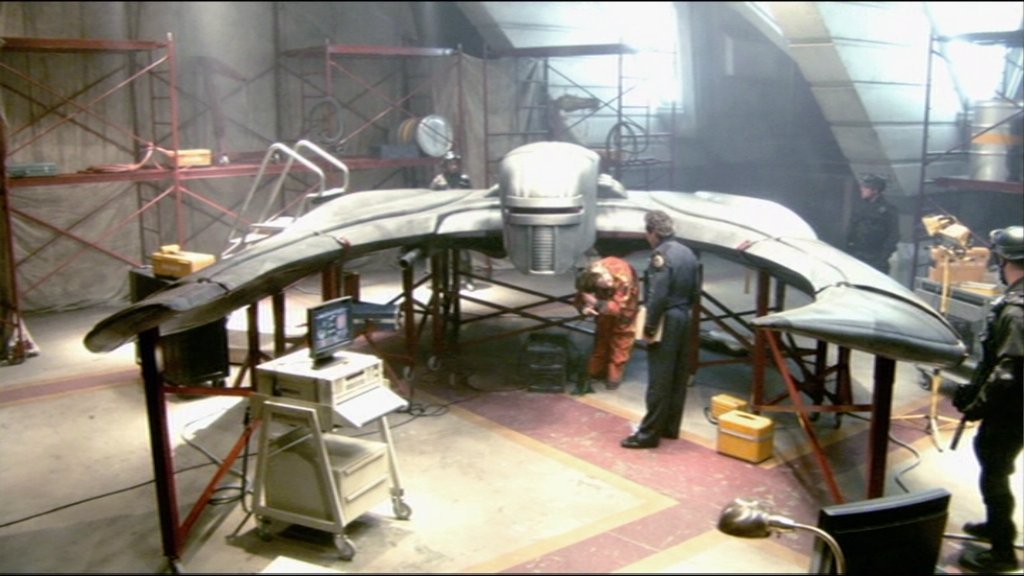
Bare Stage or Plastic Tarps and scaffolding
The Large Door was replaced with a different, more elaborate large door after the miniseries.
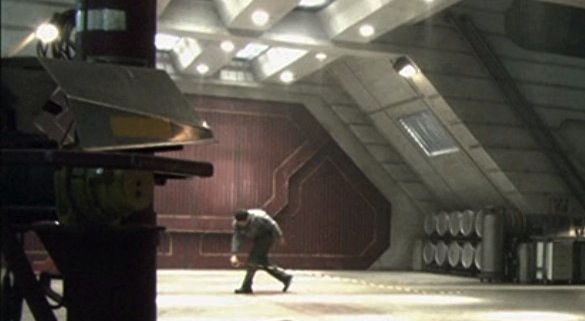
Interestingly, the miniseries door continued to appear as a CG element in set extensions for the rest of run of the show, even appearing once alongside the new physical door.
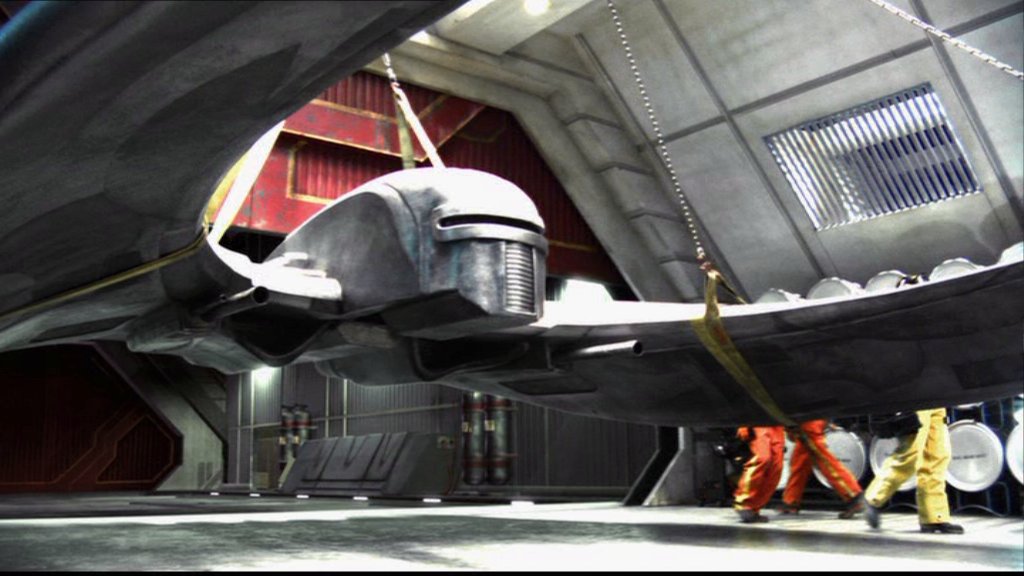
Both versions of the large door appear to be made of three interlocking segments, but they always move as one solid piece when they are shown retracting into the ceiling. There is one exception. In Blood and Chrome, the miniseries-style door was used for the Galactica and the Osiris hangar decks. While Galactica continues the tradition of showing the door as a single solid piece, when Adama’s Raptor launches from the Osiris, you can just barely see the top piece of the hangar door open first, followed by the lower corner pieces retracting to the sides.
The original large door has enough room to retract into Galactica’s bulkheads if it split into three pieces, though the second door would cut through the corridor access in the tool room if it retracted in three seperate segments.
Exterior Model:
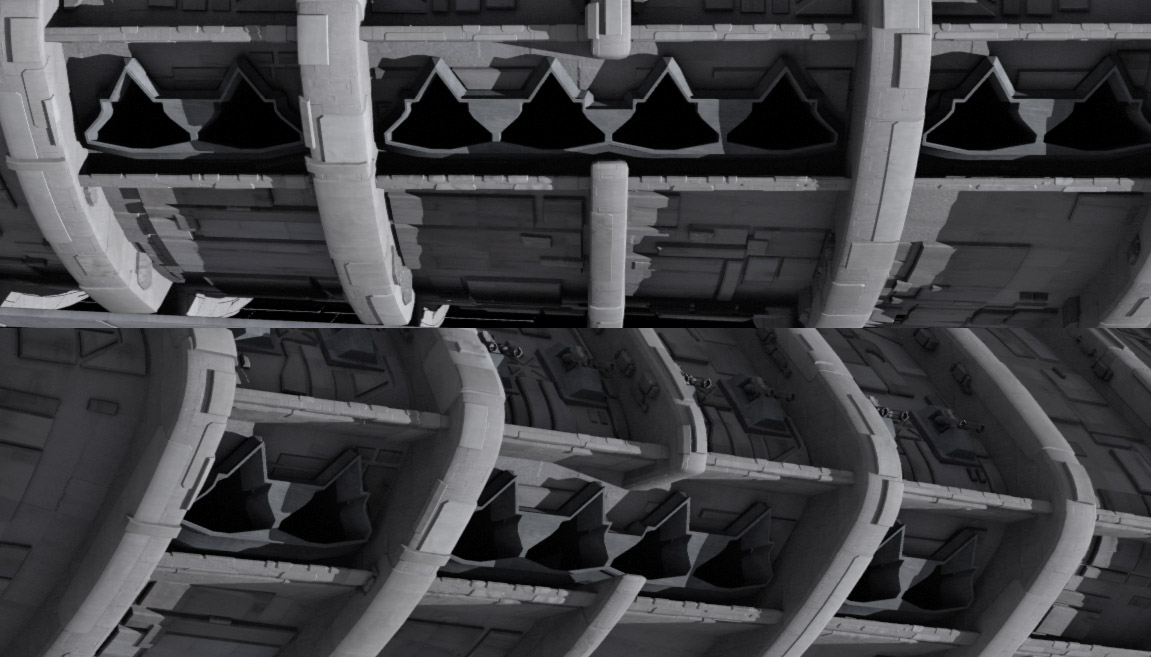
On the Galactica, there are five clusters of eight launch tubes each. Each cluster takes up four “frames” of the hull. The launch tubes in the cluster are arranged with two tubes, then a rib, then four tubes (with a cutout where the rib should be), another rib, and two more tubes. Each cluster is separated by a single empty frame.
The landing deck of the flight pod has a series of regularly-spaced aircraft elevators. These elevators have taxi-lines connecting them to the runway, and have two square… things… in between each elevator.

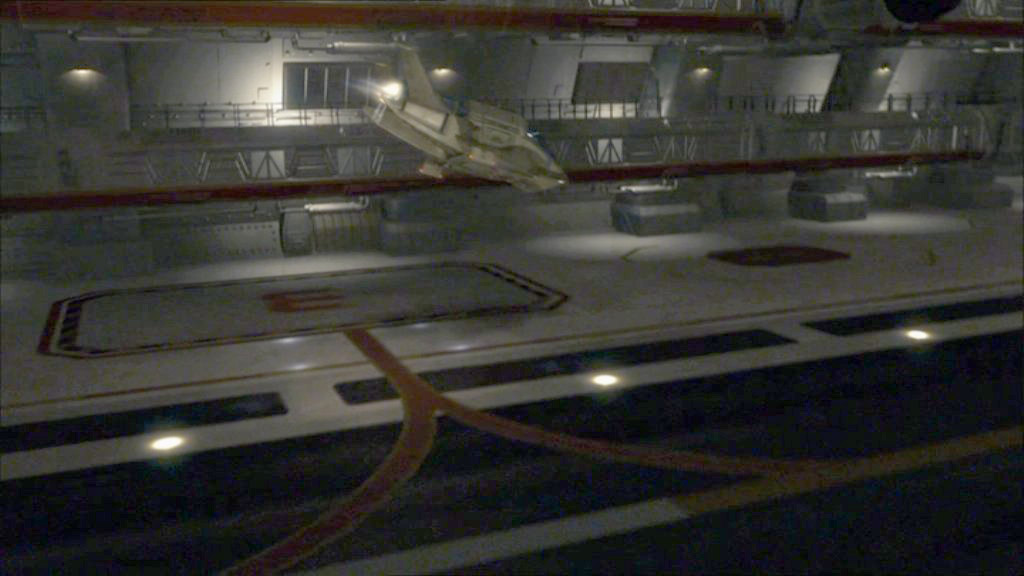
There is also a dark grey line outlining the elevator. This is a railing that raises from the deck at certain stages of the elevator’s operation, to prevent hapless deckhands from falling in. This was inconsistently depicted during the show.
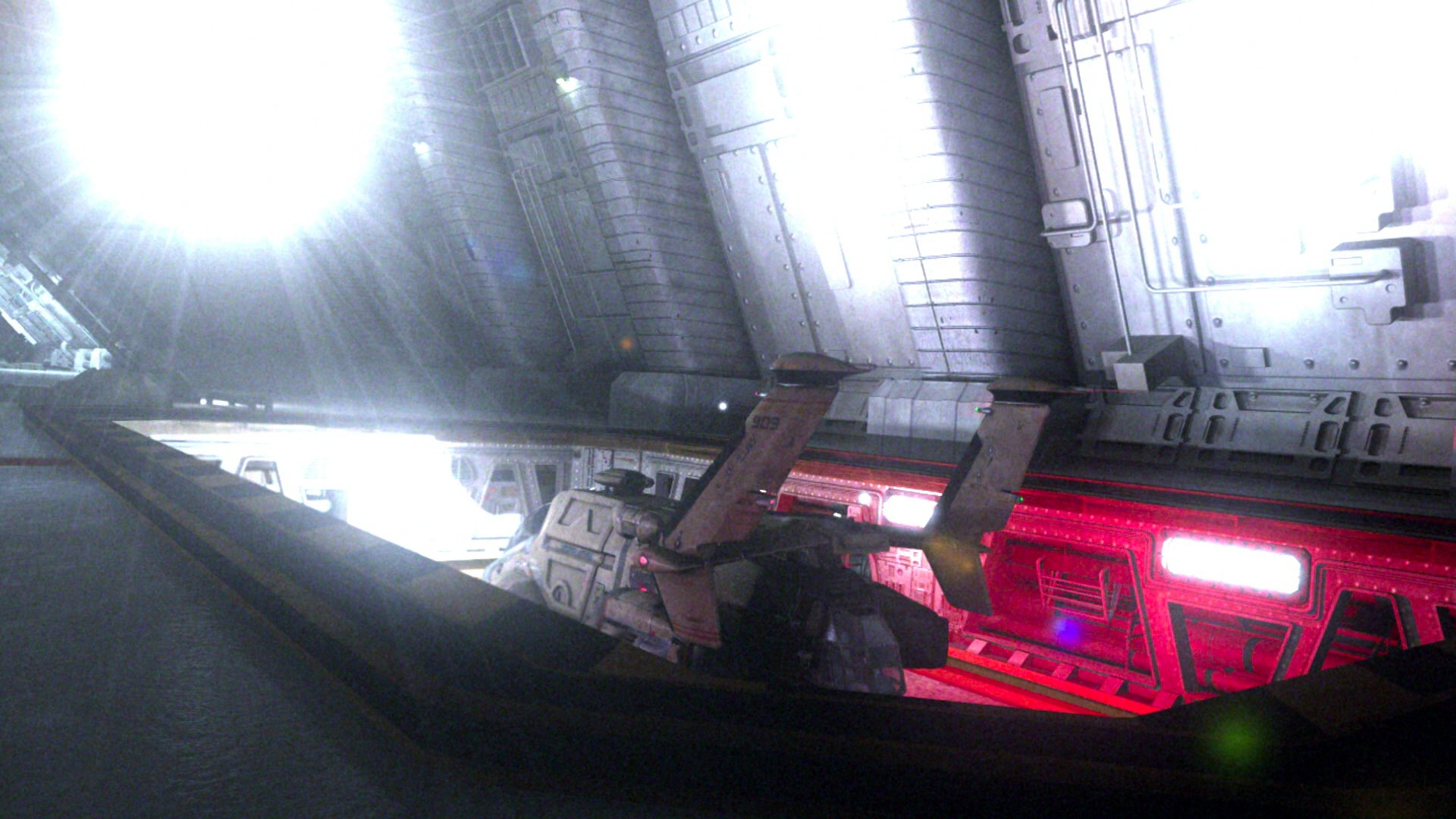
Synthesis:
The set contains one half of an eight-tube cluster. It’s ambiguous if there are two tool rooms per cluster, but I’m going to go with there just being the one, since it gives more room for Vipers and Raptors, and while having one in each cluster is logical (no sense having to go over hill and dale to get a wrench because a Raptor is being launched and you can’t cut through the elevator), two seems redundant.
Each cluster is bookended by two aircraft elevators, including the outermost ones. That, along with the occasional presence of a bulkhead suggests there is an additional length of hangar, extending beyond the launch tubes and elevators. Budgetary restraints being what they are, the set representing it still had the launch tubes, though they were usually kept in shadow or off-camera during these scenes to downplay it. The shape of the flight pod suggests that they’re half-sized segments, since otherwise they’d be poking out of the hull as it tapers.
The simplest possibly would that the launch-tube side of the additional hangar area just mirrors the inner side, with Viper cubbies and a second-level walkway. Another possibility is suggested by Blood and Chrome, where a couple of shots show a large door identical to the ones that lead to the aircraft elevators on the outboard side of the hangar.
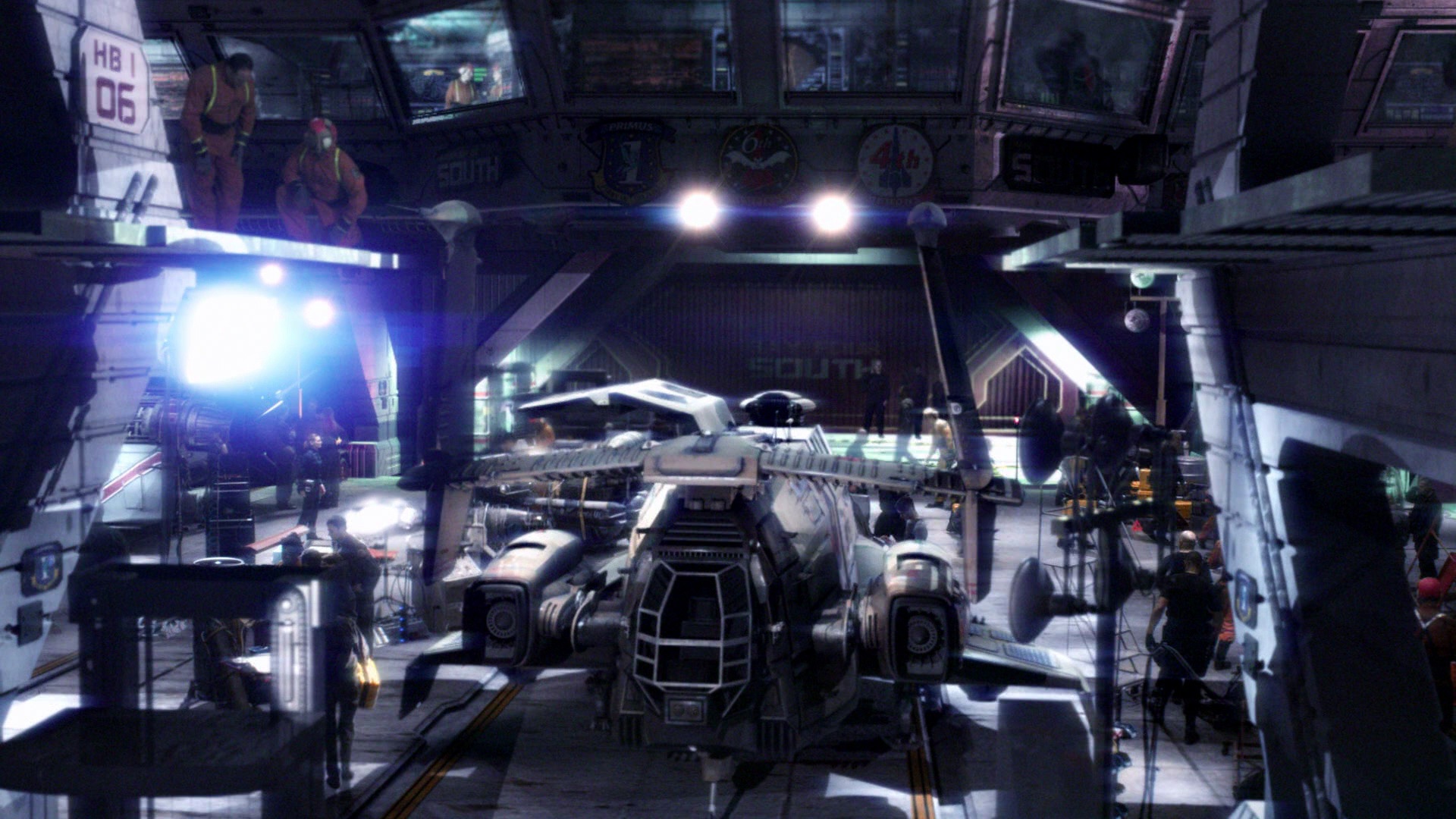
Apparently, they lead to more storage, since a later shot shows a pair of Landrams parked behind them. There are a couple of different way these endcaps might sprawl out behind those doors, such as having elevator-sized garages, or even a few additional identical sections of hangar.
I’m going to go with the most capacious option, since there are a lot of Vipers, Raptors, Landrams, and Forklifts that need to be stowed. And who knows where they put those shuttlecraft that are too long for the elevators and too tall for the hangar deck.
Here’s a layout of the Galactica’s port hangar deck, based on everything we’ve gone over so far.
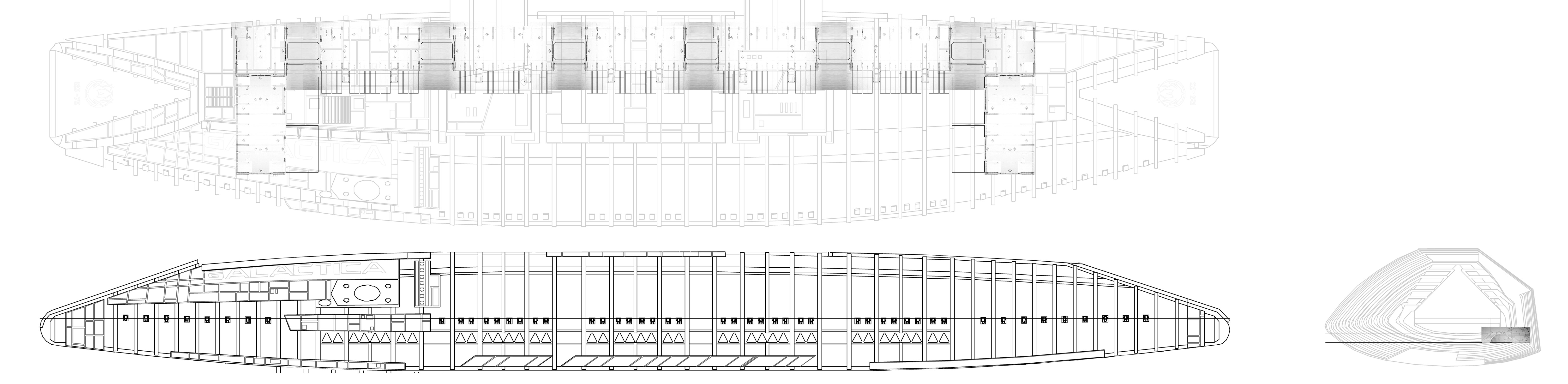
While I was drafting this, before I finished the illustrations, Lee Stringer added another image to his Flickr (hat-tip to Galactiguise for pointing it out) showing a cutaway of Galactica’s flight pod, explaining more artistically how the hangars, elevators, and launch tubes fit into the exterior model of the ship.
Incidentally, the elevators are numbered 1 through 6, from forward to aft. There are wayfinding signs throughout the hangar (such as HB1/04 or HB9/RB or HB1/34), but I’m going to punt dealing with them until I actually model the hangar, mostly because I can’t figure out how to make them consistent. Either HB# refers to the flight pod, in which case there’s only an HB1 and an HB2, and no HB9, and the second number goes up to 40-something or so, or HB refers the the clusters between the elevators, in which case the second number should never go above 8. And the second possibility leads to the question of whether the port and starboard pods share numbers, so there’s an HB1 in each, or if the starboard pod starts with HB7 and continues to HB12. I’m leaning towards the first option, if only because that’s what the leading zero in the second number but not the first suggests.
Capacity:
In the miniseries, Galactica’s starboard landing deck has been enclosed and converted into a museum. As part of the conversions, the starboard launch tubes were rendered unusable. This apparently was never repaired, and the starboard hangar deck was eventually used exclusively for civilian housing and, probably, Joe’s Bar.
In the second season of the show, the Battlestar Pegasus joined the fleet, and was revealed to have an on-board Viper factory. In season three, Pegasus was destroyed in a suicide mission, after off-loading her Vipers and most of her crew (and probably a ton of other useful supplies and weapons, given that no one ever complained about a shortage of nuclear weapons again). Considering the number of Vipers Pegasus already had on-hand, combined with whatever replacements they built after joining the Fleet, there’s only one reasonable conclusion: For the rest of the run of the show, Galactica had more Mark VII Vipers (and, probably, Raptors) than she could carry, especially with only one working flight-pod.
Behind-the-scenes information says that the Mark VII was harder to fly than the Mark II, since it was designed with computerized features that were removed after the Cylon attack. So, that would explain why Galactica continued operating the Mark II Vipers even when there were enough newer Vipers around to replace them. I’d assume the remaining Vipers and Raptors that didn’t fit on the hangar were either mothballed elsewhere on the ship or in the fleet or were disassembled for parts.
In the Season 4 episode where Galactica donates some Vipers to the Rebel Basestar for their attack on the Cylon Resurrection Hub, Starbuck mentions that half of their planes are with the Baseship, leaving them with 40 “birds,” which may or may not refer to both Vipers and Raptors. There didn’t seem to be much Raptor attrition after New Caprica, and about 16 Raptors jumped out of the starboard landing deck during the assault on the Colony in the finale (the camera move was very abrupt, so it’s hard to be sure, plus there may have been more Raptors that were left with the Rebel Baseship or launched more traditionally from the port pod), so let’s have that as a target, giving us a goal of at least 16 Raptors and between 64 and 80 Vipers in one pod. I began playing with my conjectural hangar layout to see how they might fit in. I tried to find permanent “parking spaces” for each craft, assuming that having them haphazardly floating around the deck isn’t how they’re supposed to be stored long-term, and was just an artifact of Galactica having constant flight operations. And given how often we saw the port hangar deck empty or nearly so (including Starbuck’s Earth-Viper apparently getting it’s own sealed section, because it was too creepy to let anyone fly), leaving some wiggle room so some segments could be filled past capacity while others were emptied makes sense.
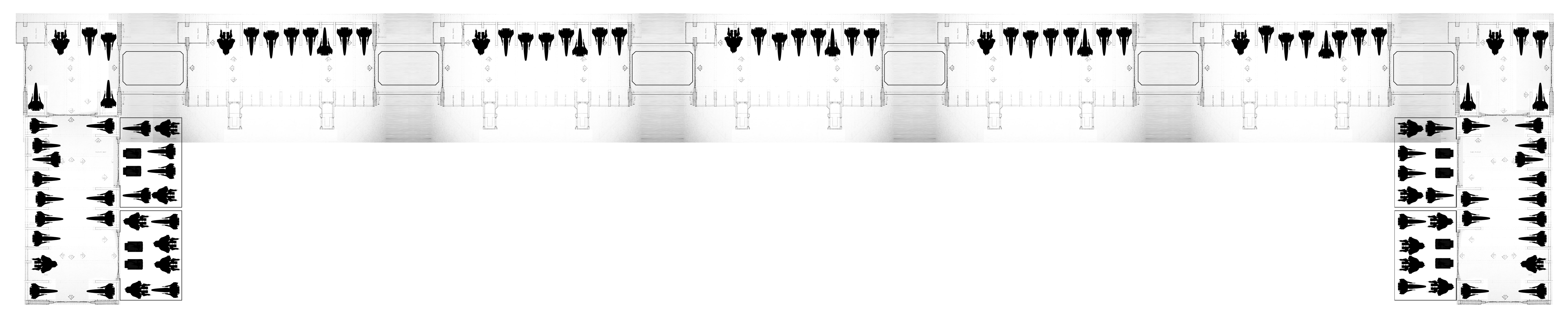
This possible layout has 79 Vipers, 21 Raptors, and 8 Landrams, which are close enough to the canonical figures that I’ll say it’s a reasonably accurate extrapolation of Galactica’s maximum air wing, operating one flight pod. Galactica’s present-day sister-ships seen in the Miniseries and Razor, assuming they didn’t preserve the multi-level Blood and Chrome-style hangar deck, would therefore have an air wing of around 200 planes, with about 160 Vipers and 40 Raptors.
Thanks to Lee Stringer, Galactiguise, and the Frak That screencap archive for making this post more possible and/or easier than produce it otherwise would’ve been.
Now I am an Architect
One day at Ninjaneer Studios, Joe Rosa called in to the office while off-site with a question. “Do you think we can do some architectural visualization?”
The response? “And how!”
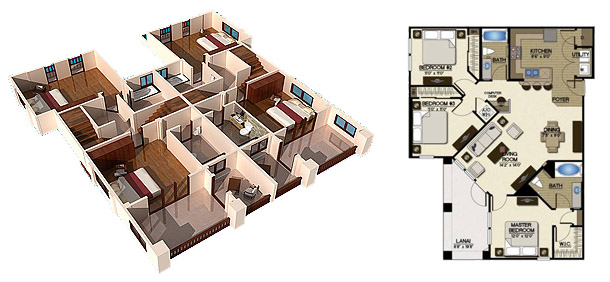
We were given a floor plan and an example of a 3/4 aerial cutaway view of a home. I was assigned to the task.
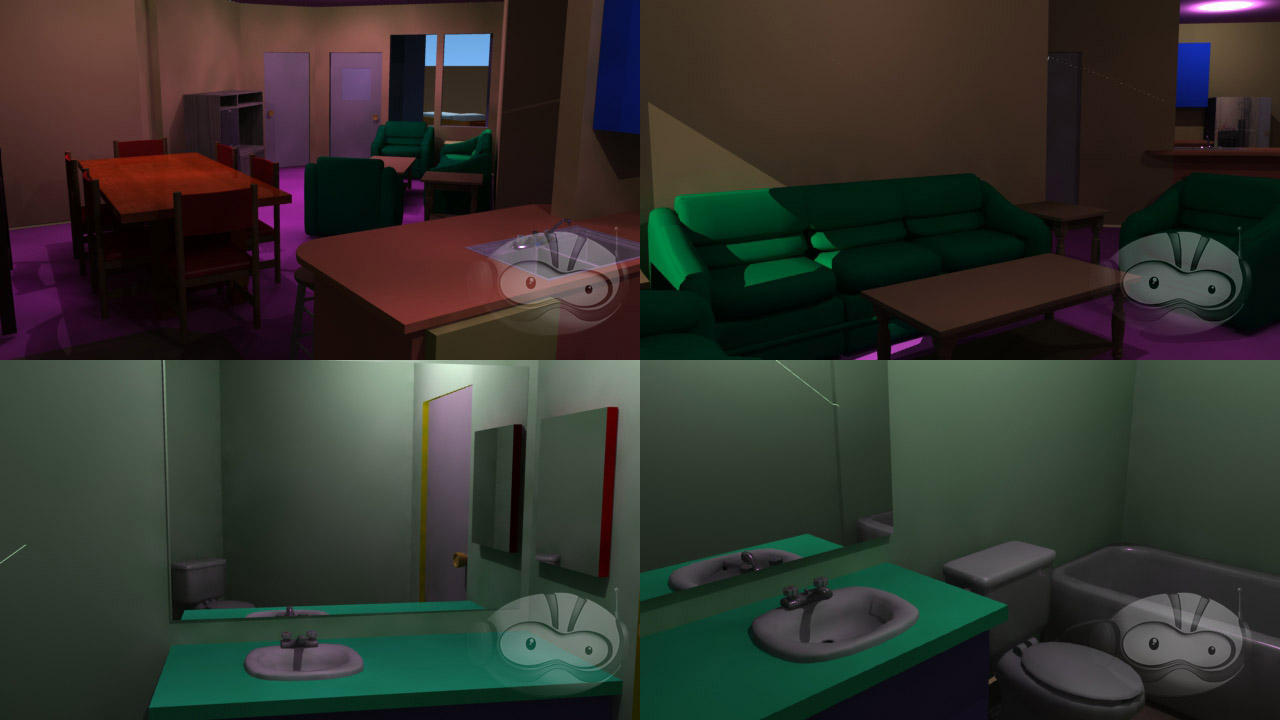
The first step was to trace out the walls and extrude them into place. Once that was done, I filled in the lintels above the hallways and split out the different rooms and surfaces, assigning them loud, contrasting colors so that I’d be able to differentiate them at a glance and would be less likely to forget to assign one a real texture later on than I would be if I left it at default grey.
Next, I began filling in furniture and other objects from our stock model library. A handful had to be tweaked to more closely resemble the illustrations on the floor plan, but I was able to match the original spec fairly closely. I then popped in some temporary lighting (just a single point source in each room on the ceiling).
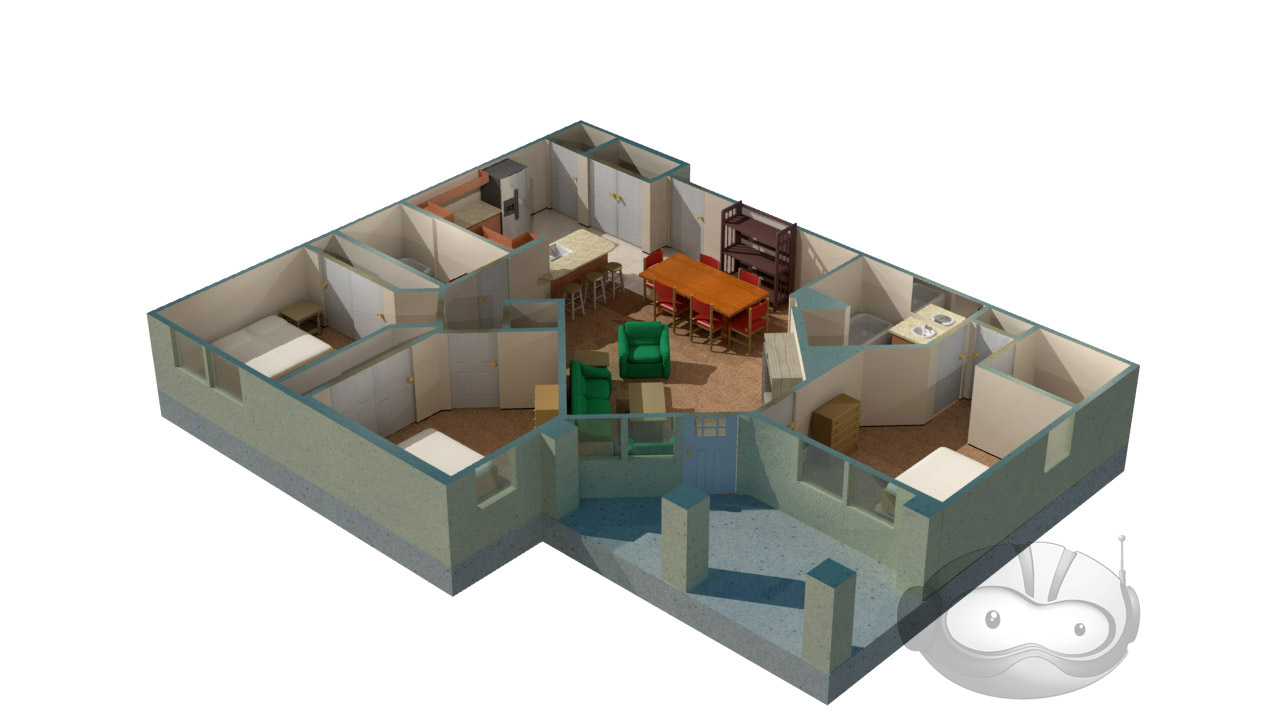
Having roughed in the furniture, it was the work of moments to adjust the model to be used for the final cutaway view. The walls were clipped down to around 3/4 of their full height, and the camera moved outside of the structure. Once in the birds-eye view, I began applying rough texturing to the apartment. A turnaround was rendered, and this was the result.
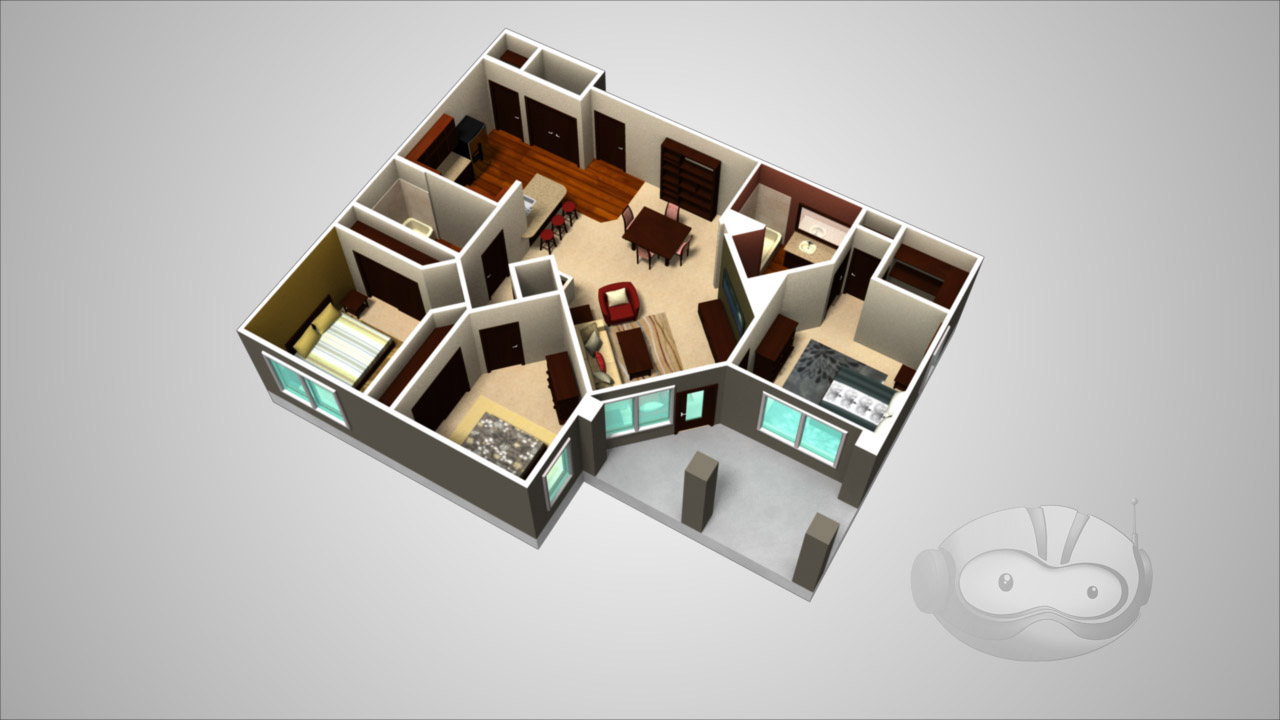
It was missing a certain je ne sais quoi, and, not knowing what that could be, I FBX’d the model out of Lightwave and sent it over to Heather Knott, a professionally trained interior designer. She unclipped the walls and raised the camera, as the lowered wall height made the rooms look deceptively large, and replaced my haphazardly placed furniture with sets that actually looked of a piece, proving the importance of both teamwork and expertise
A version of this post appeared on the official Ninjaneer Studios blog.
We Do Not Have Time For Your Damned Hobby, Sir!
The Red Silk Thread is an opera by composer Stella Sung with libretto by Ernest Hilbert. It tells the story of Marco Polo’s return to Europe at the end of his famous voyages through Asia. This past April, a workshop performance took place at the University of Michigan, in advance of a full premiere at the University of Florida in April, 2014.
Ninjaneer Studios provided virtual sets for the Opera, projected behind the actors and used in place of physical scenery. There are six principle settings in the drama: the Court of Kublai Khan, the Gardens of Kublai Khan, a Chinese treasure ship at sail, the Court of the Persian King, a Genoese prison cell, and a desert dream-scape.
Thanks to my love of all things nautical, I immediately volunteered to take over the ship scene. The opera’s creative team had already put together some research on the types of boat they had in mind.
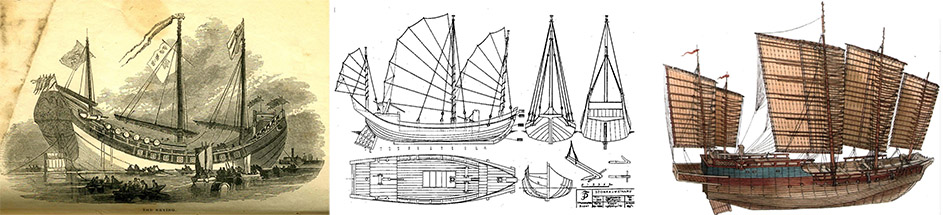
I used this as a jumping-off point, and found additional materials. My primary reference ended up being a high-resolution photo of an exquisitely detailed model of a Ming Dynasty treasure ship. While this exact design is of dubious historicity, especially for an ocean voyage, and dates from at least a hundred years after Marco Polo died, information on the ships of his time was sketchy at best, and what I did find didn’t look nearly as impressive.
I began by roughing out the general shape of the hull in Lightwave Modeler. Even though the concept only called for the deck to be seen, I wanted to have at least a foundation for the exterior in case it was needed later. It also made it easier to ensure the deck was proportionate. I matched the camera angle as best I could to my reference photo in Lightwave Layout, and switched back and forth while adjusting the hull. I’ve found that while it isn’t a perfectly accurate technique compared to working off a set of orthographic schematics, it’s much better than eyeballing it.
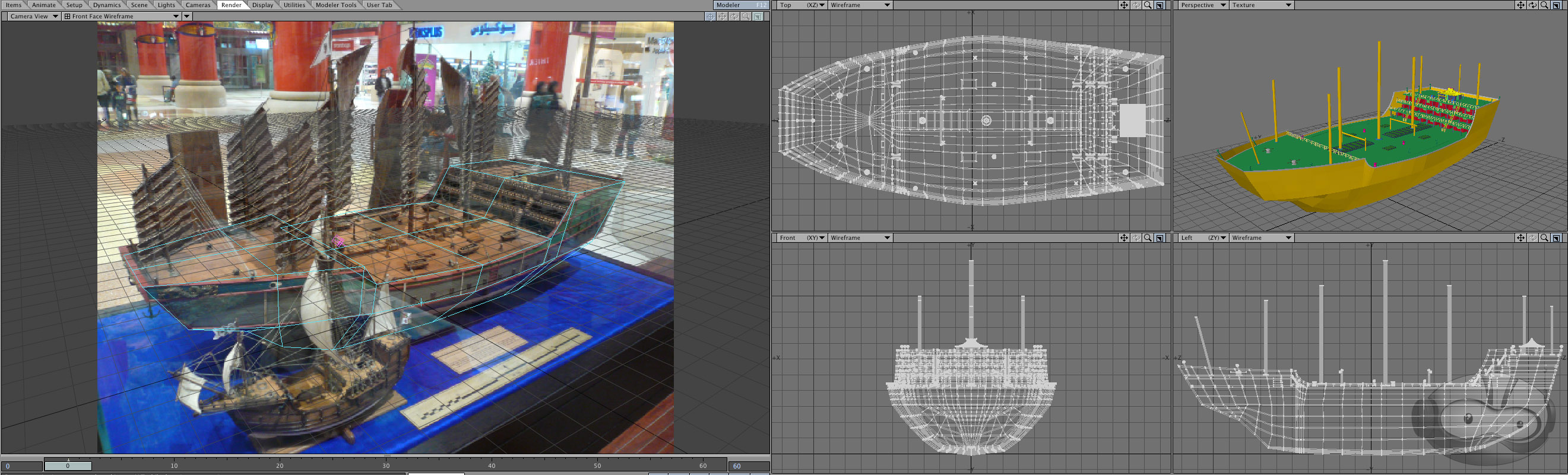
After completing the majority of the modeling, I began texturing the model, ending with populating the deck with various scenery objects

I then presented Dr. Sung with a set of potential camera angles.
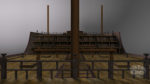
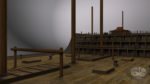
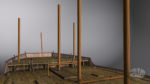
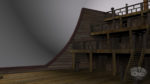
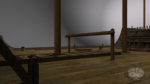
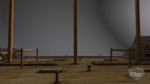
After getting the go-ahead for a 3/4 view towards aft, I began setting up the scene and lighting. The motion of the horizon was based on stock footage from a locked-off camera on the deck of a boat. A long-exposure photo of the night sky was used as a placeholder. I started with my standard ocean model, but had the usual problem with flickering as it got closer to the horizon. A combination of making the waves larger and rendering a limited region of the frame at a much higher resolution blunted the problem enough that it was no longer visible after post-processing.
The frame was split into several passes for rendering. This was primarily for efficiency, so only passes which required lengthy render processes like extreme antialiasing or multi-bounce radiosity would be put through them, and simpler elements could be rendered at reduced quality or, occasionally, as single frames.
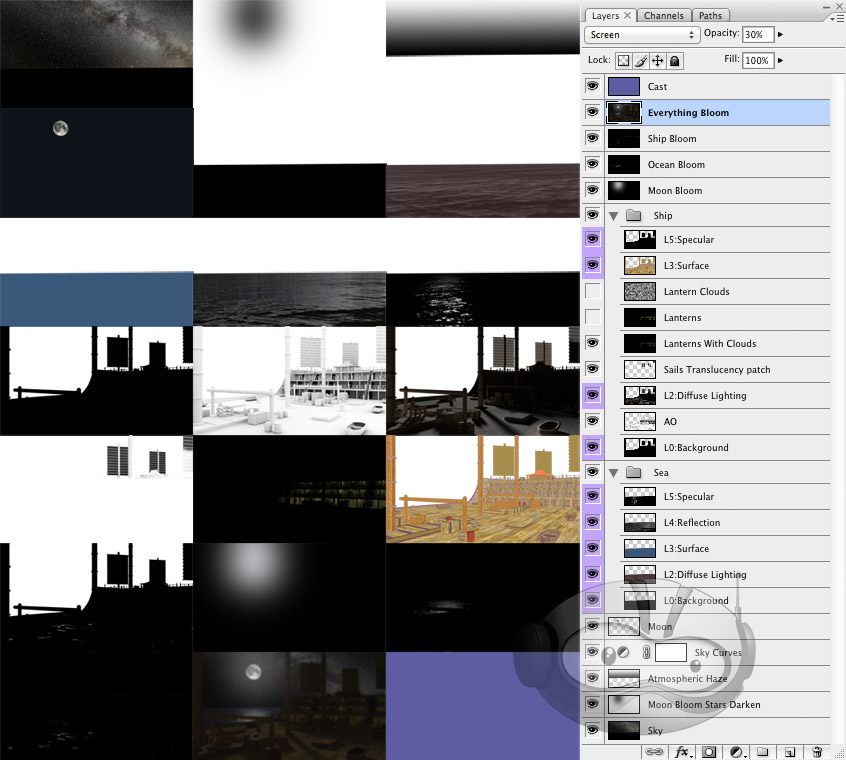
I prepared a test composite in Photoshop, which I passed along to Christopher Brown, who handled the compositing for all scenes in the opera. He built on my design, unifying it stylistically with the other scenes, and altering it to fit with the limited staging available for the workshop performance.
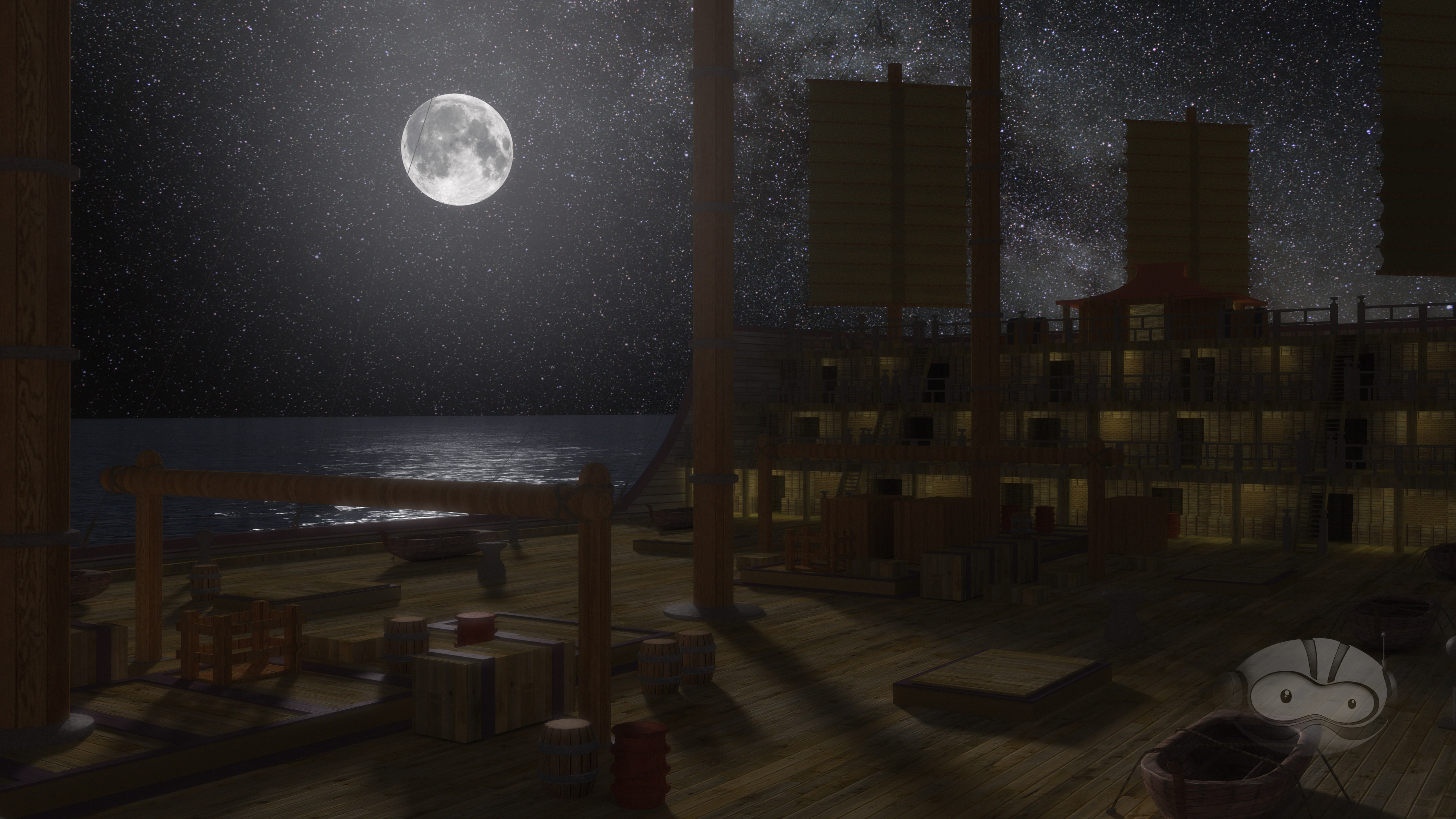
Initial Photoshop Test Composite
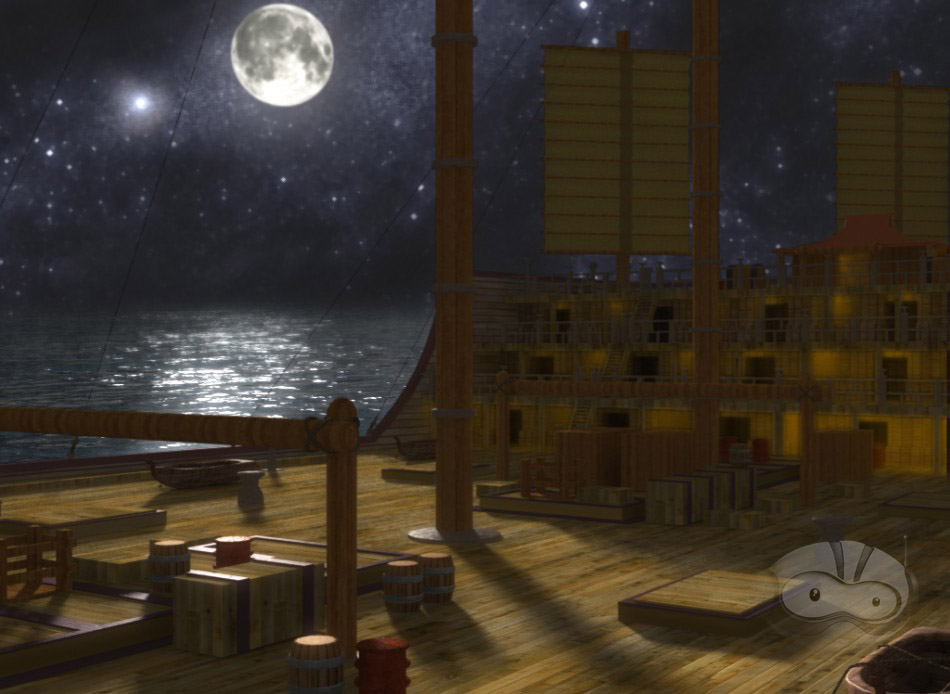
Final After Effects Composite
Over the next several months, all of us at Ninjaneer will be revising and expanding our virtual sets for the premiere at the University of Florida next year. I don’t want to ruin the surprises we’re planning, but I wouldn’t be surprised to see a few more ships in the Great Khan’s fleet.
A version of this post appeared on the official Ninjaneer Studios blog.
Wetter is Better
While working on a landscape for a forthcoming project at Ninjaneer Studios, I found that the animated reflections in some open water took prohibitively long to render thanks to a combination of the reflections and the diffused lighting of the scene. There had to be a quicker process that gave similar results, so I began investigating alternatives.
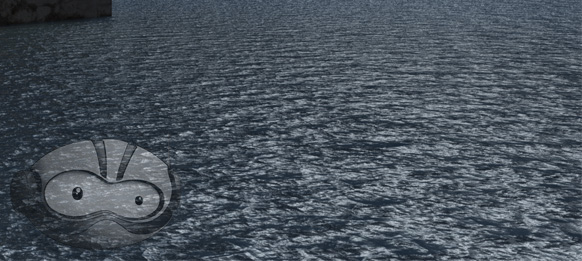
Render With Full Lighting and Raytraced Reflections
I found that Adobe After Effects has a filter called Displacement Map, allowing me to distort one layer based on another. One big drawback to this filter is the way it displaces, resulting in artifacts at the edge of the screen and other transparent areas where it attempts to sample data that is out-of-frame. This was easy enough to solve, but required some creative shot breakout.
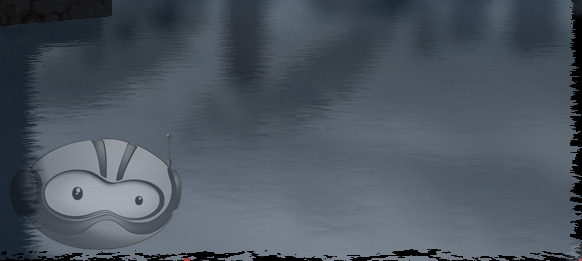
Displacement Map (Note the ragged edges along the bottom and left sides)
Returning to Lightwave, I rendered out a reflection pass of the foreground elements. I changed the surfacing of the water so it was mirrored, deleted everything except the foreground elements, and set the foreground element to be unseen by the camera. This gave a pass consisting only of the reflection of the foreground, accounting for the perspective distortion in the reflection.
Thanks to the distance, there wasn’t enough perspective difference between the background and sky and their reflections to require a true reflection pass to be rendered, so I just reused those, flipped vertically. The clouds were a single panoramic plate, slowly receding, so those were likewise flipped vertically and layered into the basic reflection composite.
With the reflected version of the scene now created, all that remained was to make it look like water. I returned to Lightwave and rendered out basic diffusion and specularity passes from the original water object. To get the input for the distortion map, I created a duplicate of the water object and took surfacing in the bump channel and reapplied to to the color channel. After zeroing out the other channels and setting luminosity to 100%, I rendered it out, creating a shifting cloud pattern which corresponded perfectly to the diffusion and specularity passes I rendered earlier.
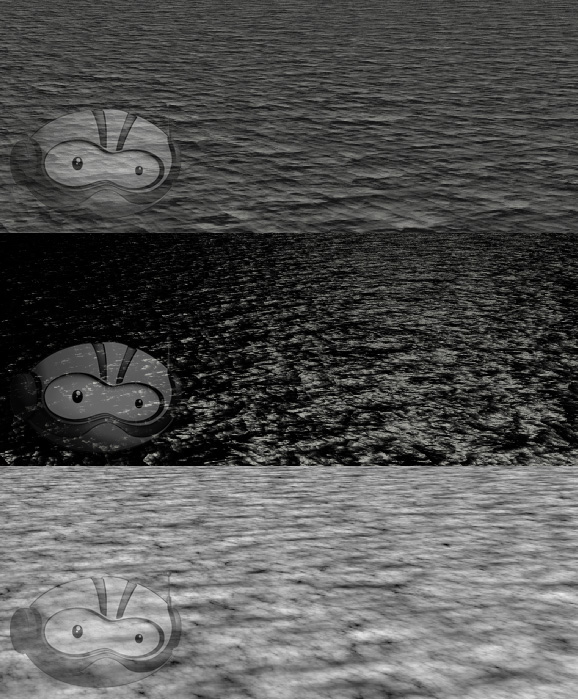
Diffusion, Specularity, and Bump Passes
Back in After Effects, I brought these passes in and layered them over the reflection composite I had created. I hid the bump layer and added an adjustment layer between the reflection elements and the diffuse and specularity layers. I applied a displacement map to it and set the bump layer as the input. All that remained was to tweak the horizontal and vertical displacement to make the reflection appropriately wavy.
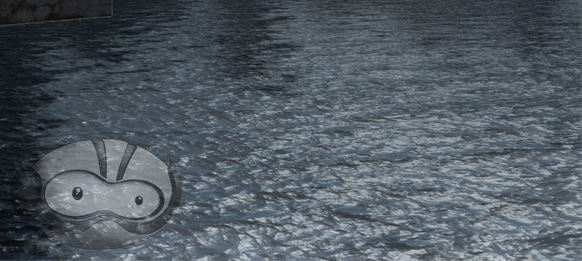
The Final Post-Production Reflection
A version of this post appeared on the official Ninjaneer Studios blog.
Clearing Out the Workbench
Over at Foundation3D, a new downloads category opened up for unfinished models. A couple days after seeing the thread, I remembered that I had a very rough version of the hangar deck from the 2003 version of Battlestar Galactica, and also the foundation for the Halo: Reach version of the Pillar of Autumn. I’d finished the initial work for both, which is usually the part of modeling that gives me the most trouble, but I’d also burned out on them getting that far and moved on to other things.
I uploaded both of them. The Autumn includes a large number of screencaps from Reach, a few downloaded from the internet, but most I took myself to use as reference for the project.
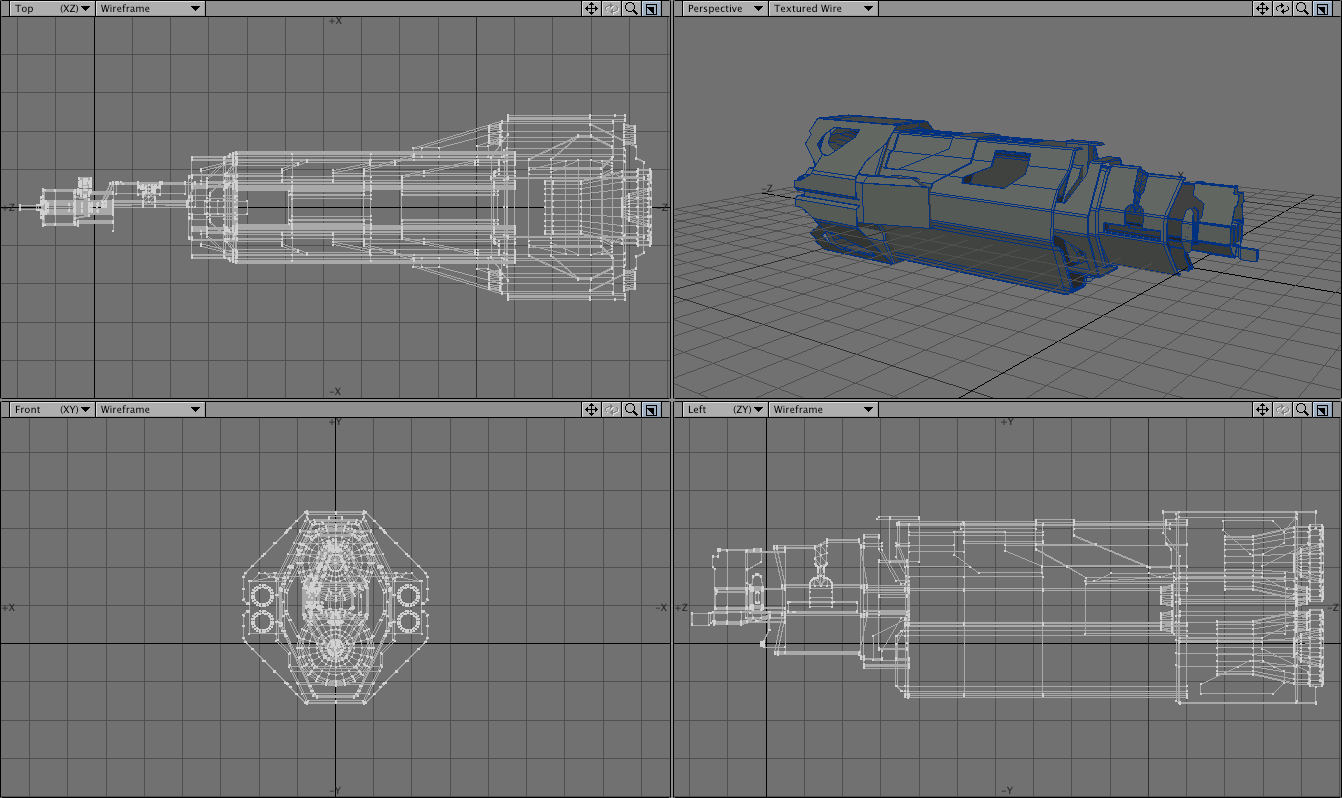
The hangar was actually for a school assignment, to match a professionally made 3D rendered environment, either a virtual set or something from an animated film.
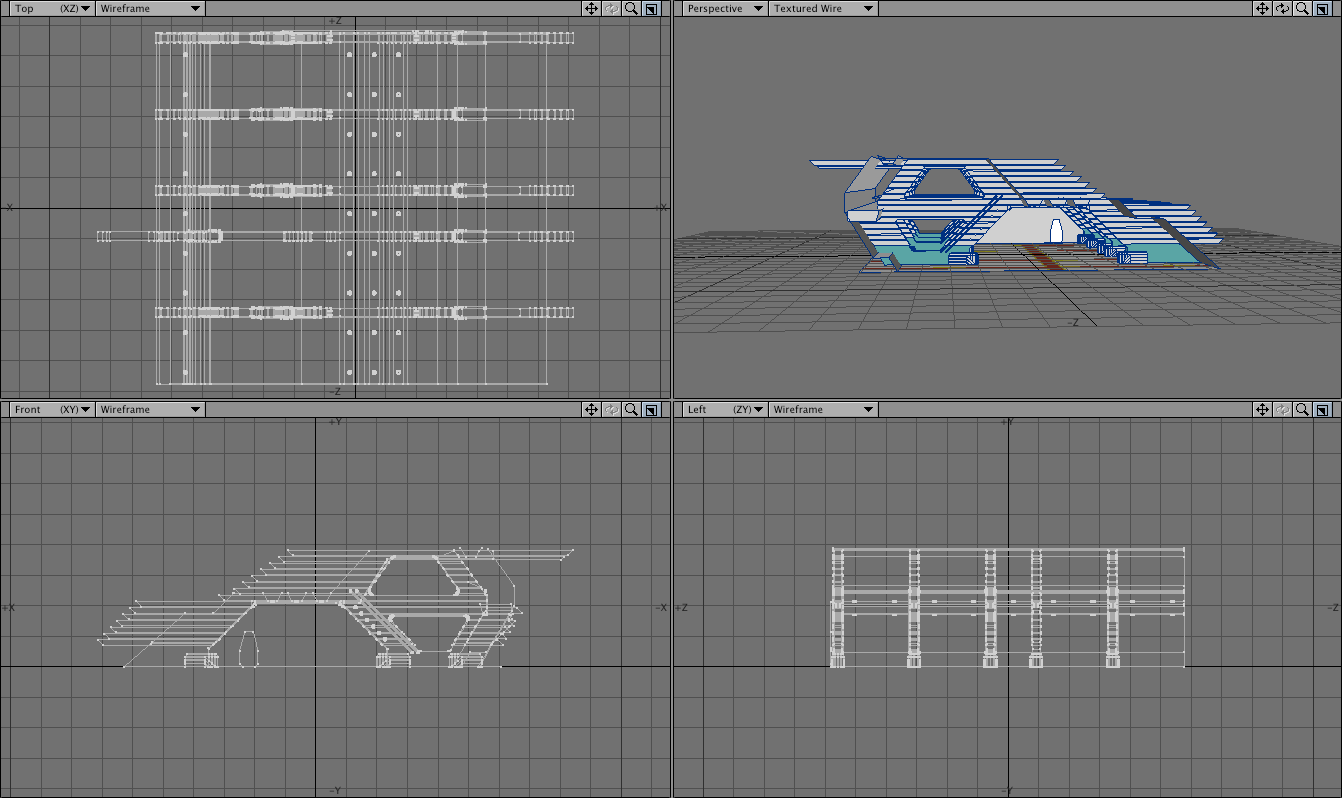
You can download the Pillar of Autumn and hangar (local mirror) from Foundation3D. The models are in Lightwave format, though I included OBJ versions for users of other packages. All I ask is that if you let me know if you do anything with them. I still have a few images in mind that I’d like to make with these objects.
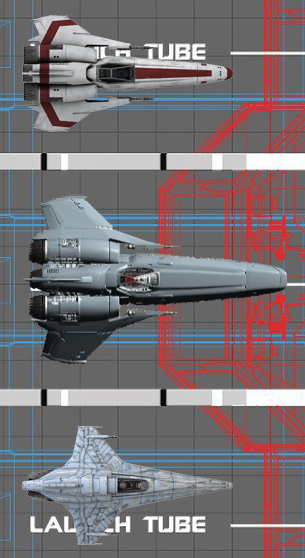
As an aside, the reason I was looking at my hangar model was that I was playing with some of the new BSG designs from Blood and Chrome and comparing them to the parent show. While doing that, I did some scaling with the new Viper (based on a production diagram posted by Doug Drexler) and found out that it’s a big sucker (10.6 meters long, with a 6.8 meter wingspan). I thought I may have made a mistake, but the cockpit matches the size of the cockpit on the Mark II version, and they seem to be using the second Mark II cockpit set from BSG without any modifications, so they should take up the same space.