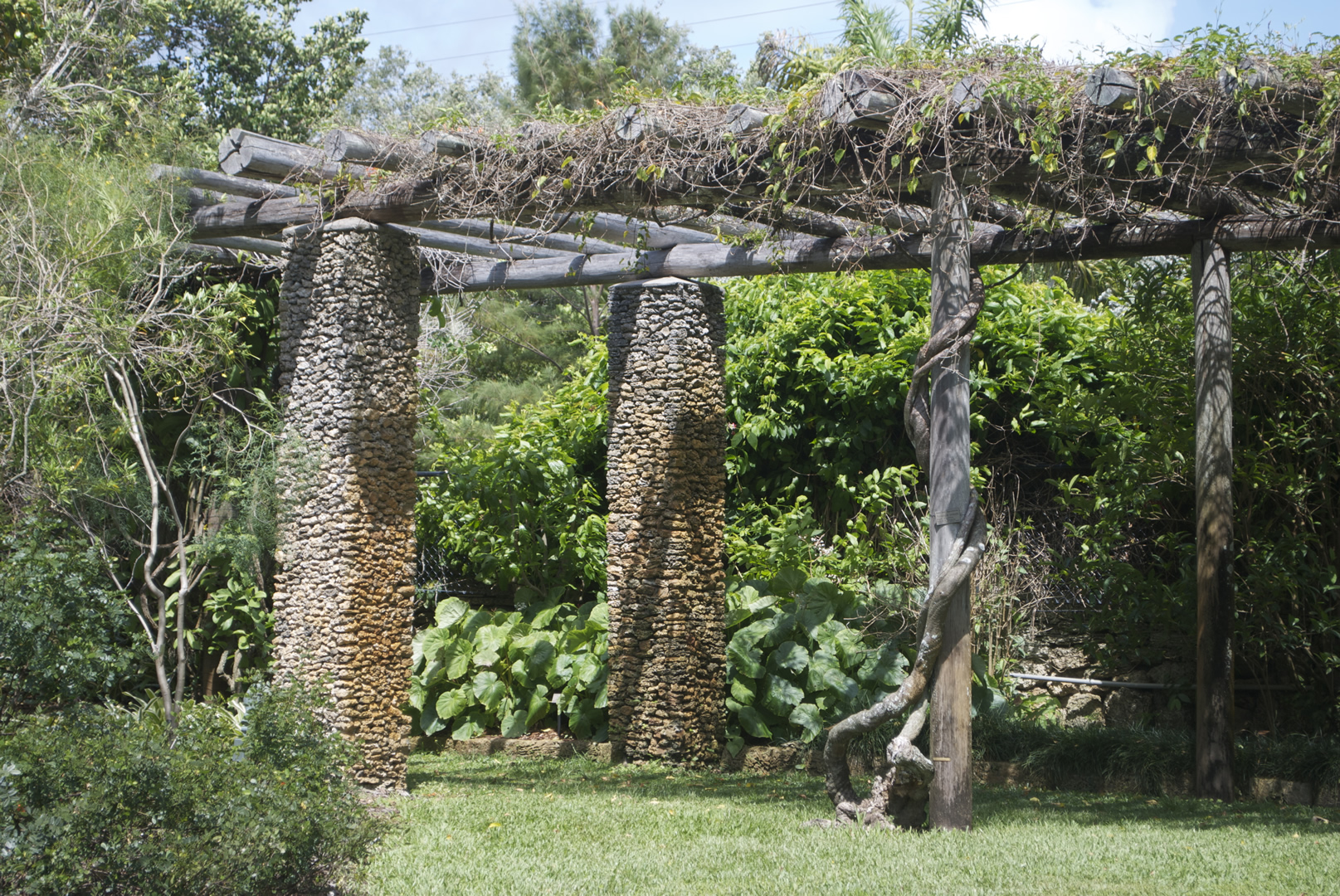
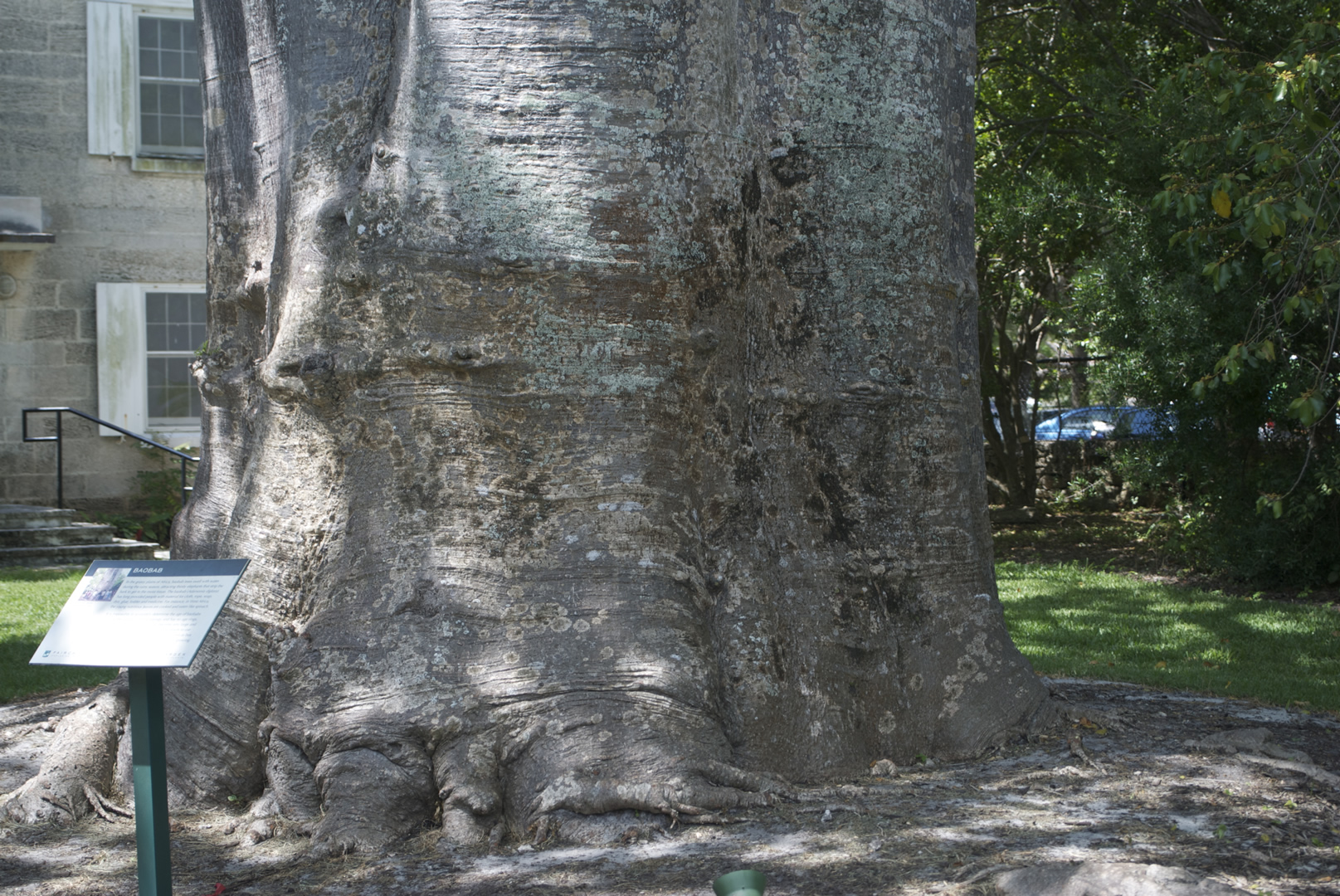
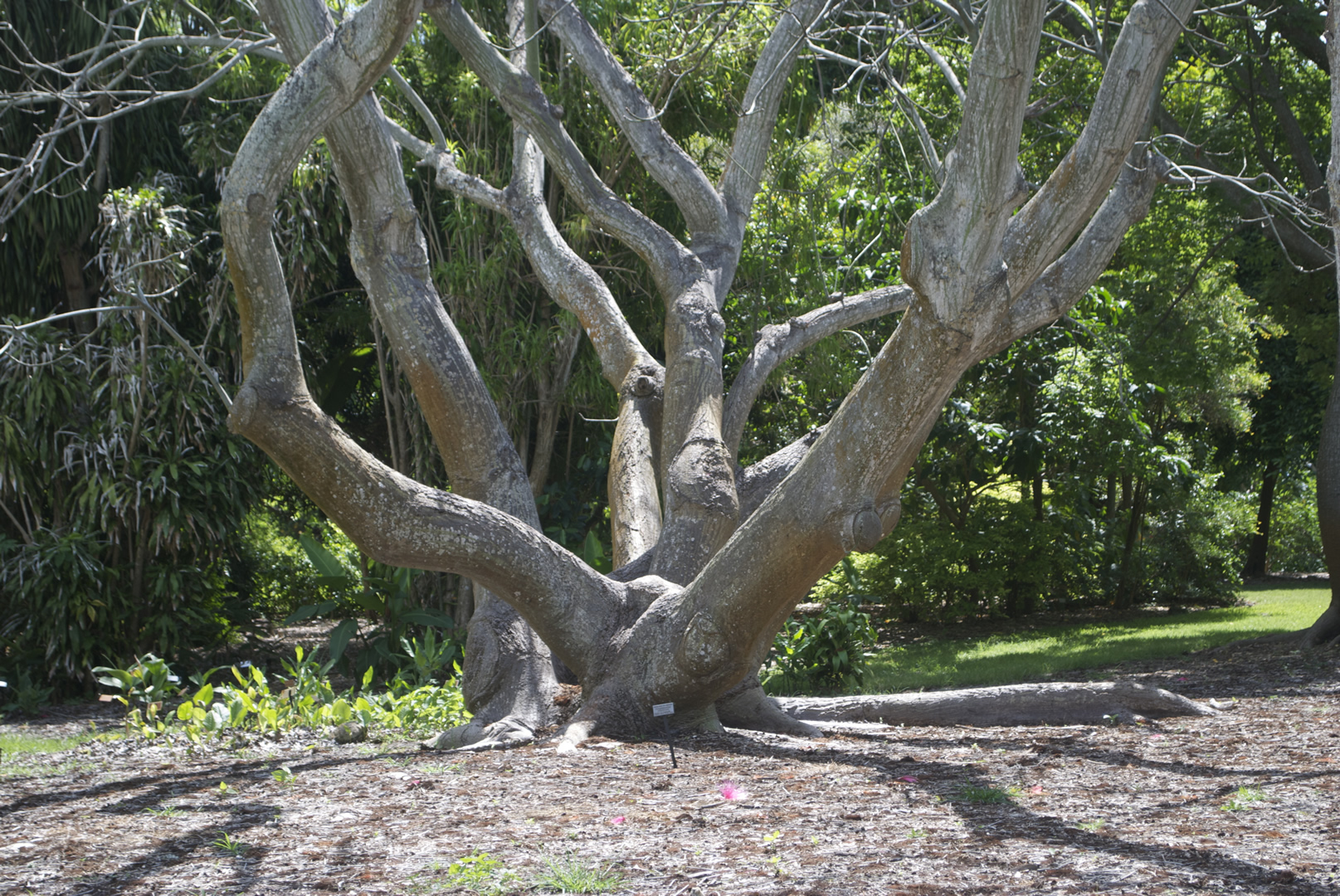
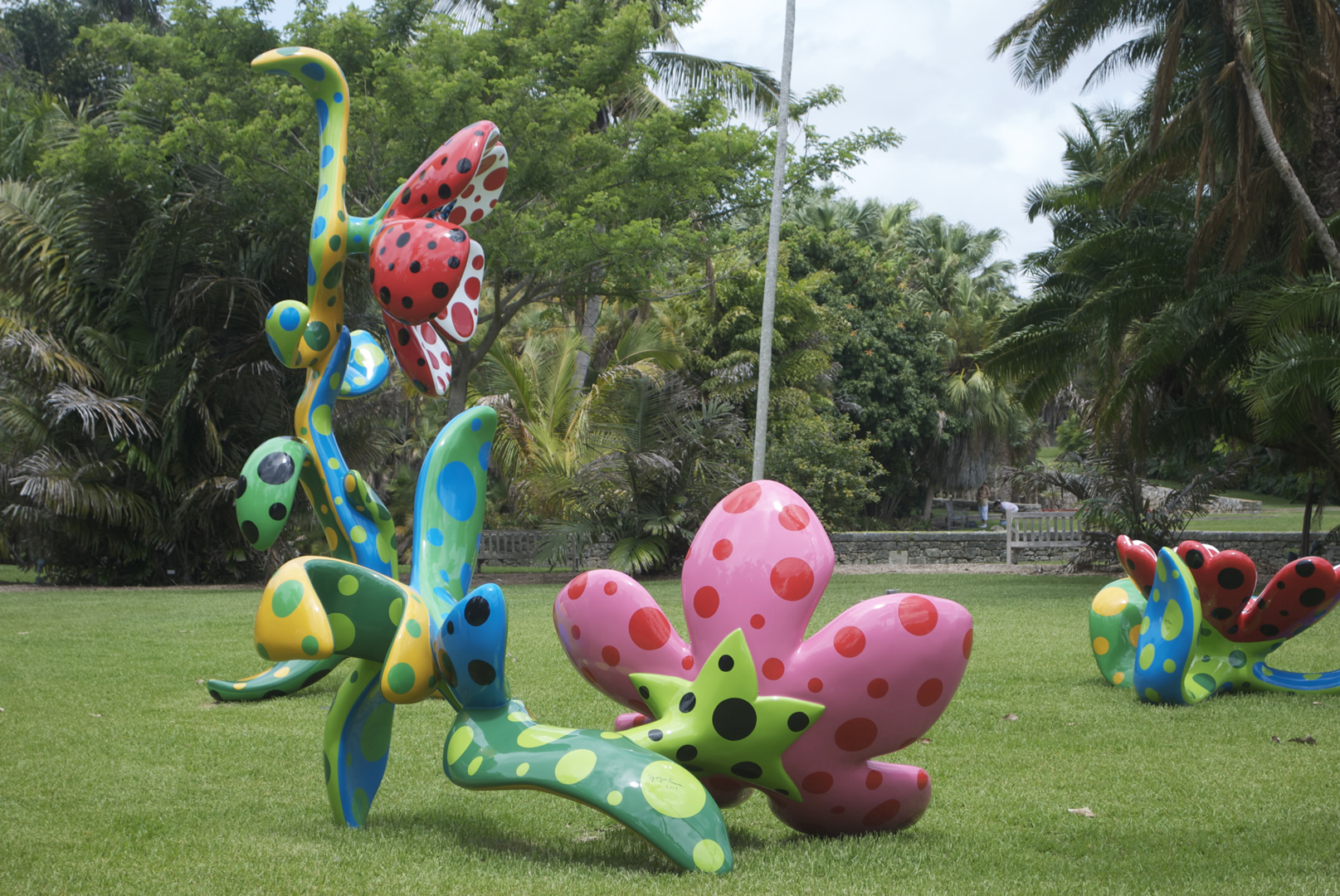
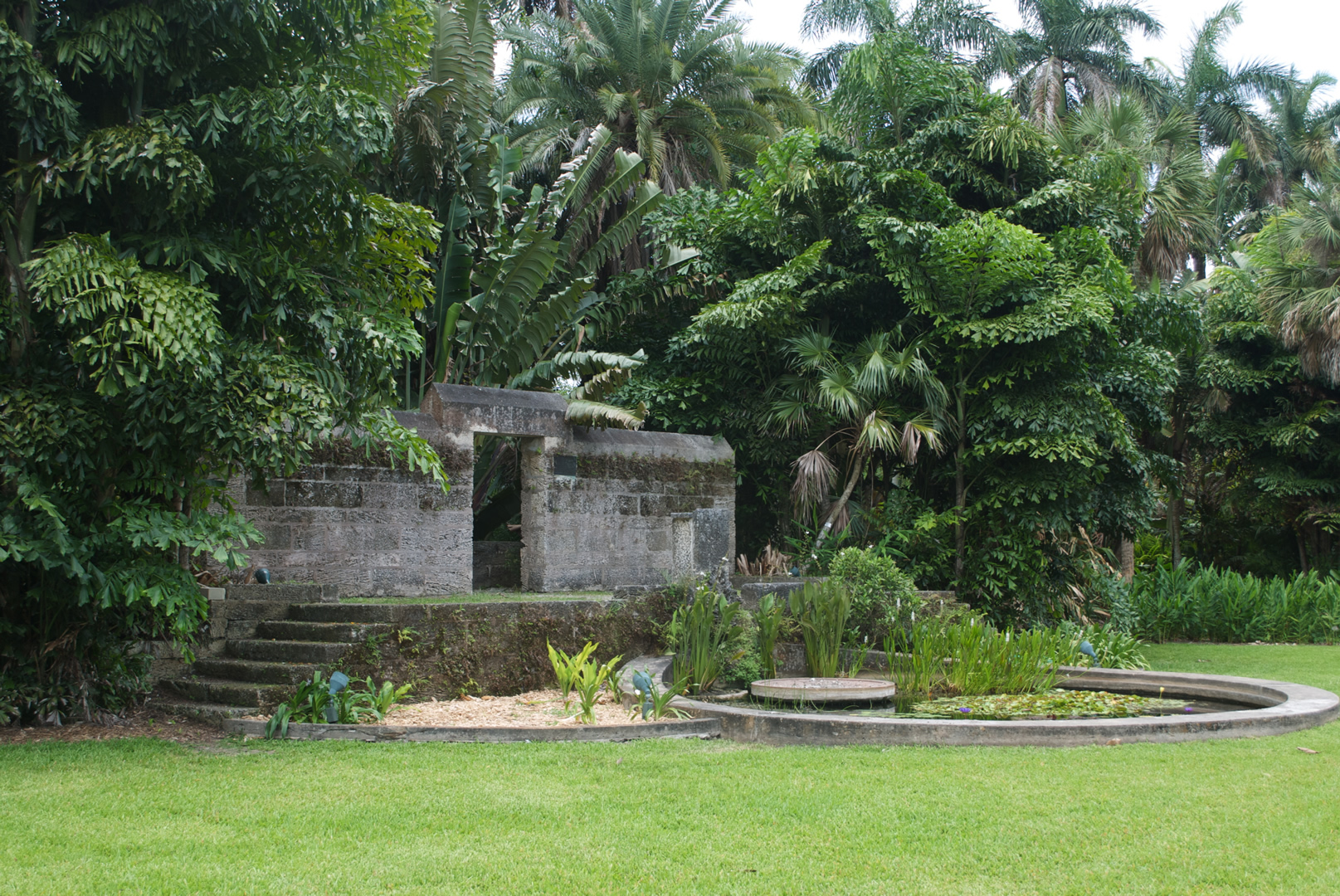
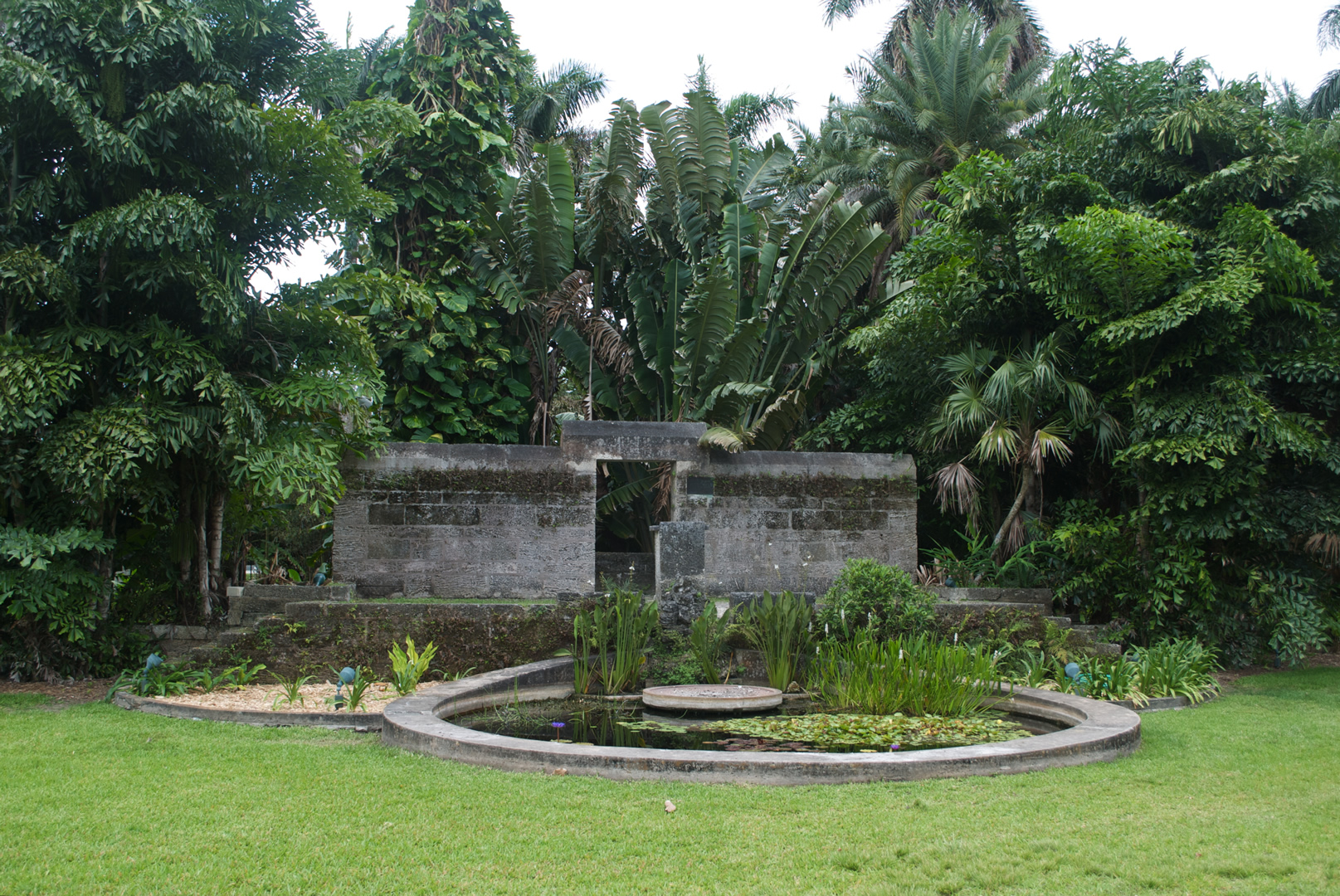
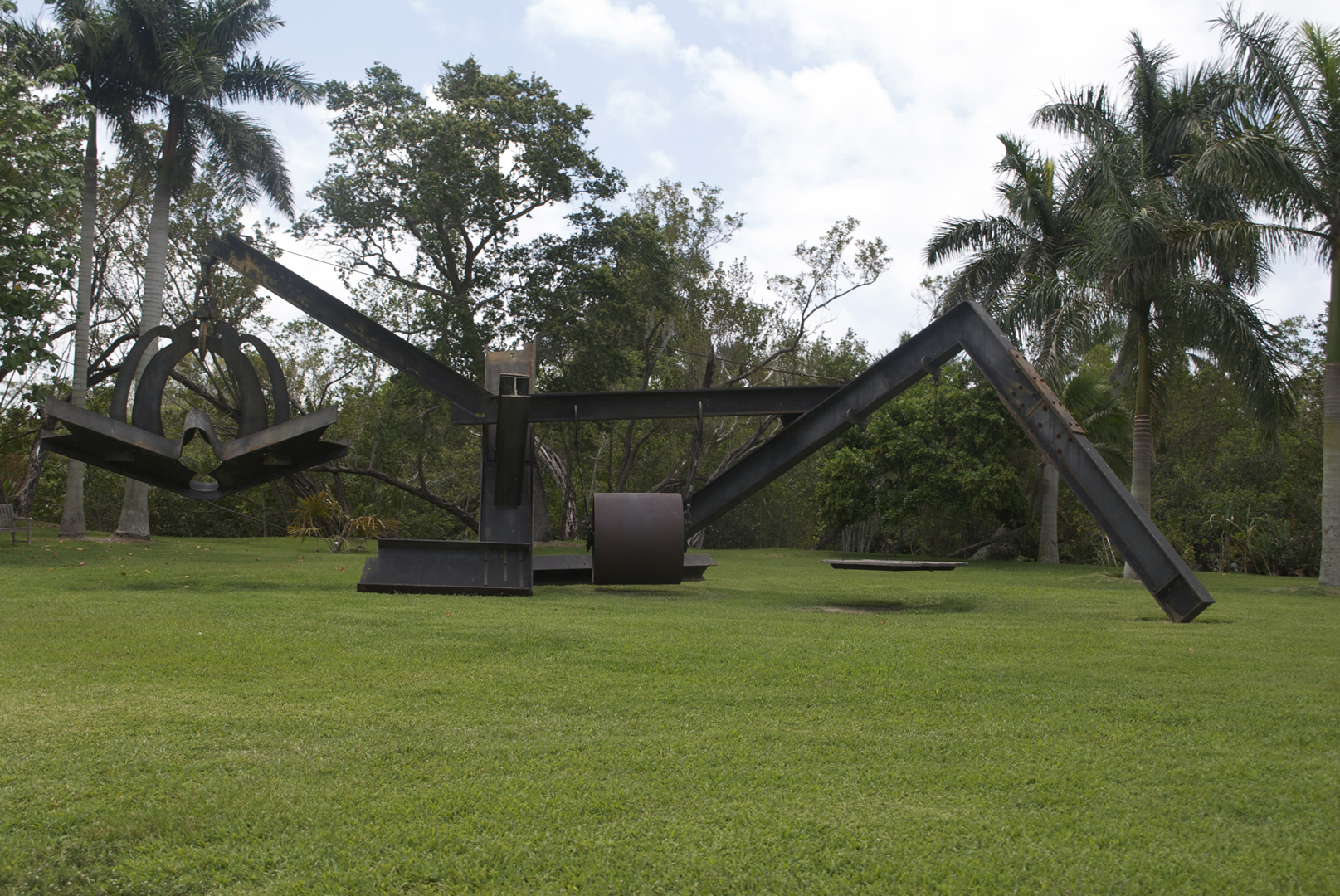
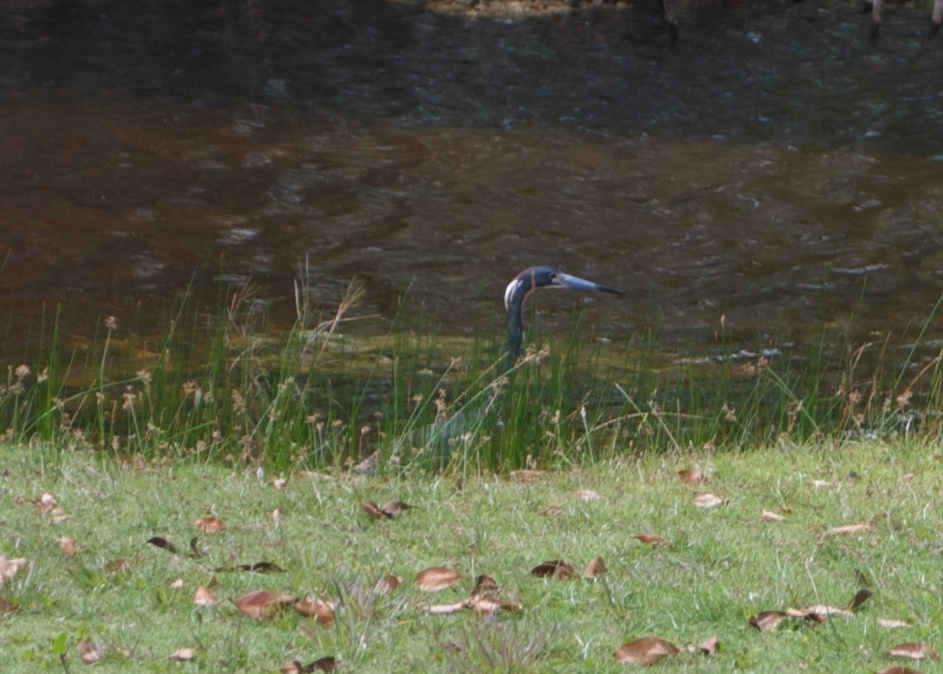
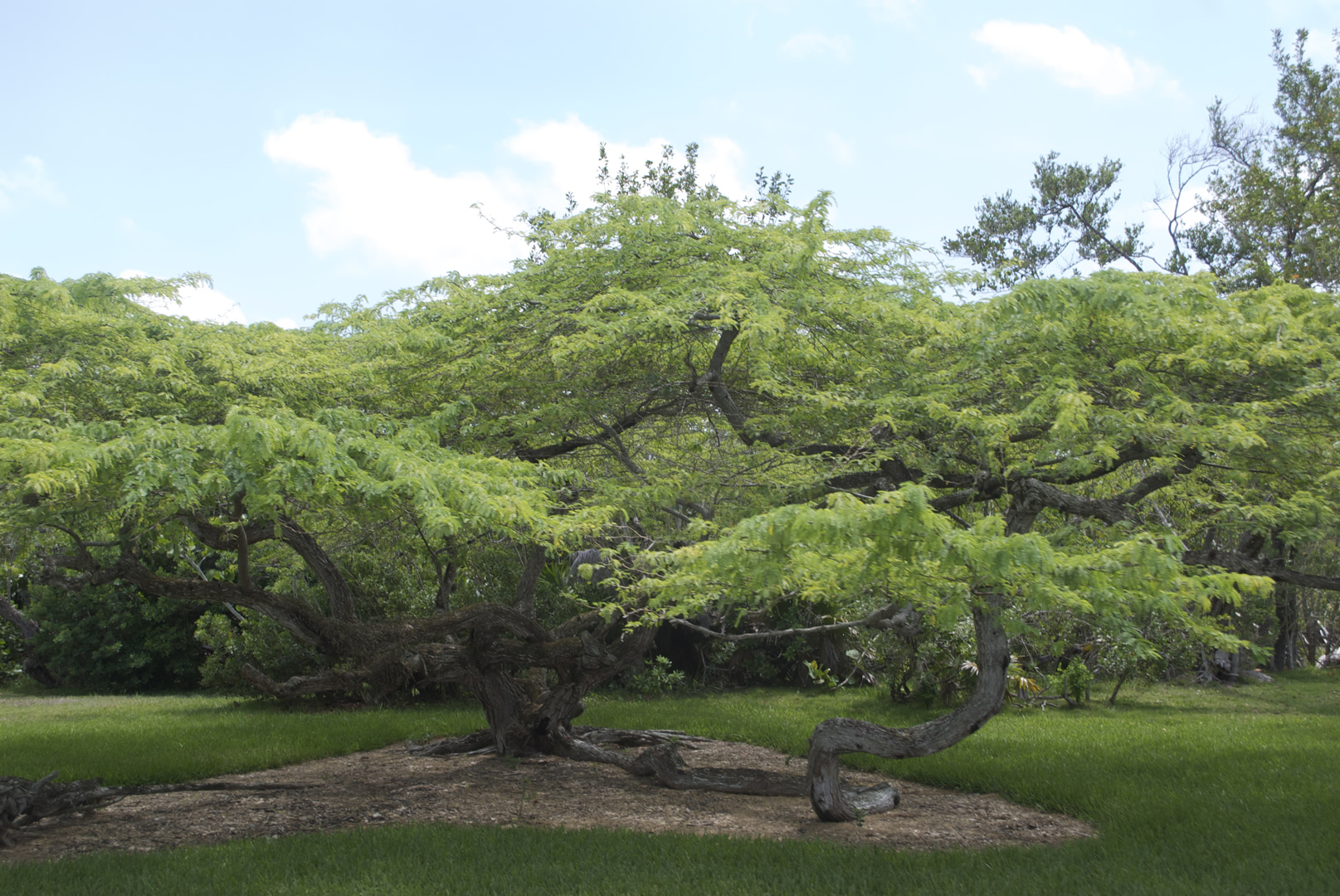
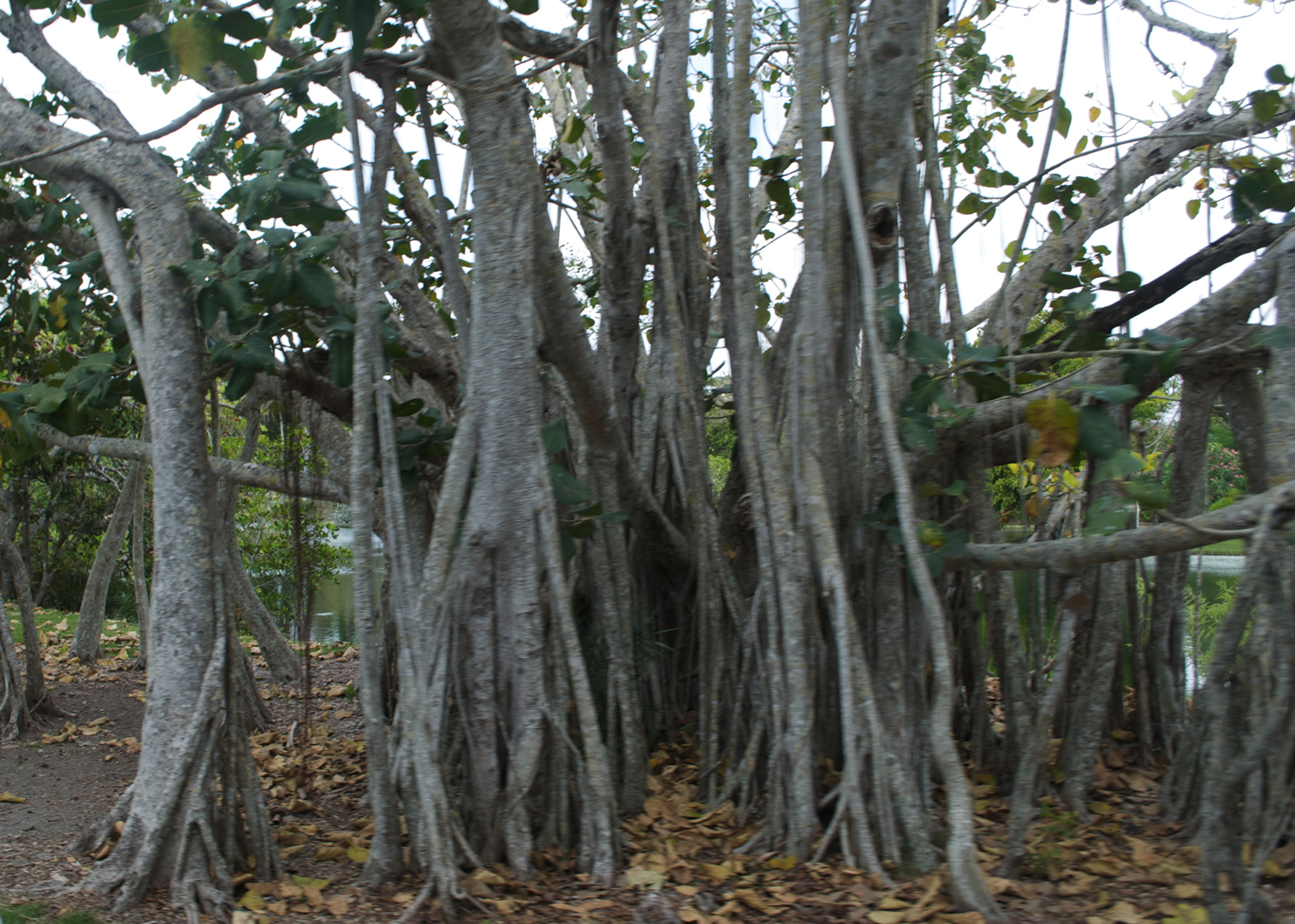
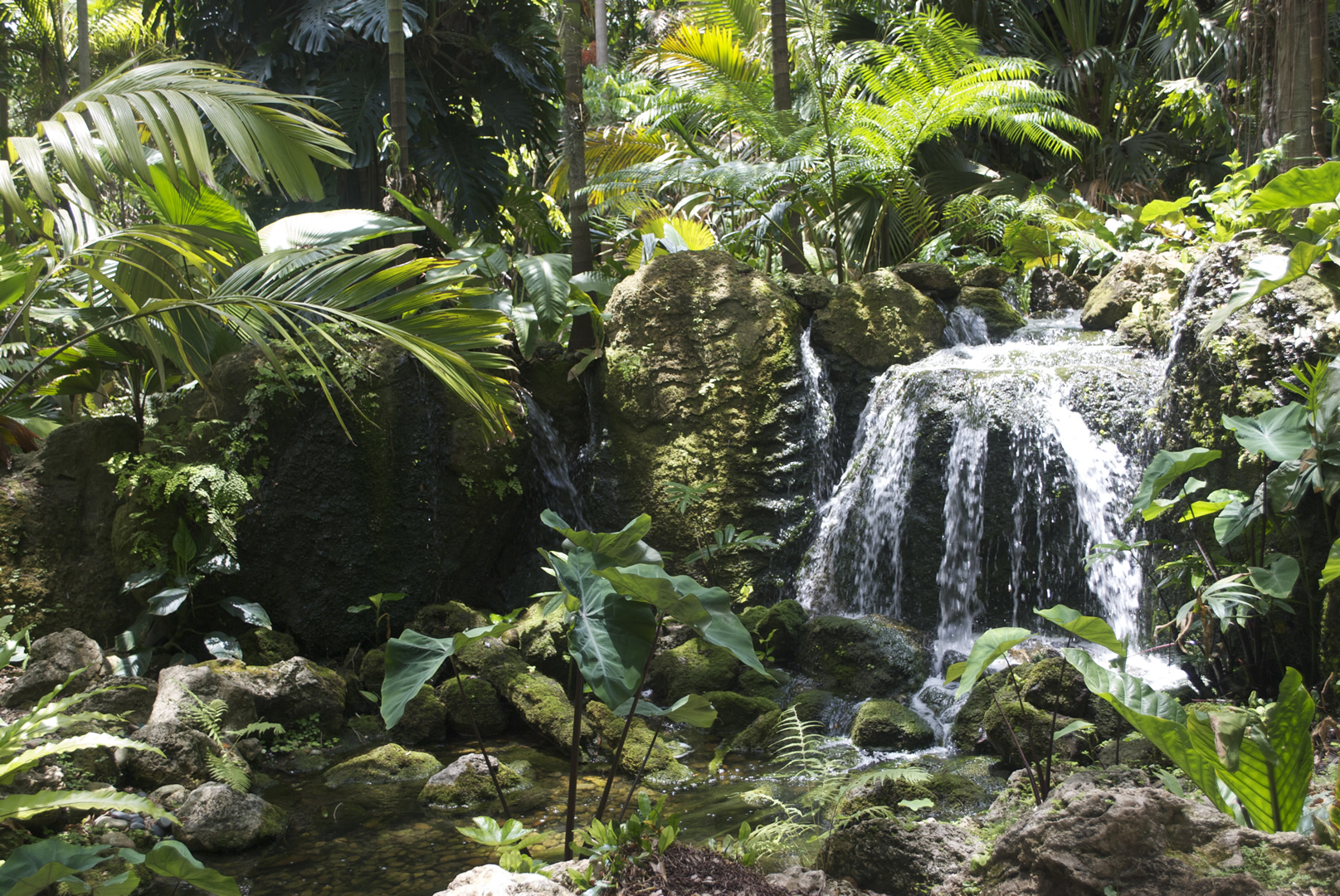
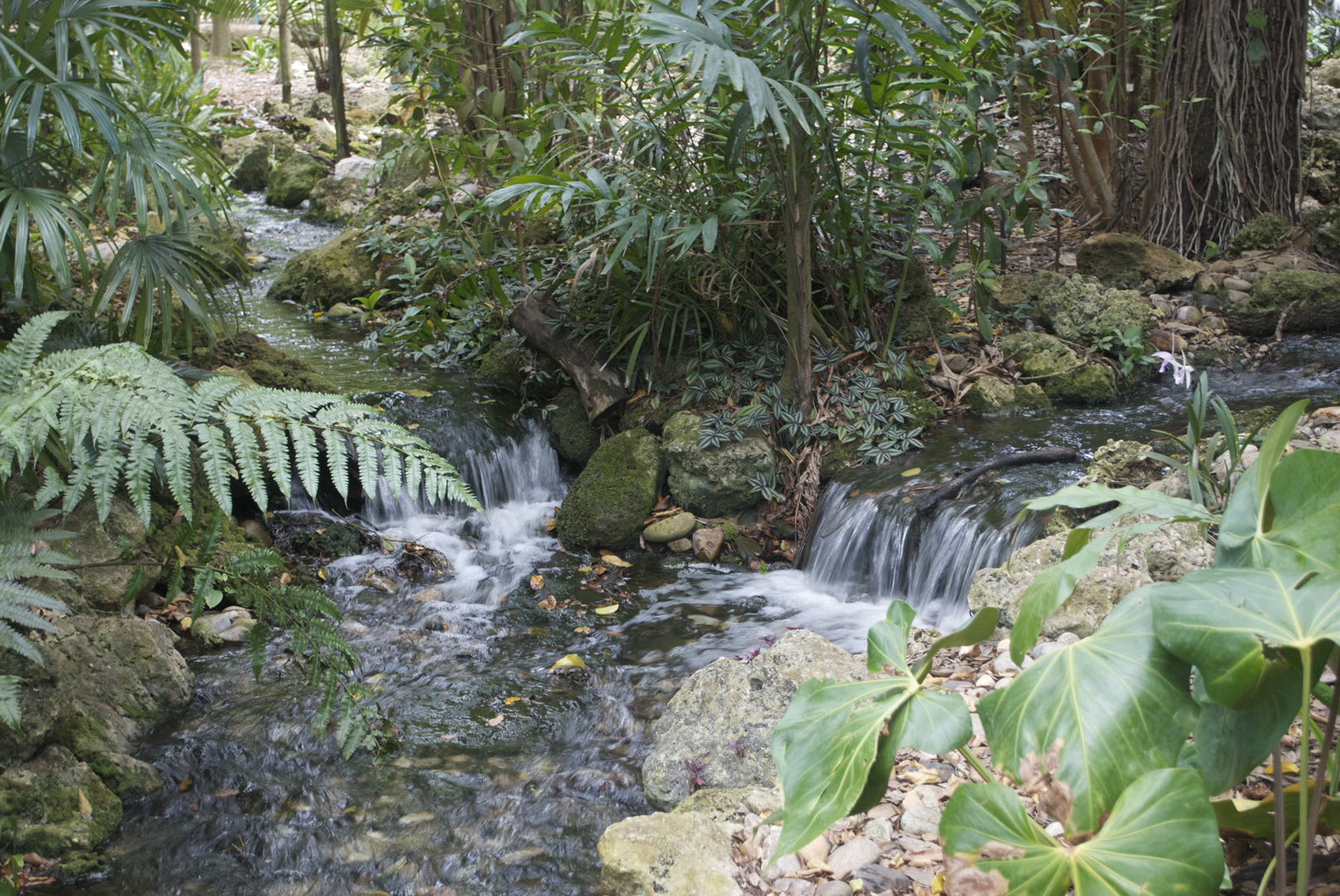
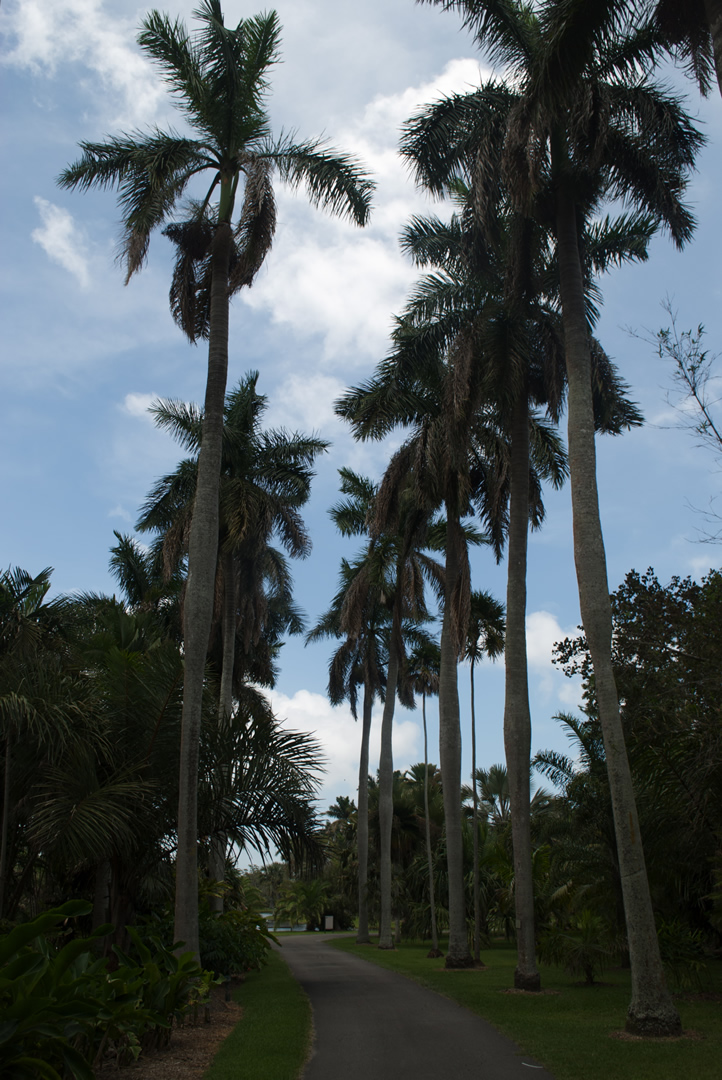
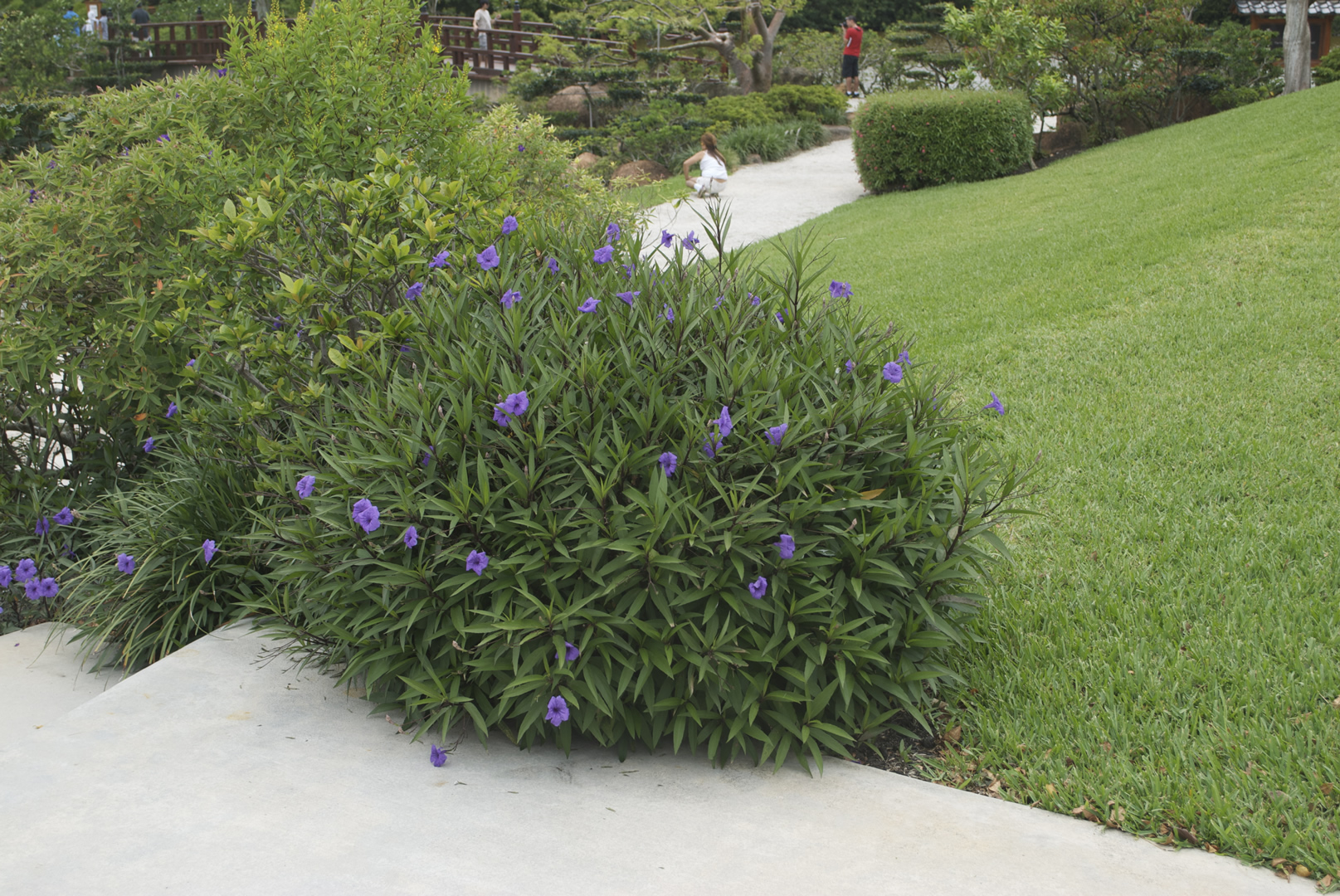
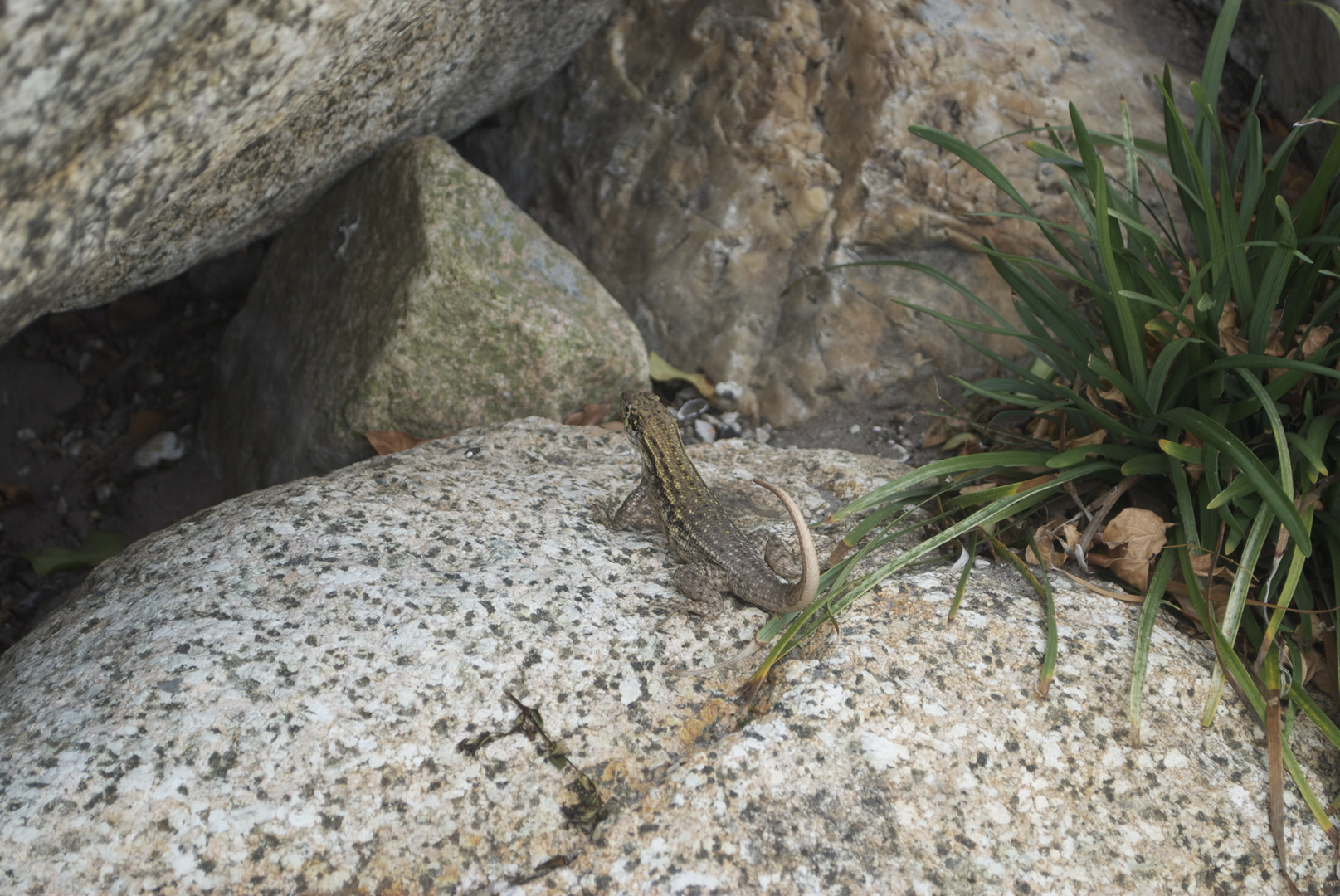
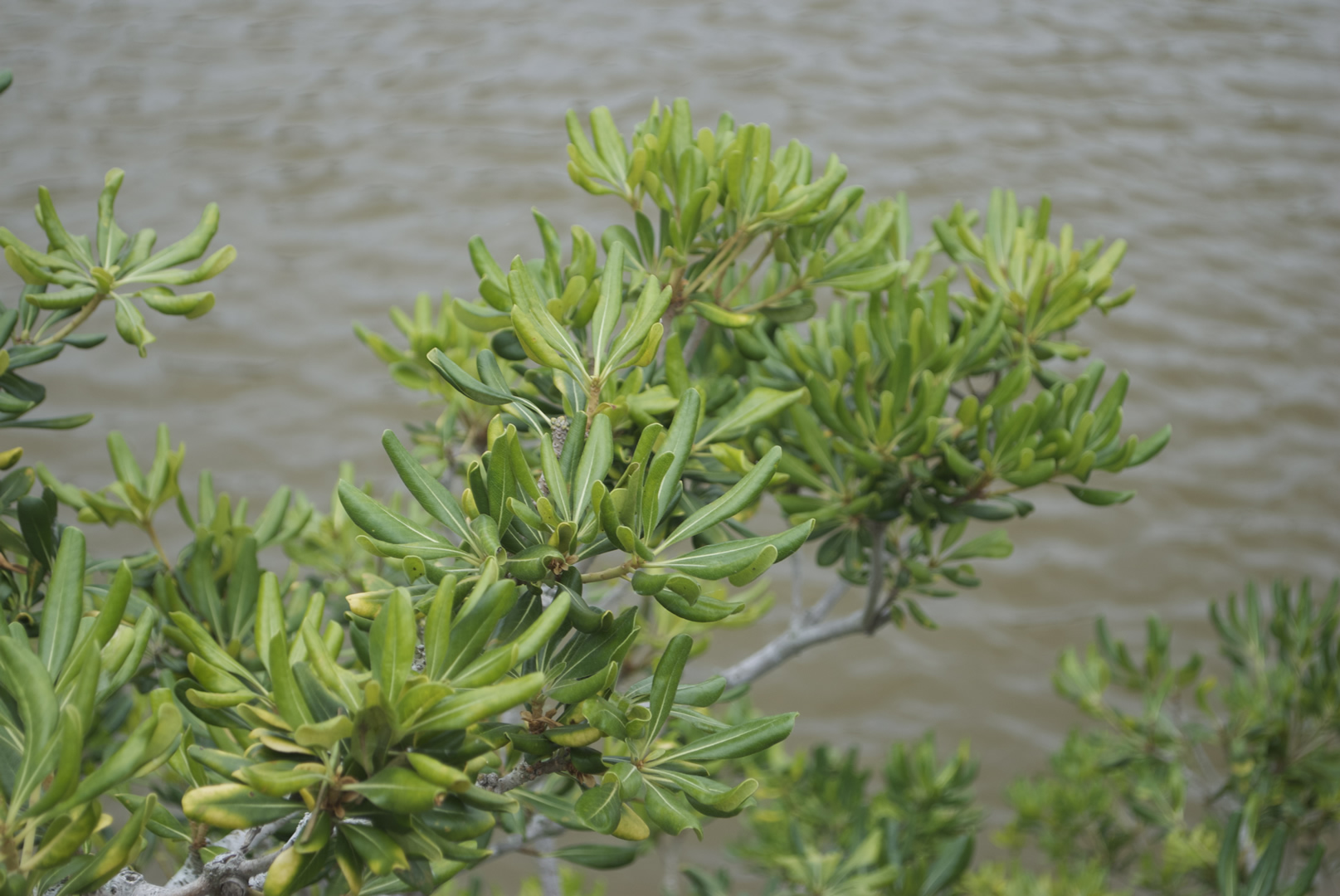
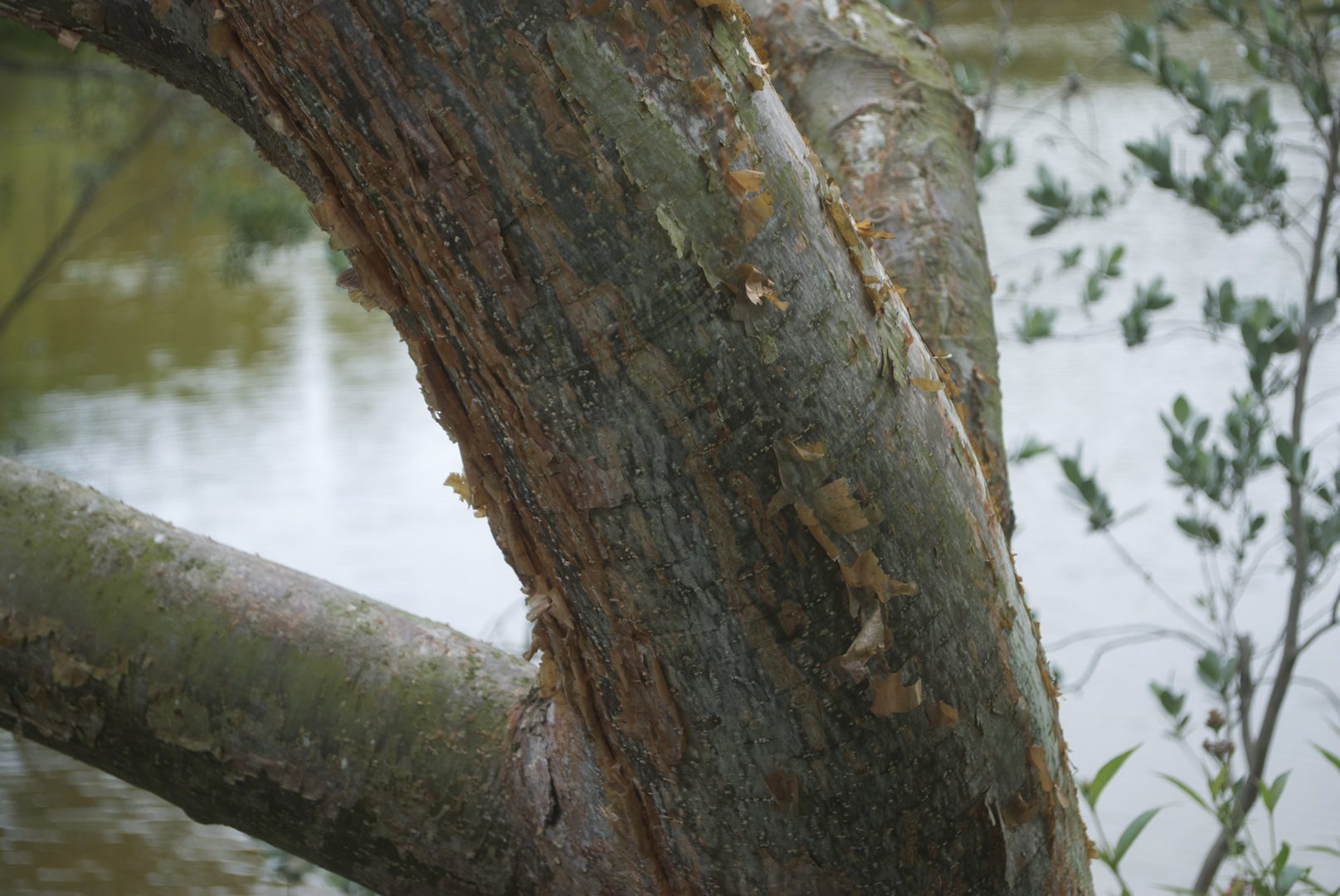
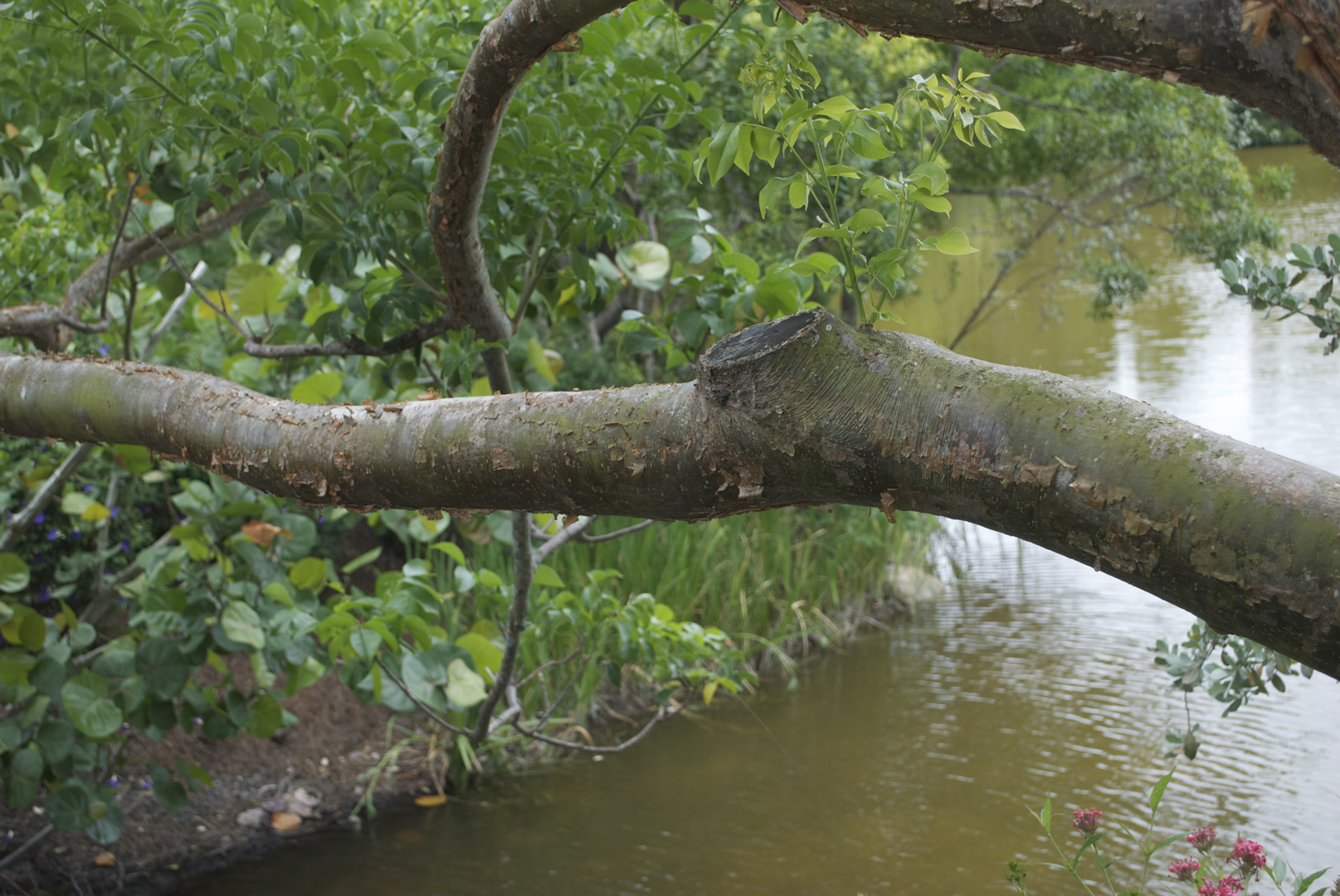
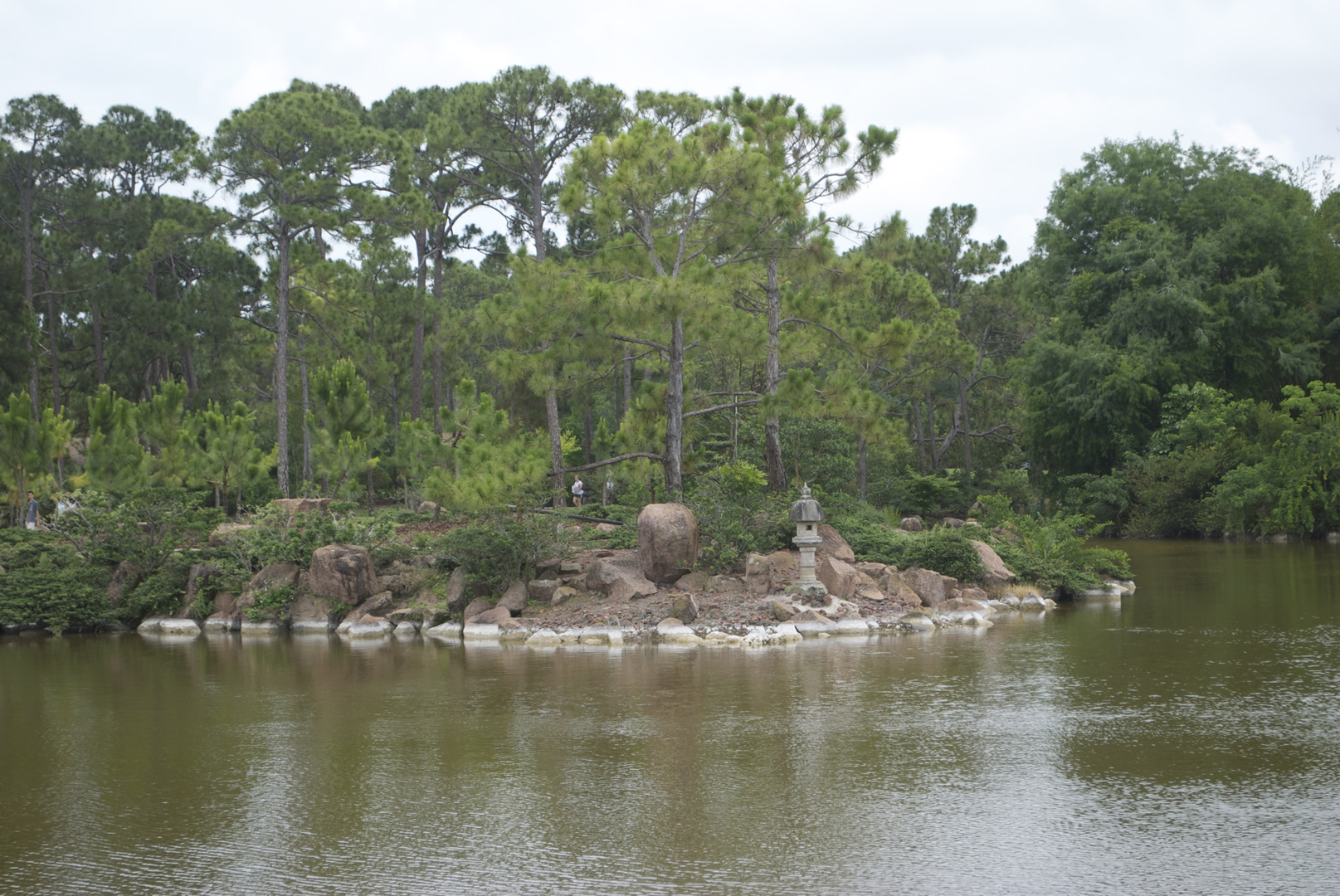
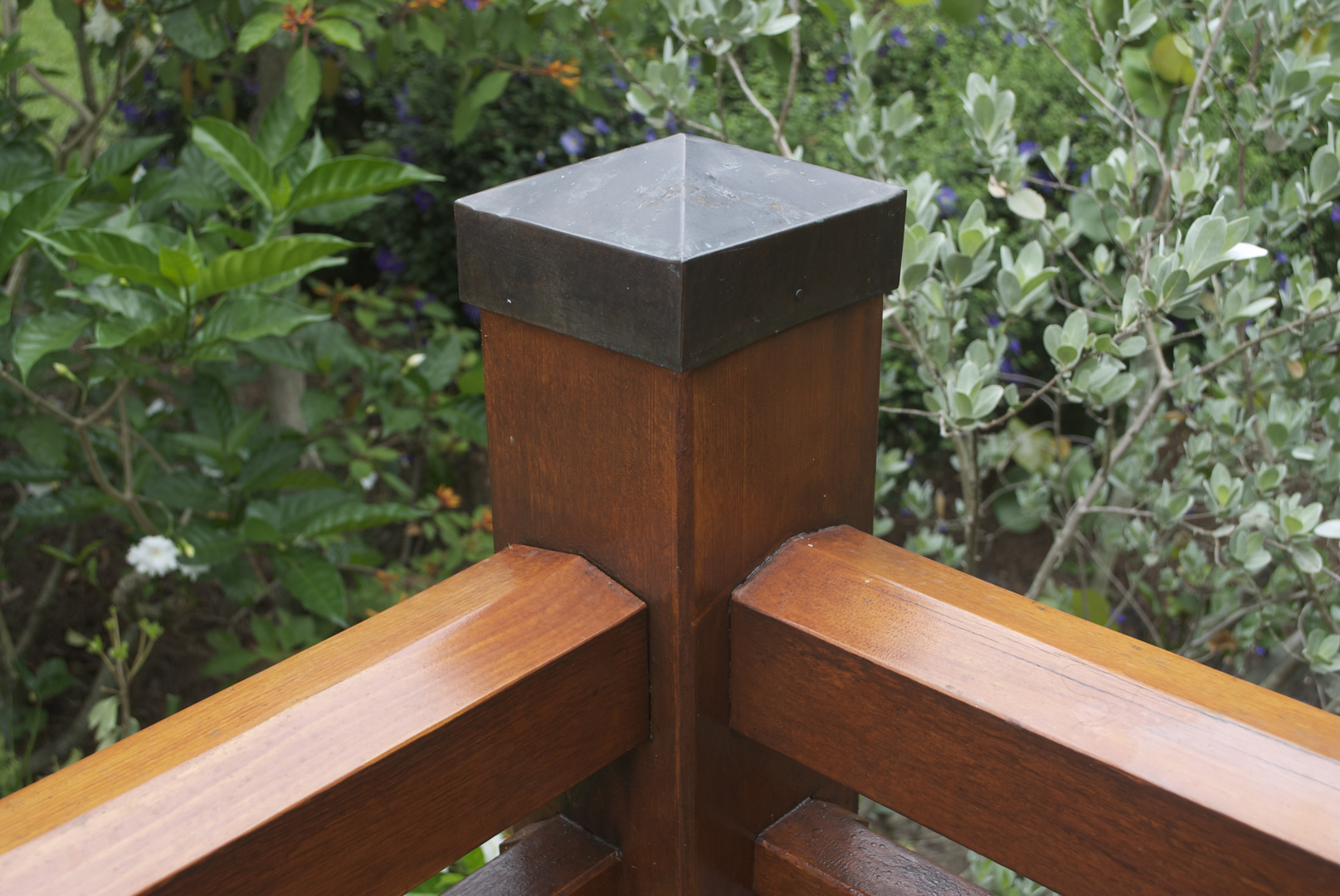
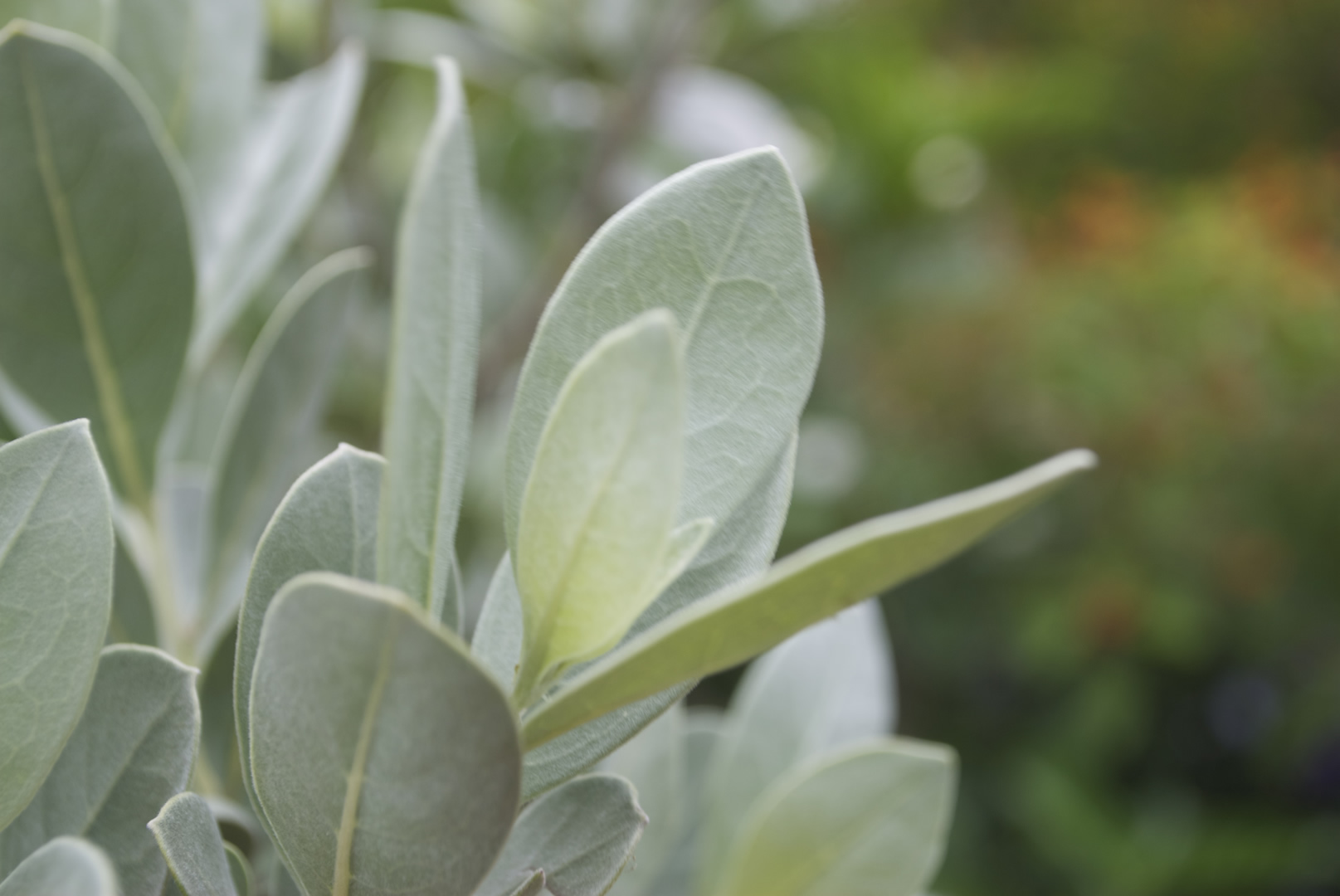
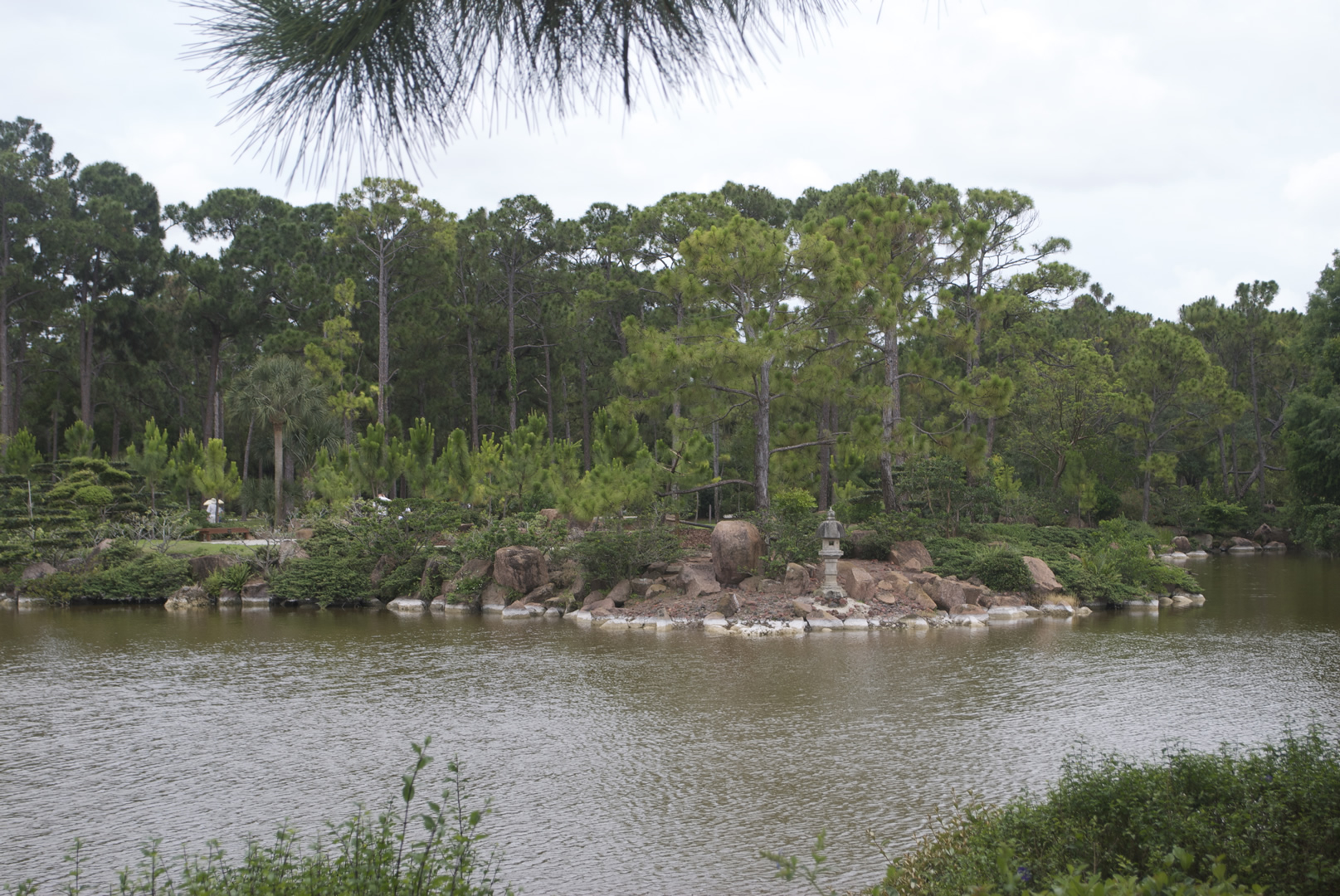
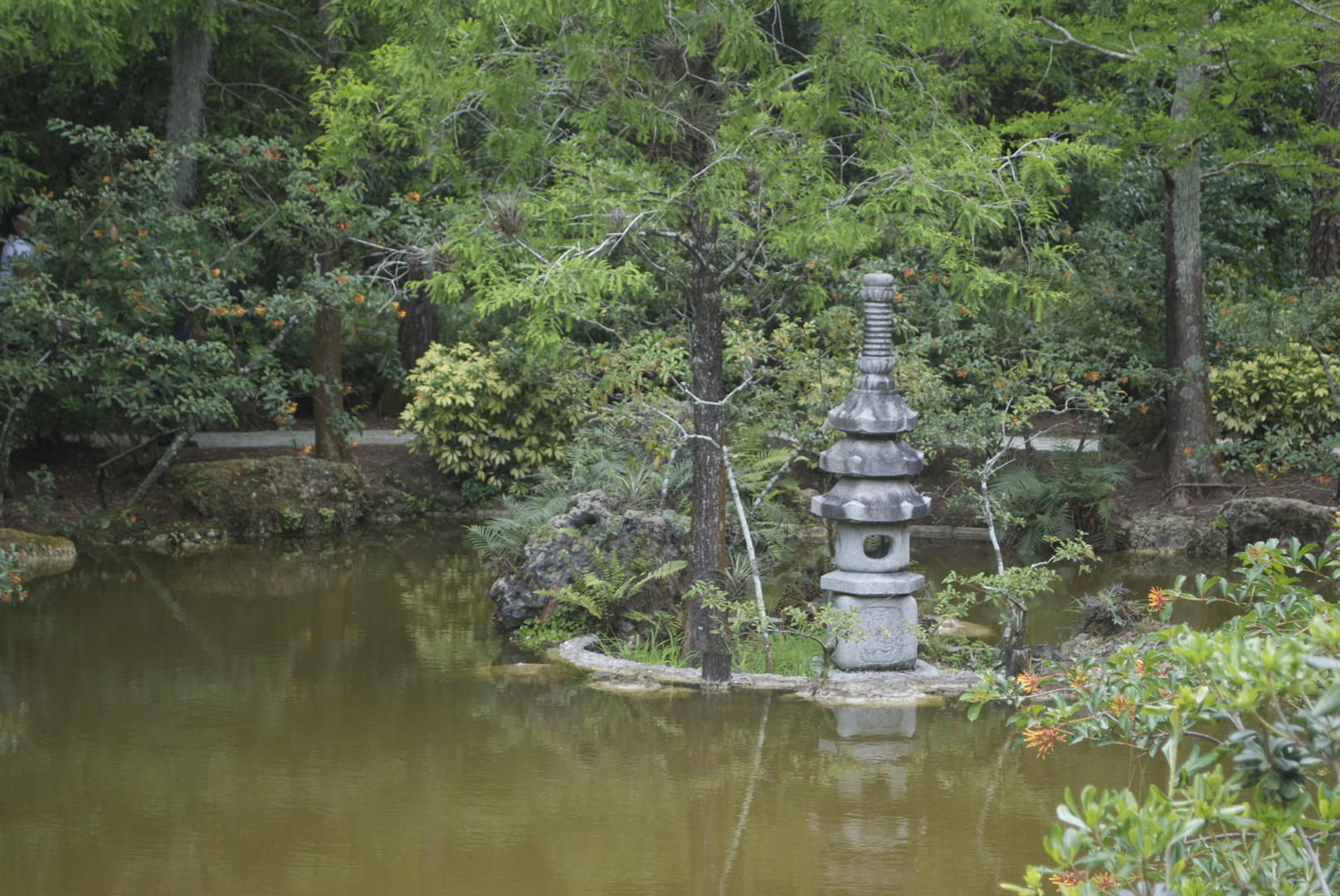
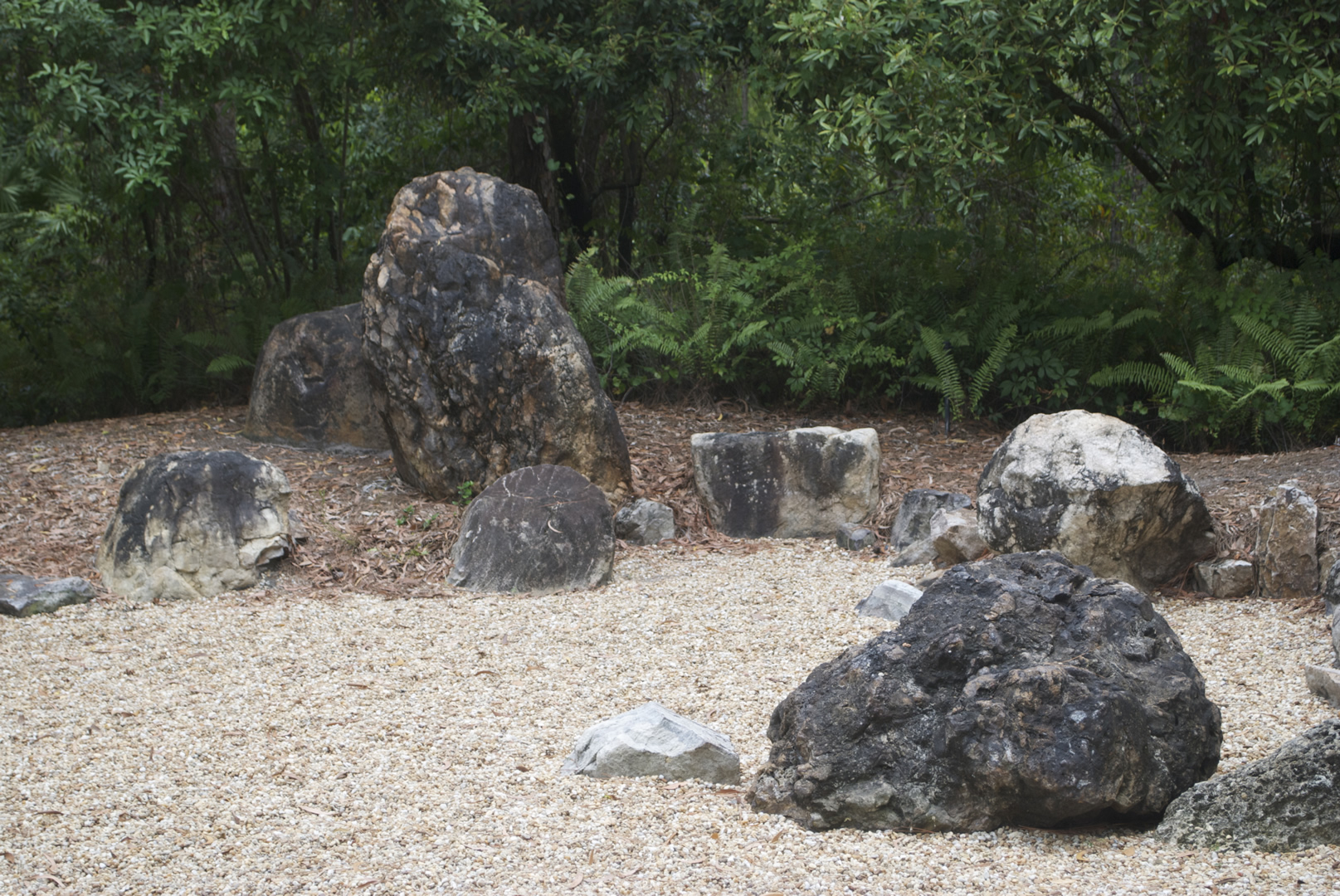
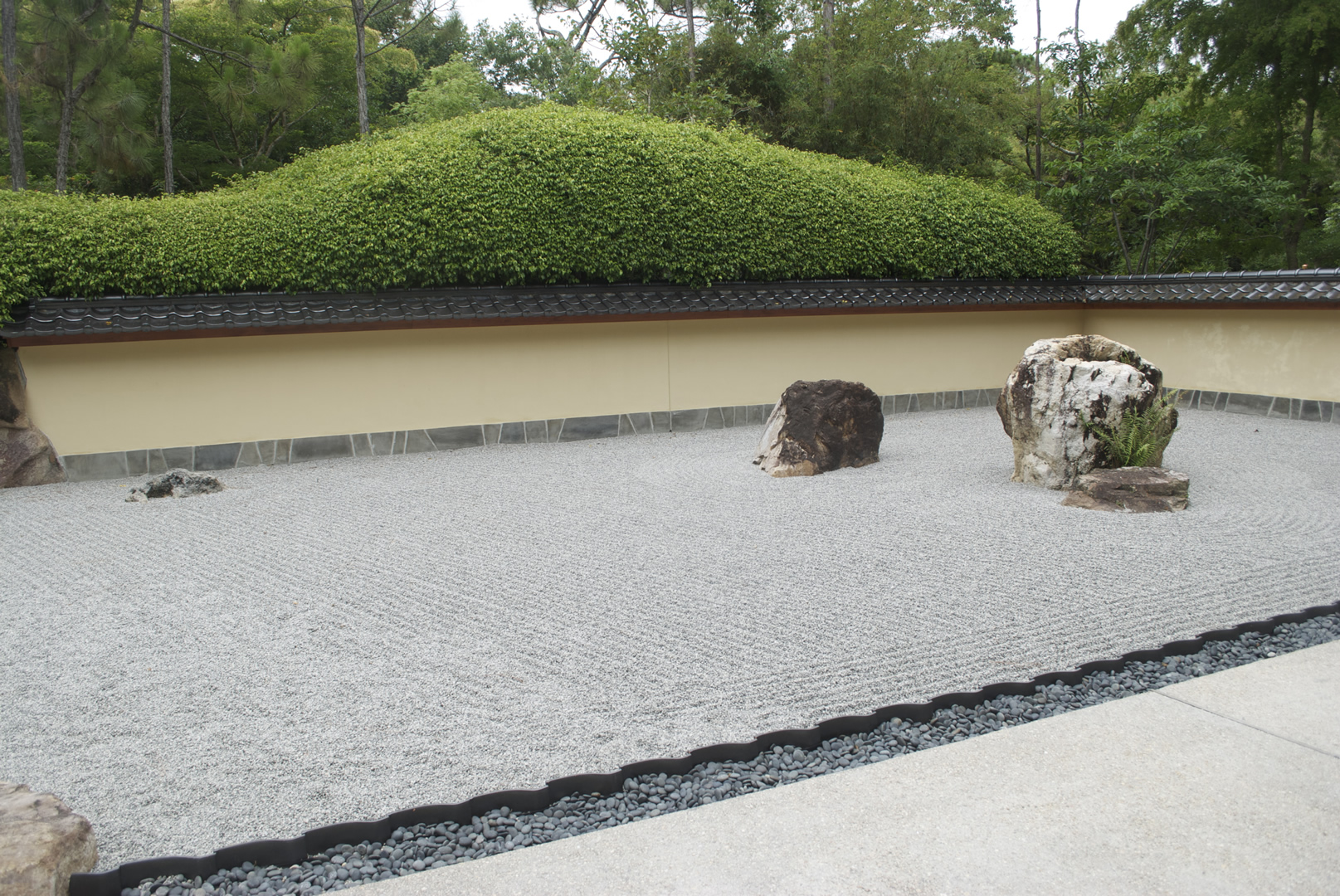
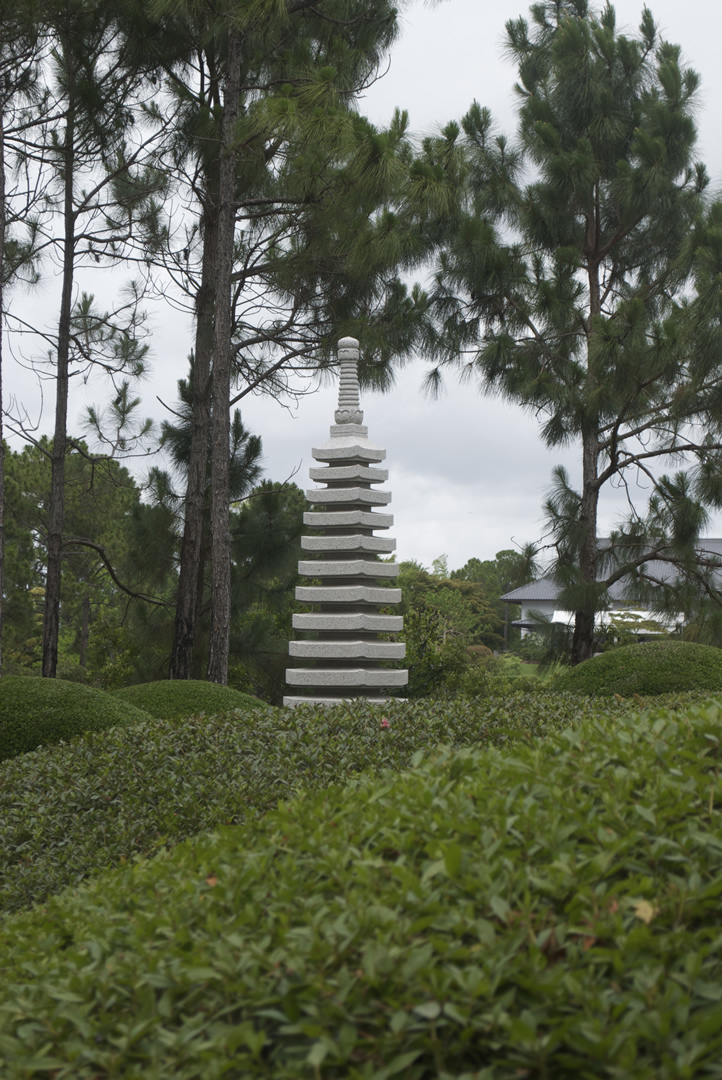
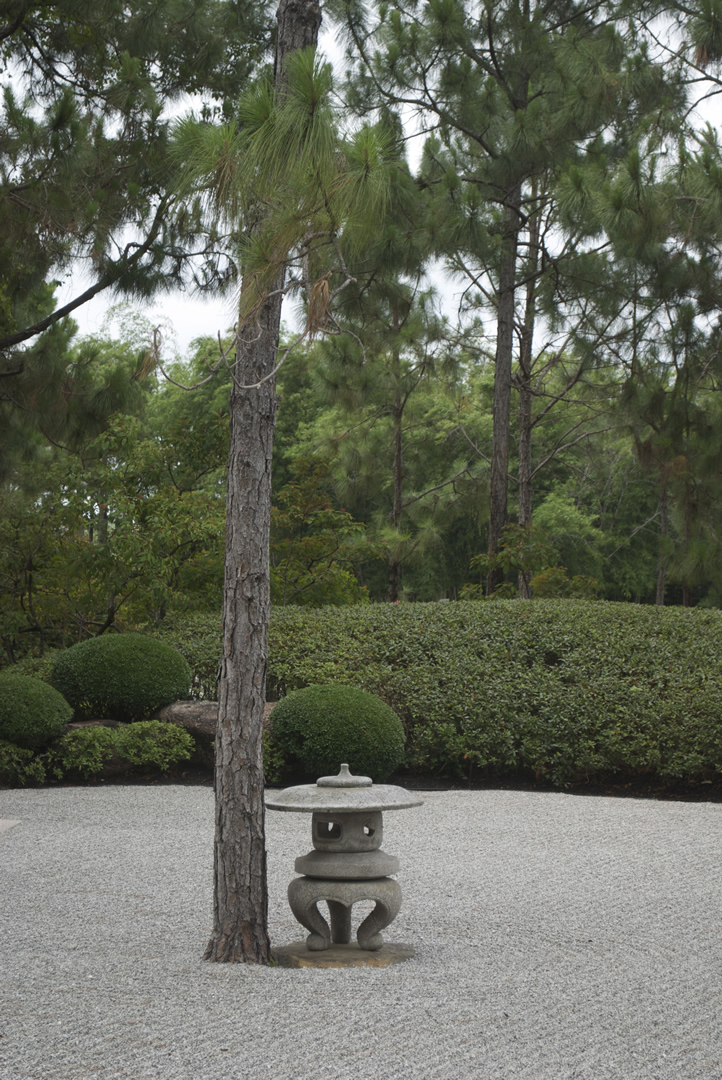
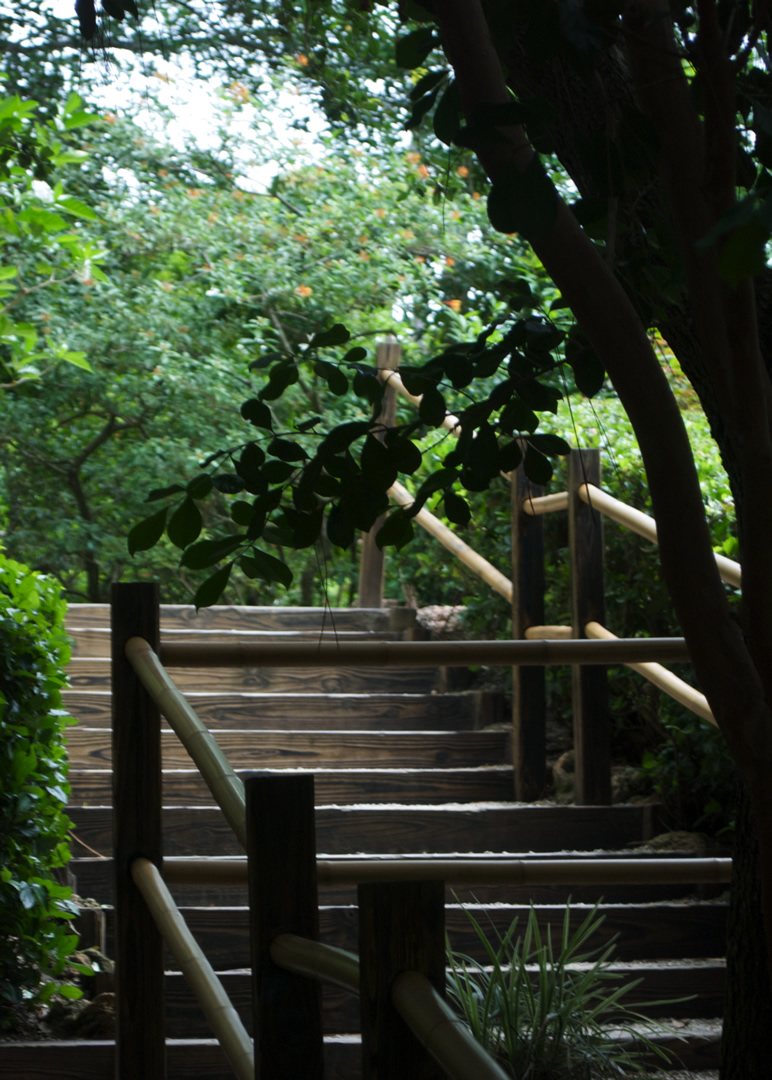
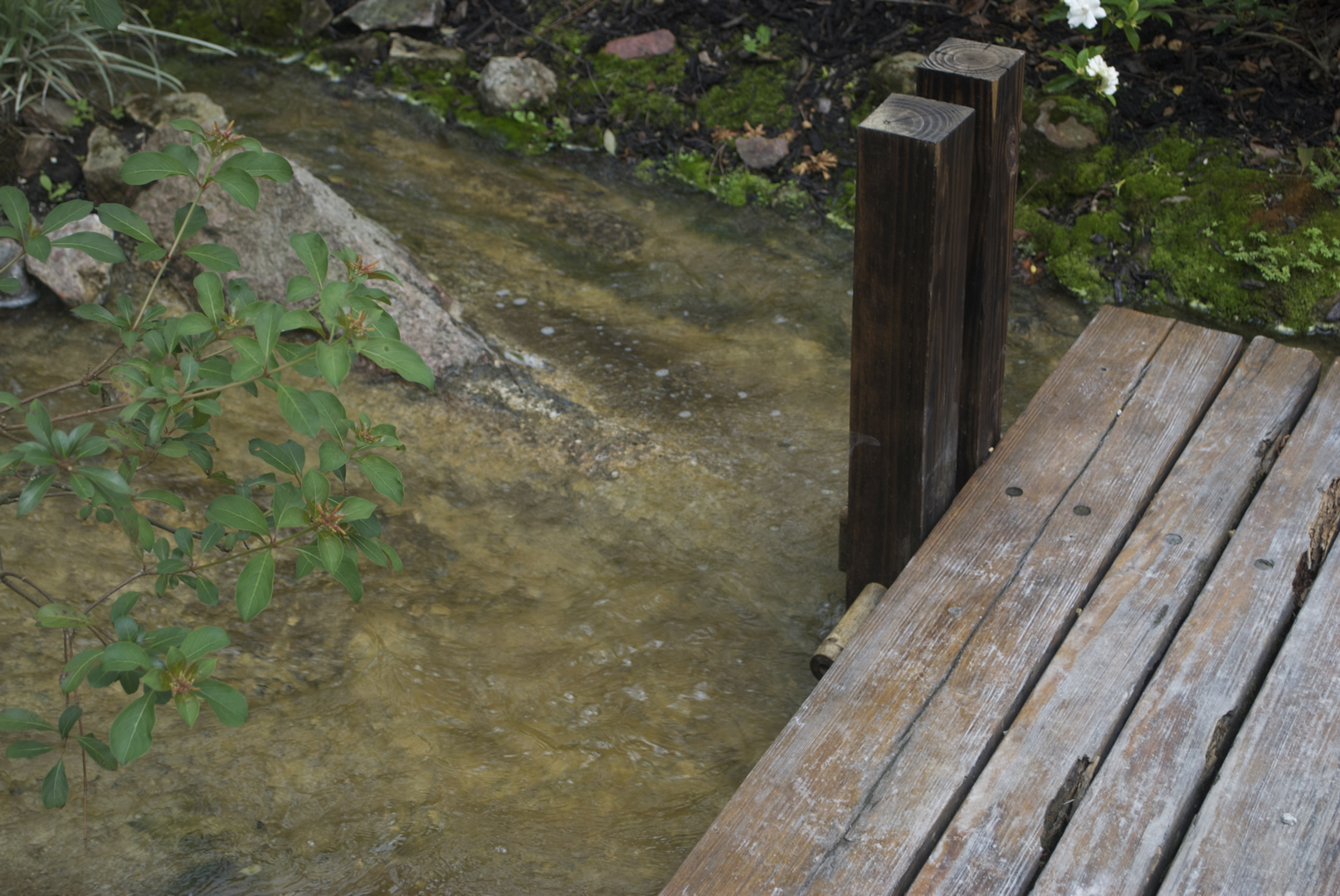
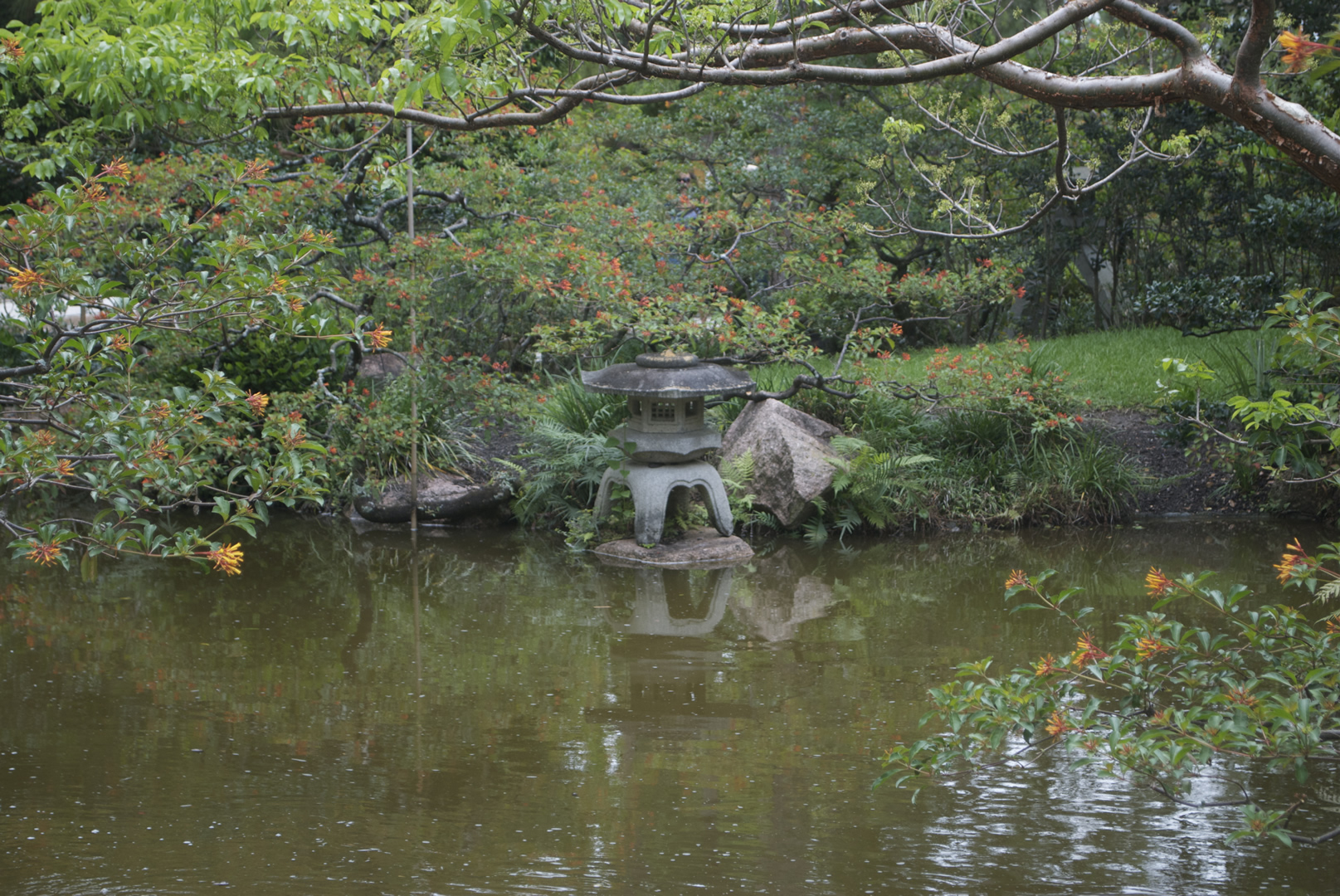
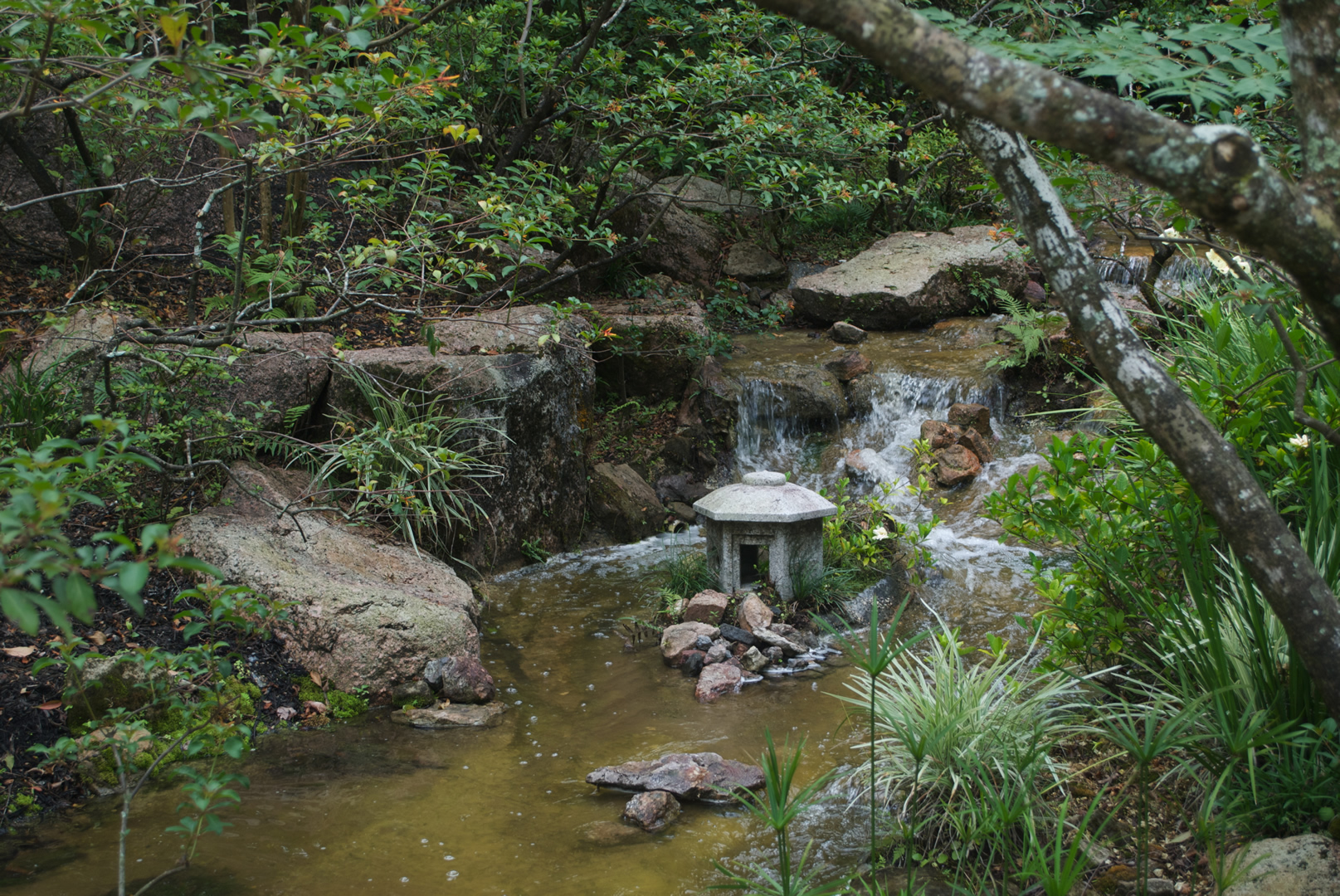
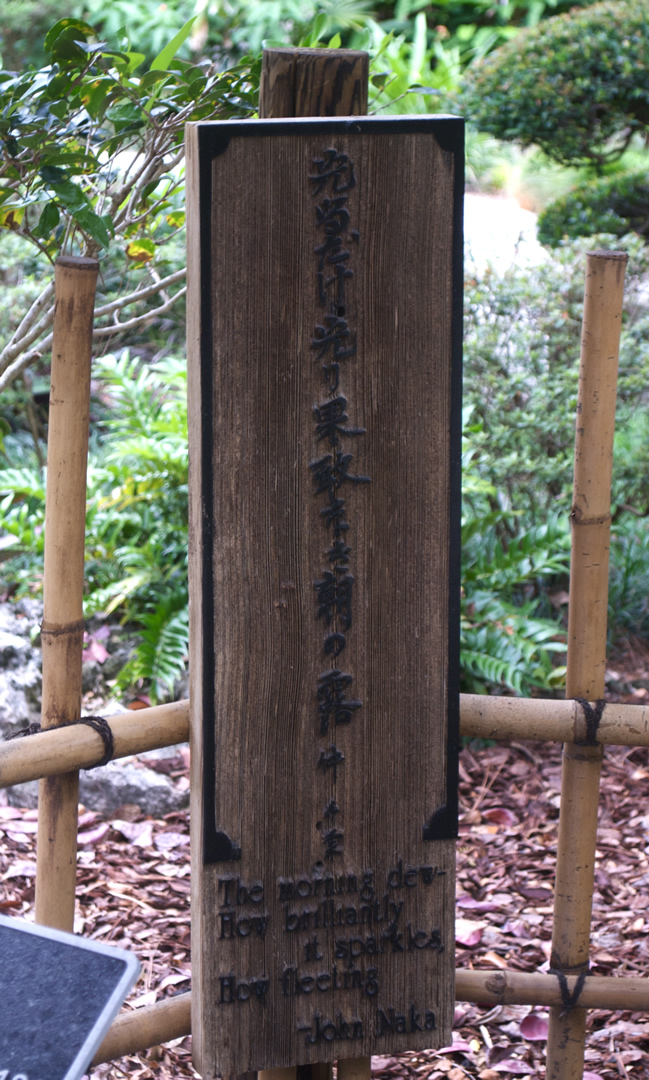
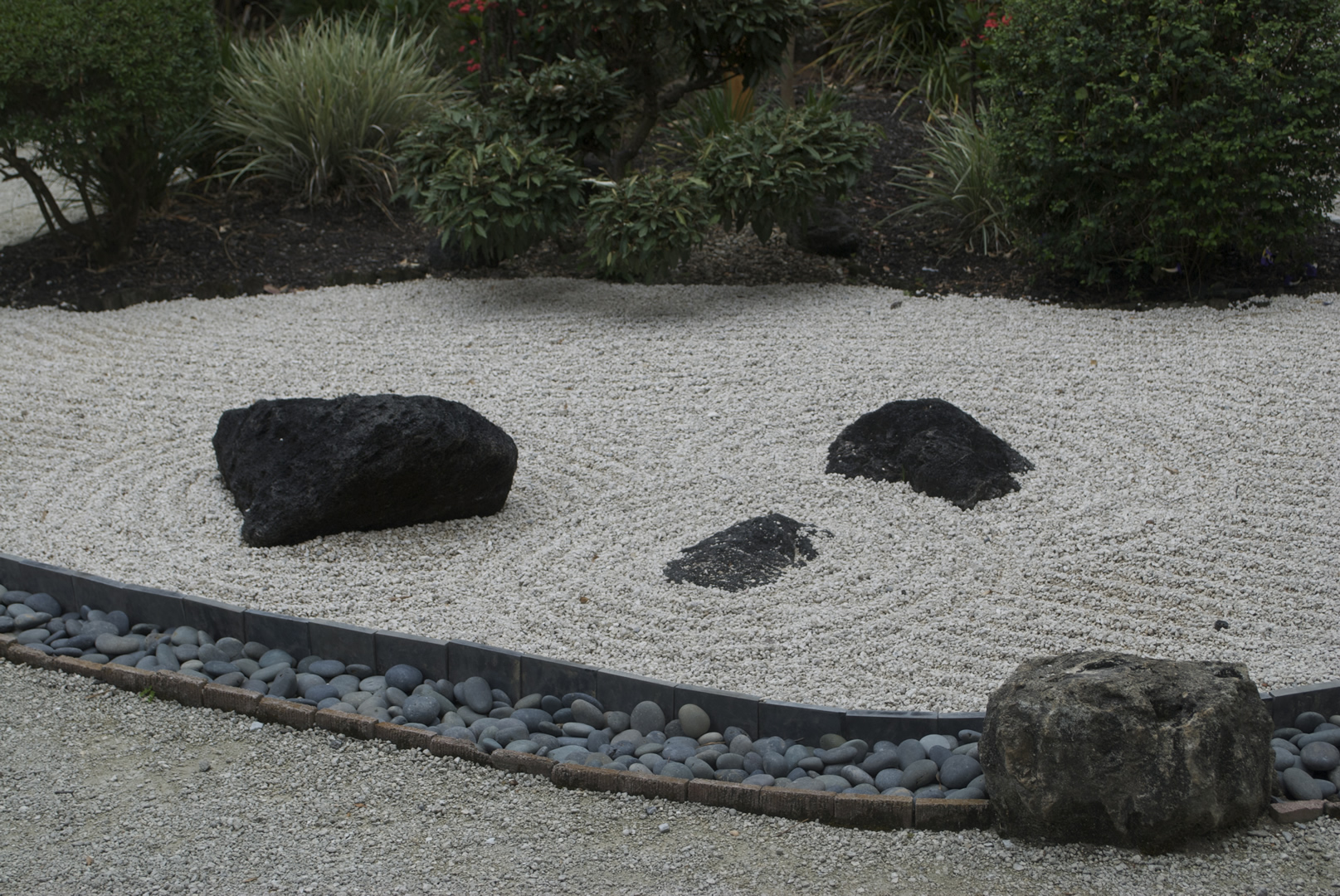
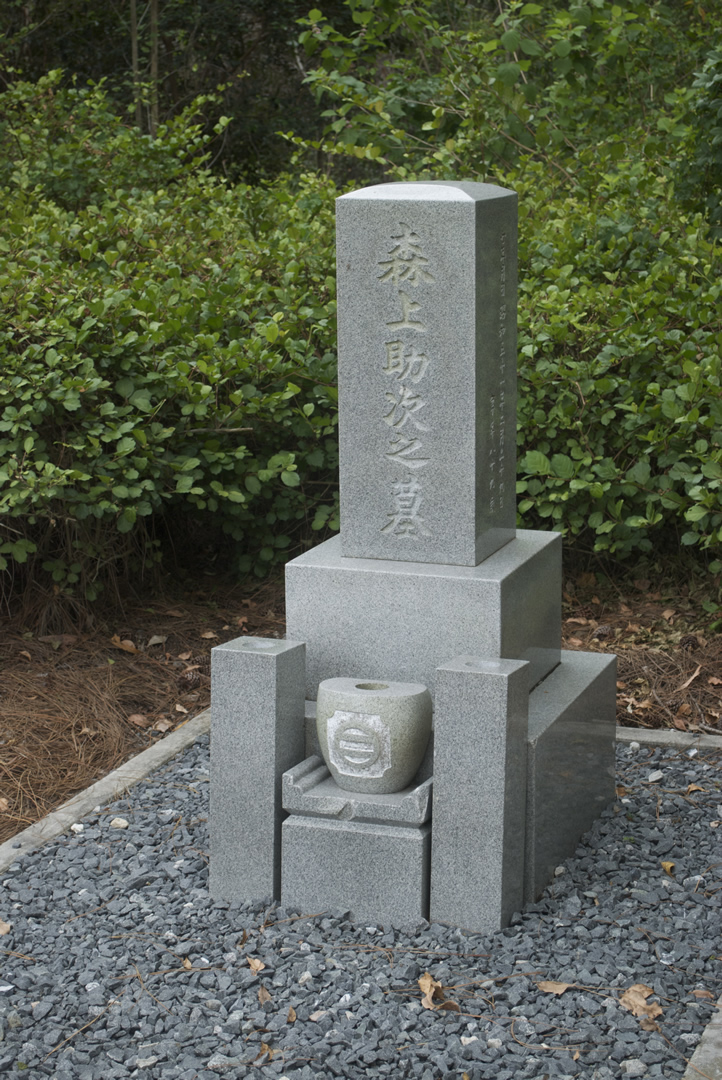
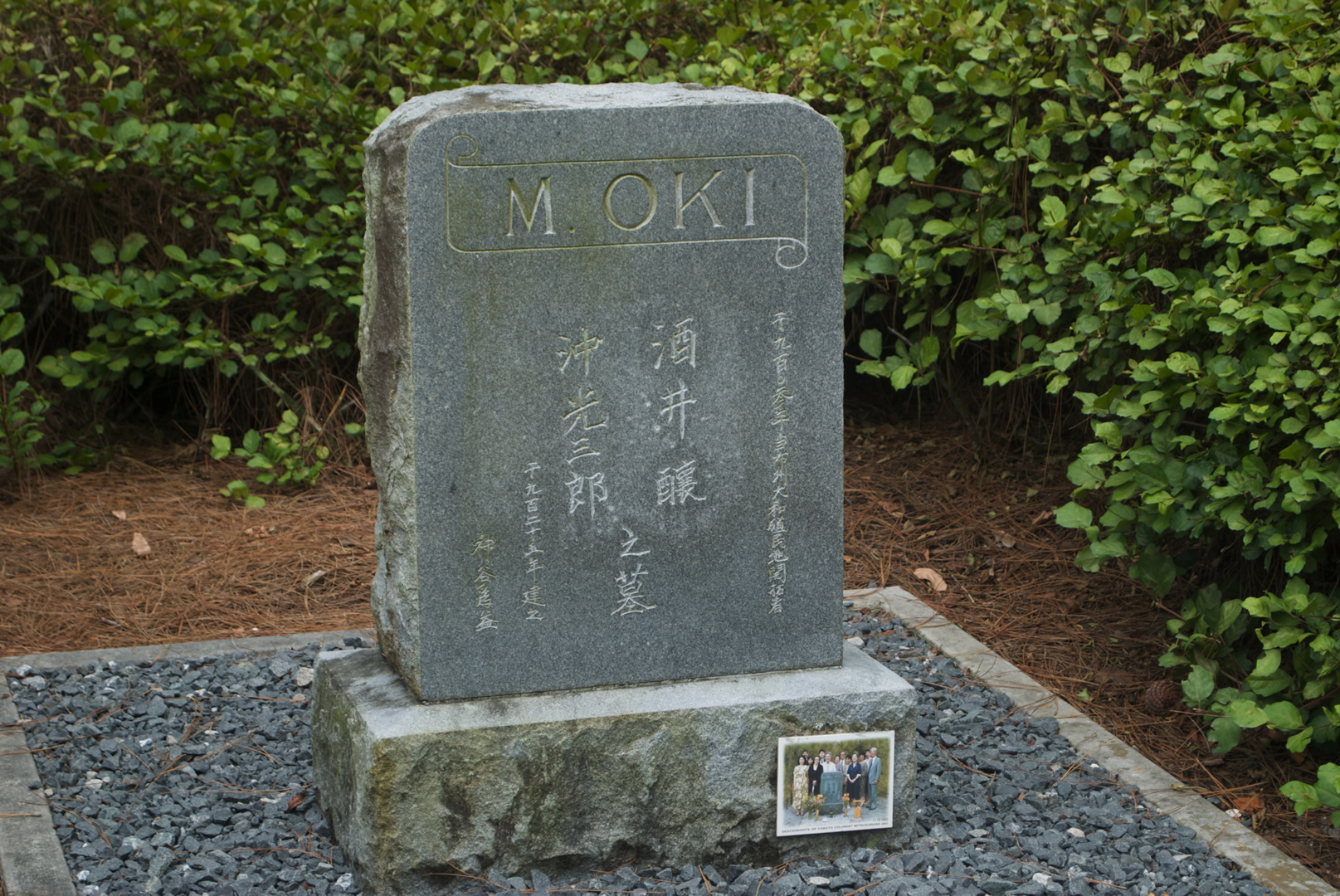
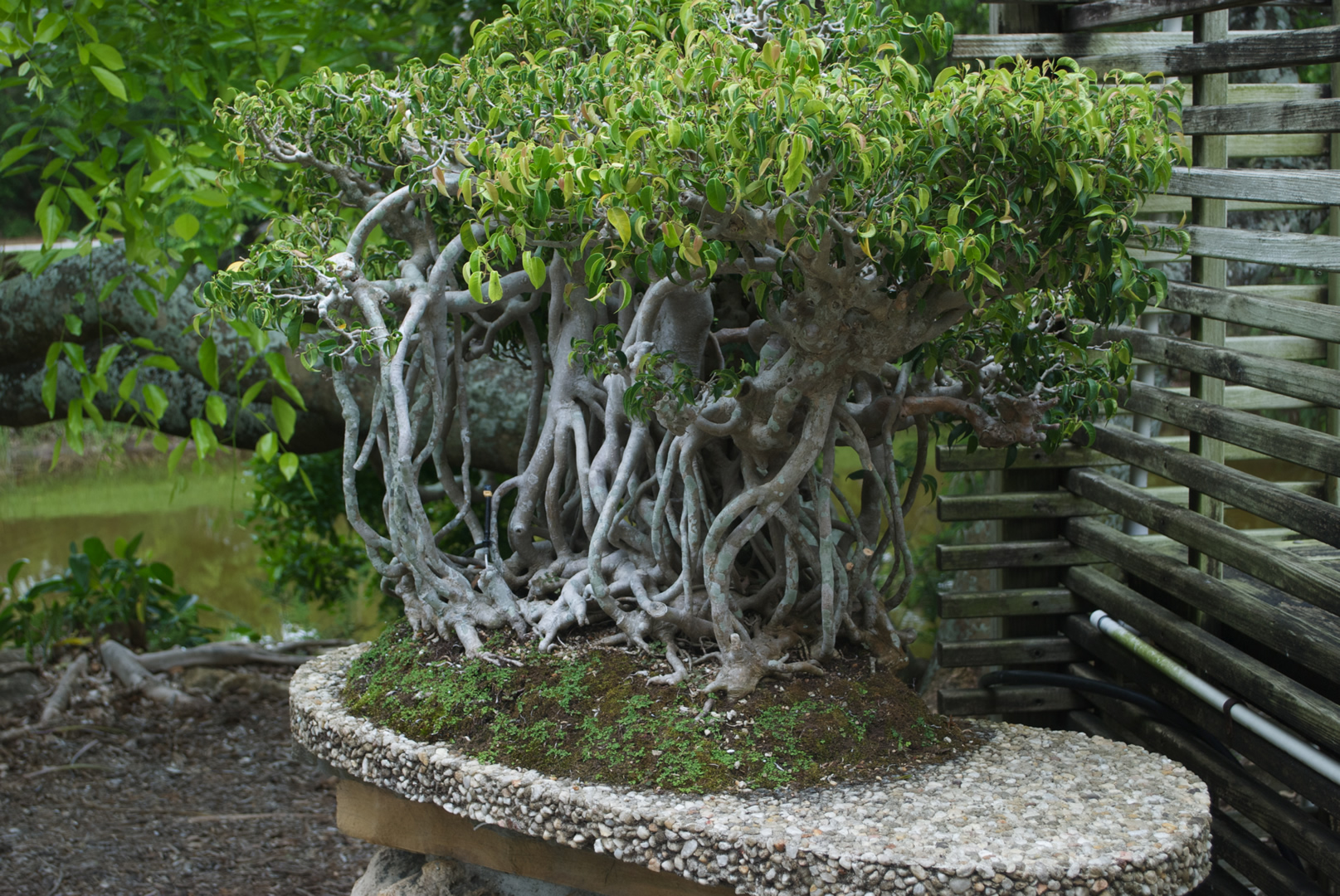
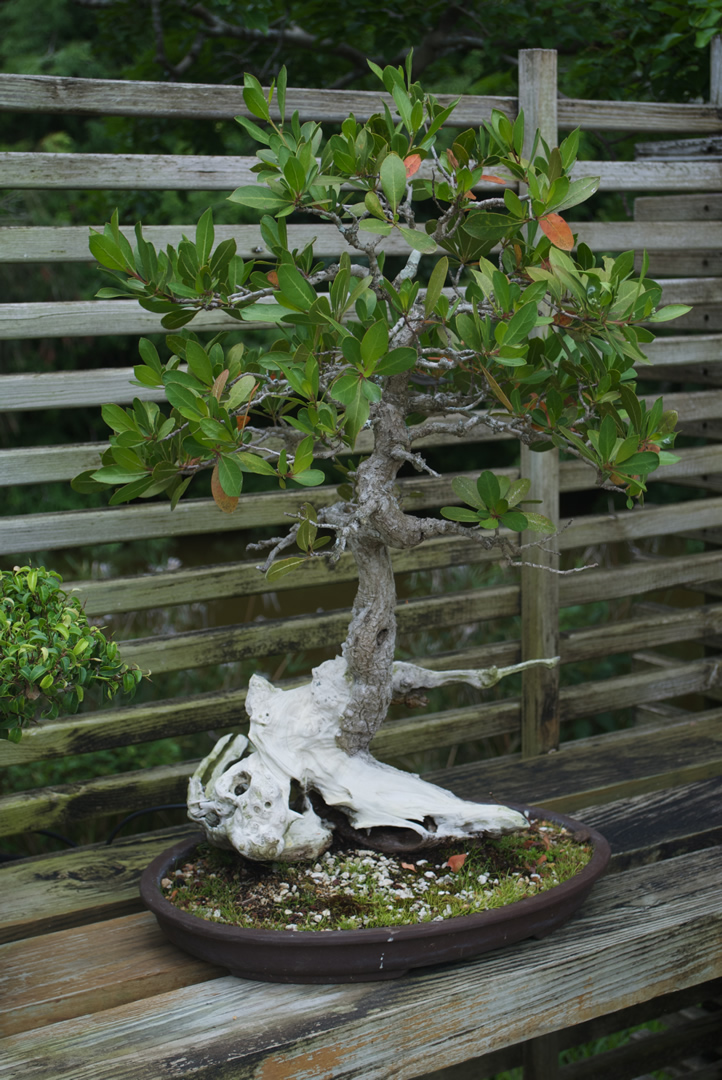
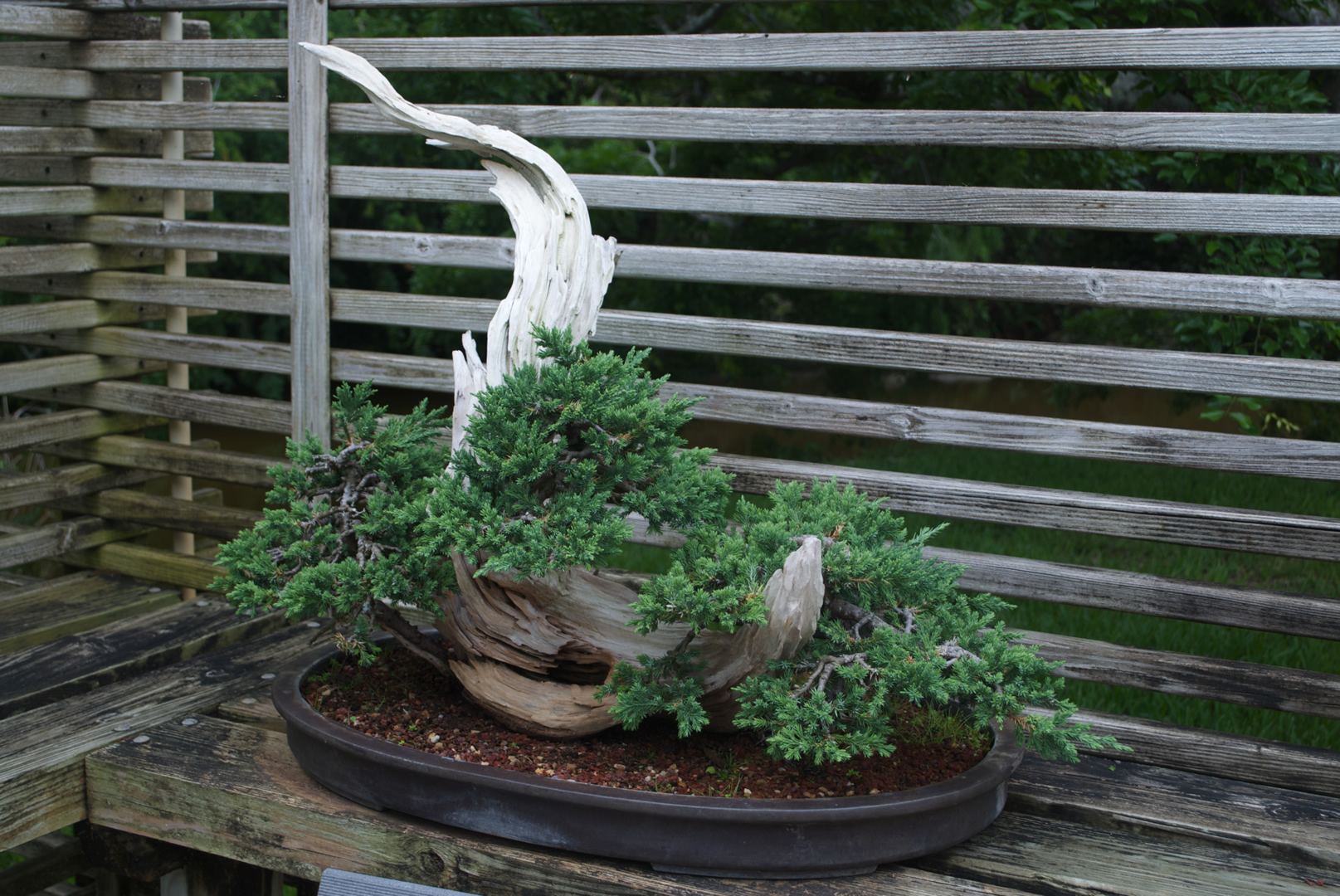
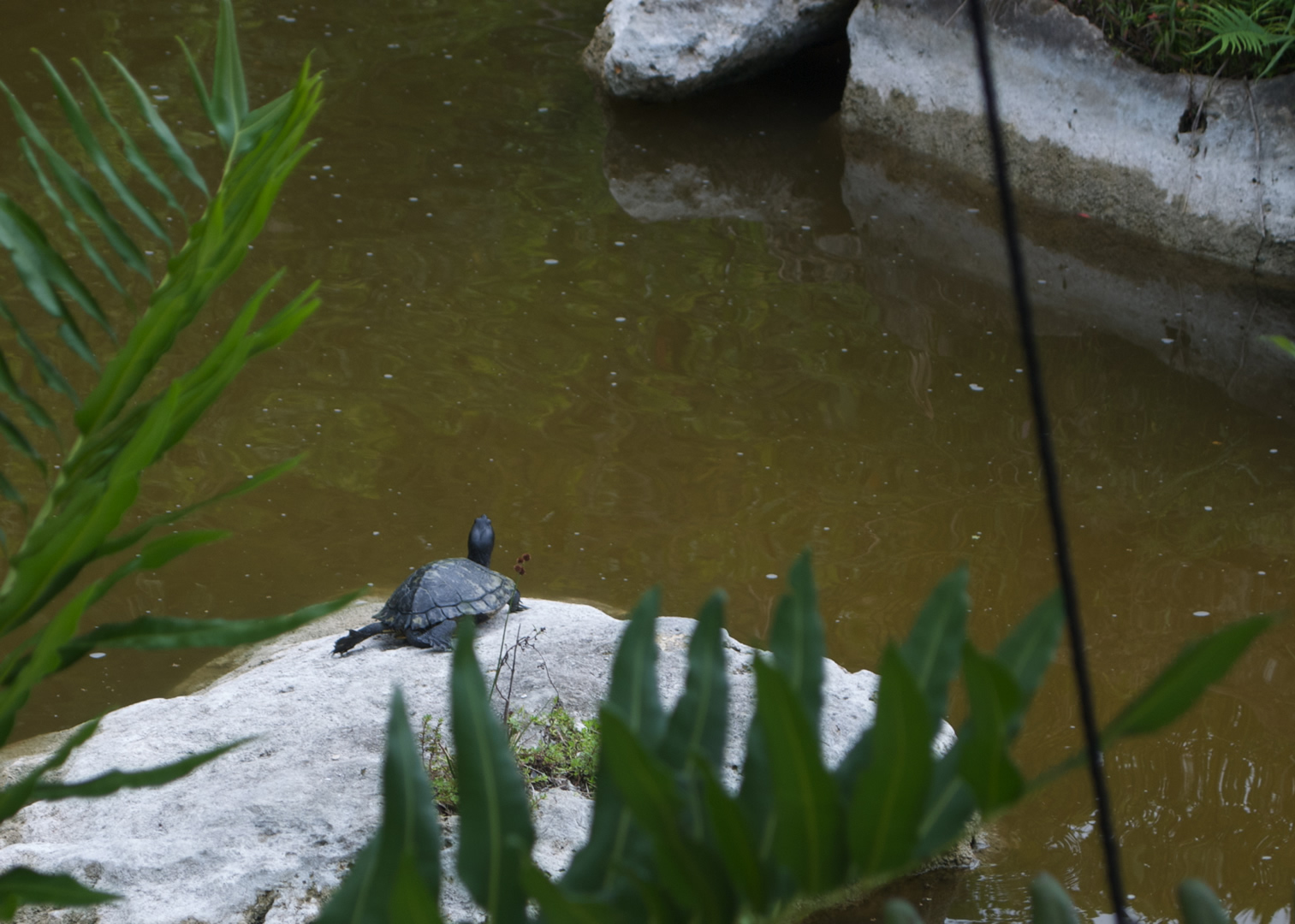
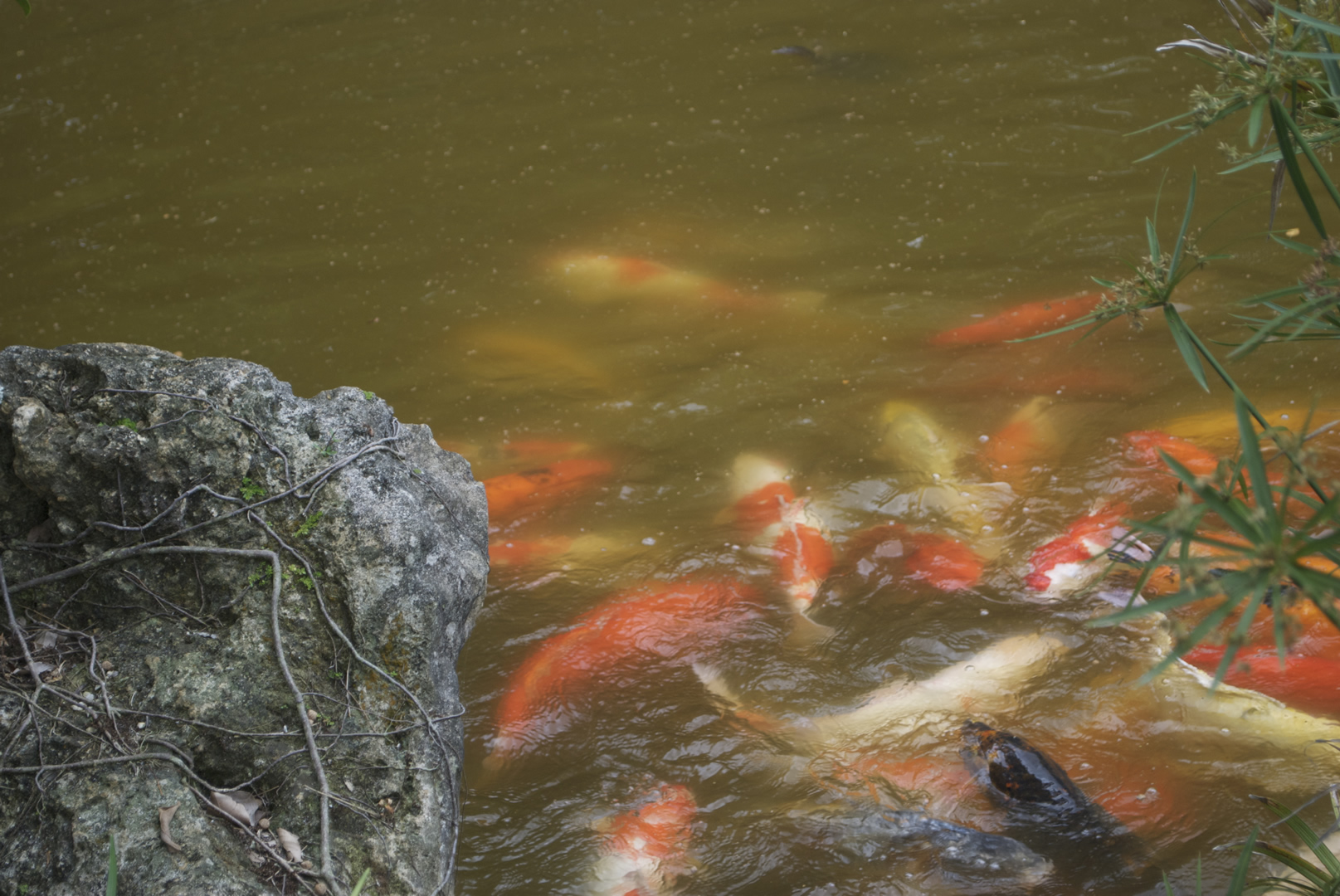
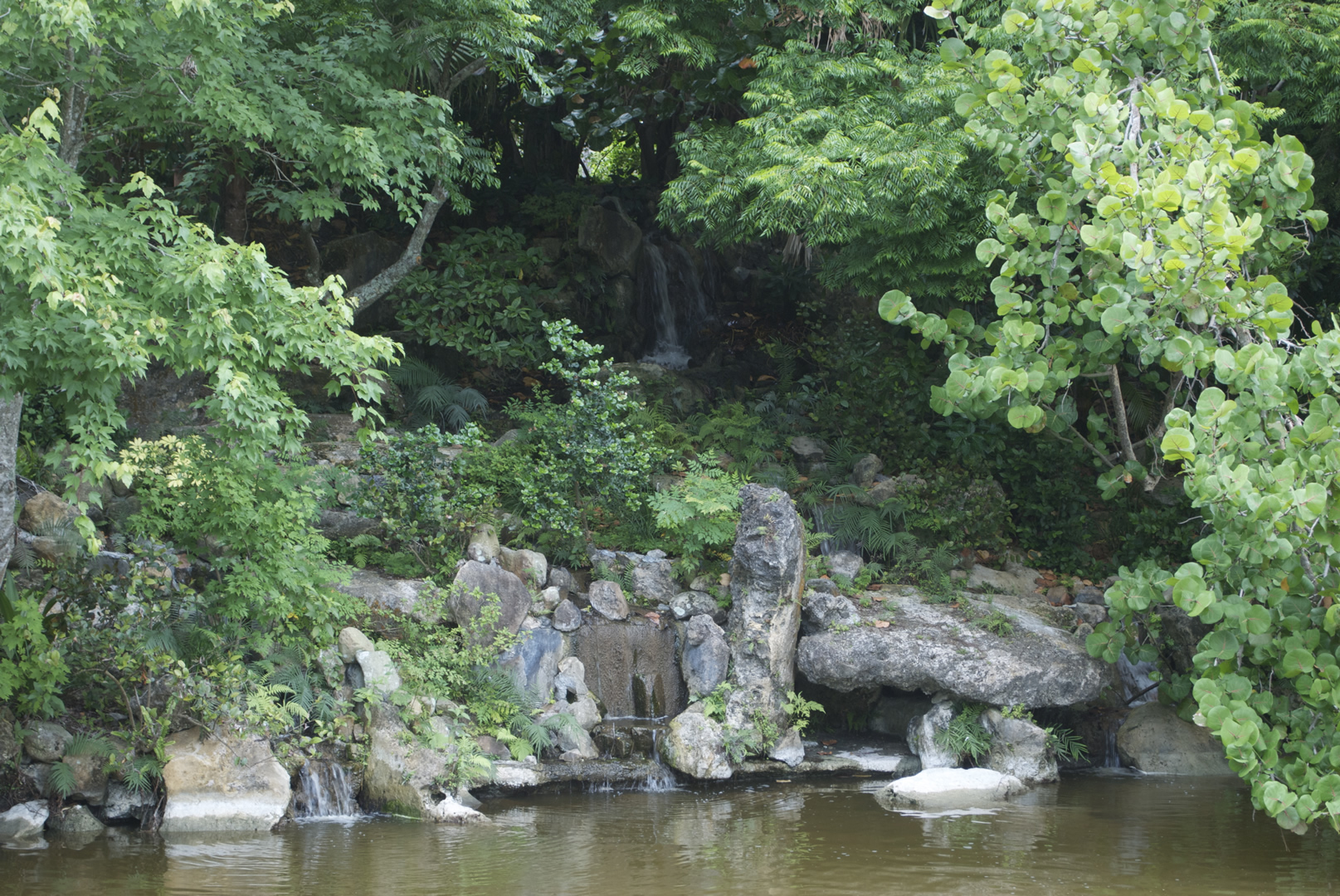
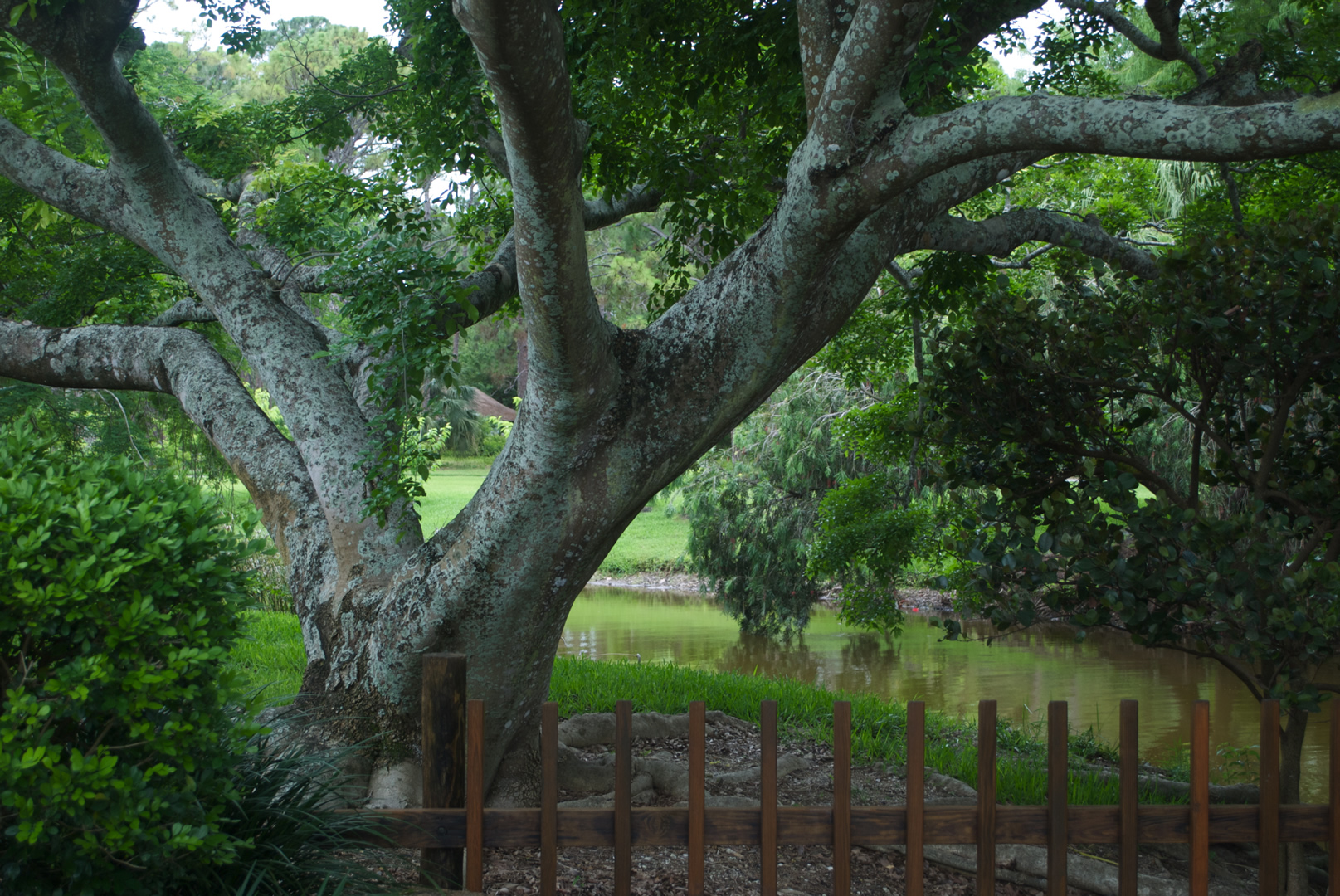
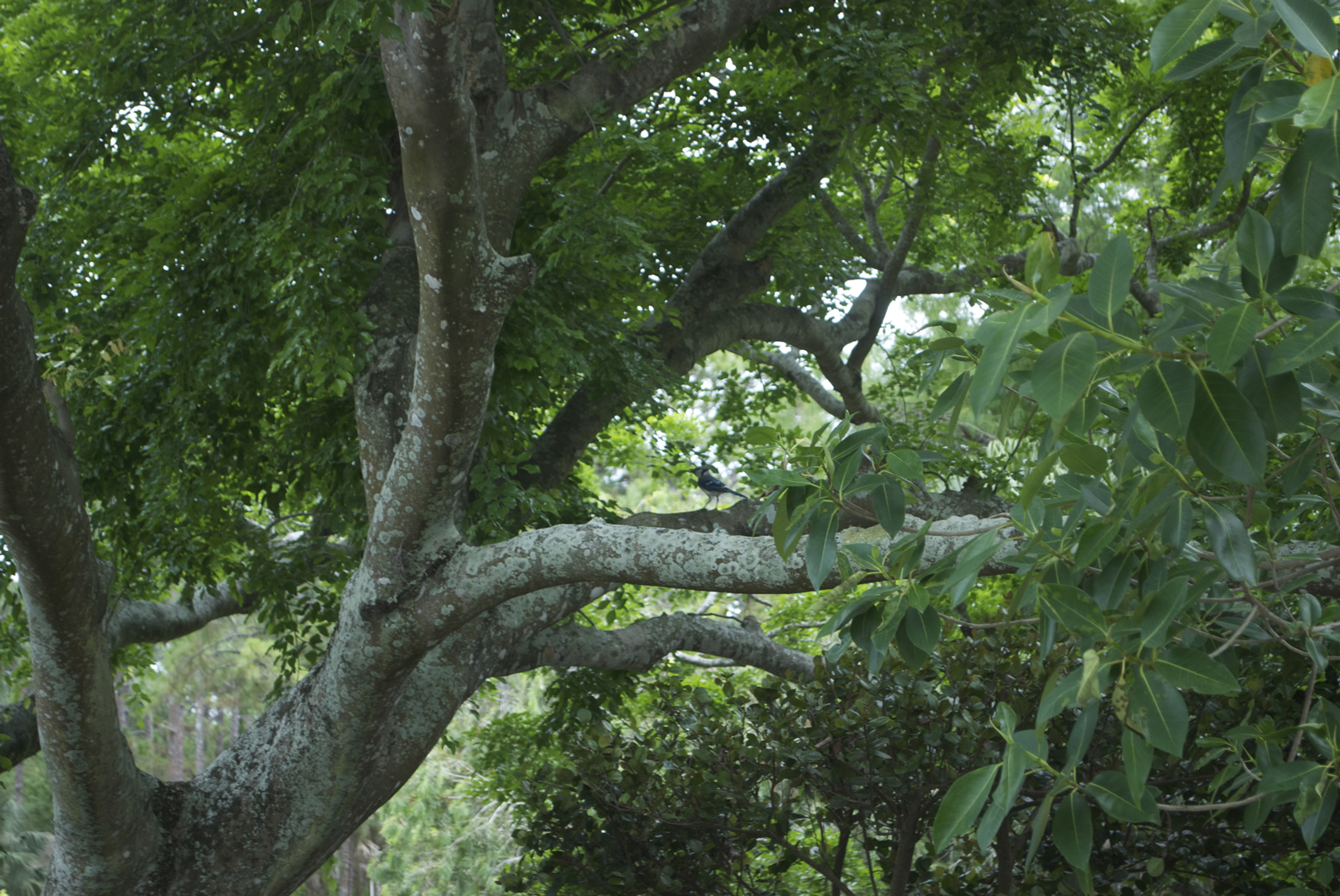
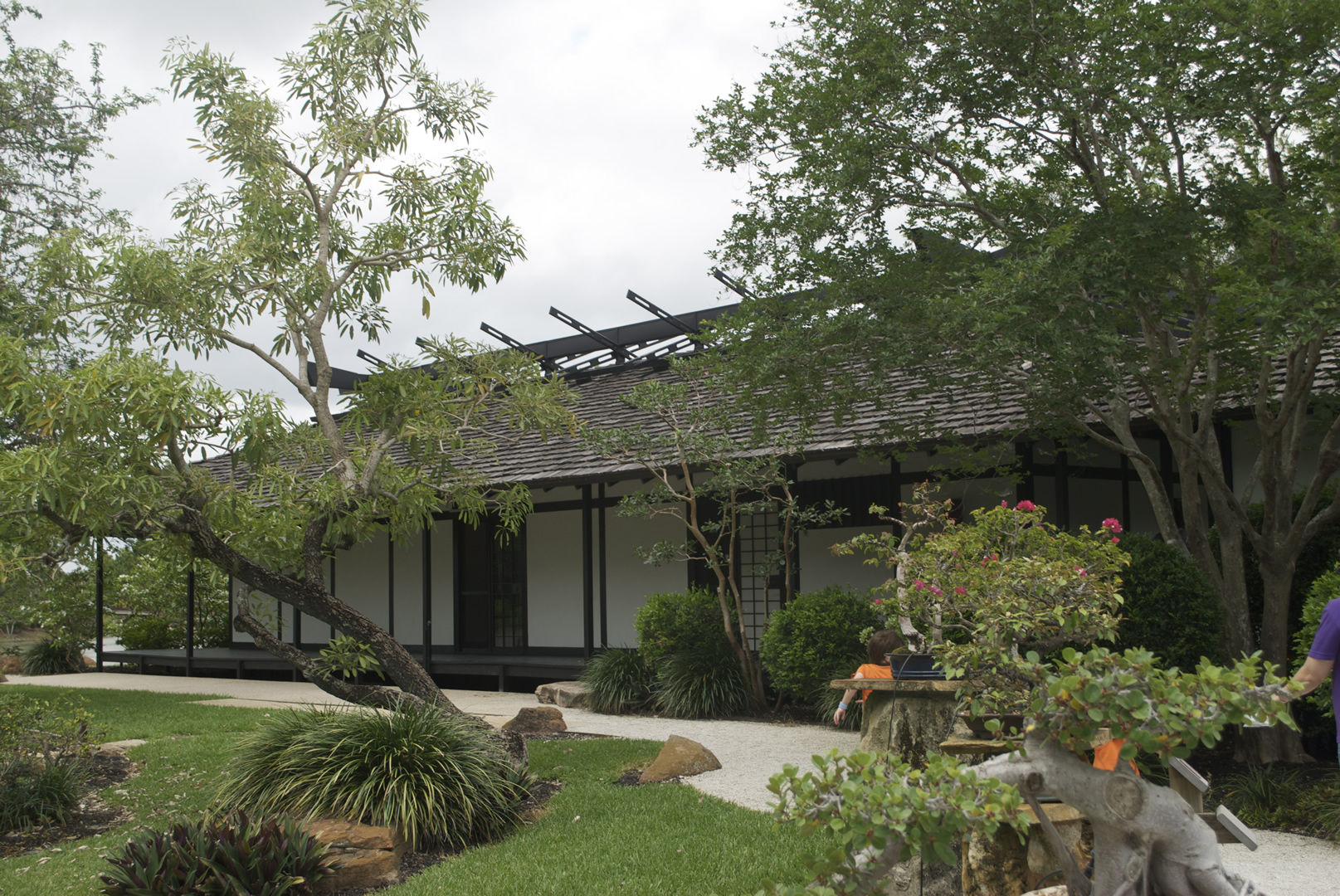
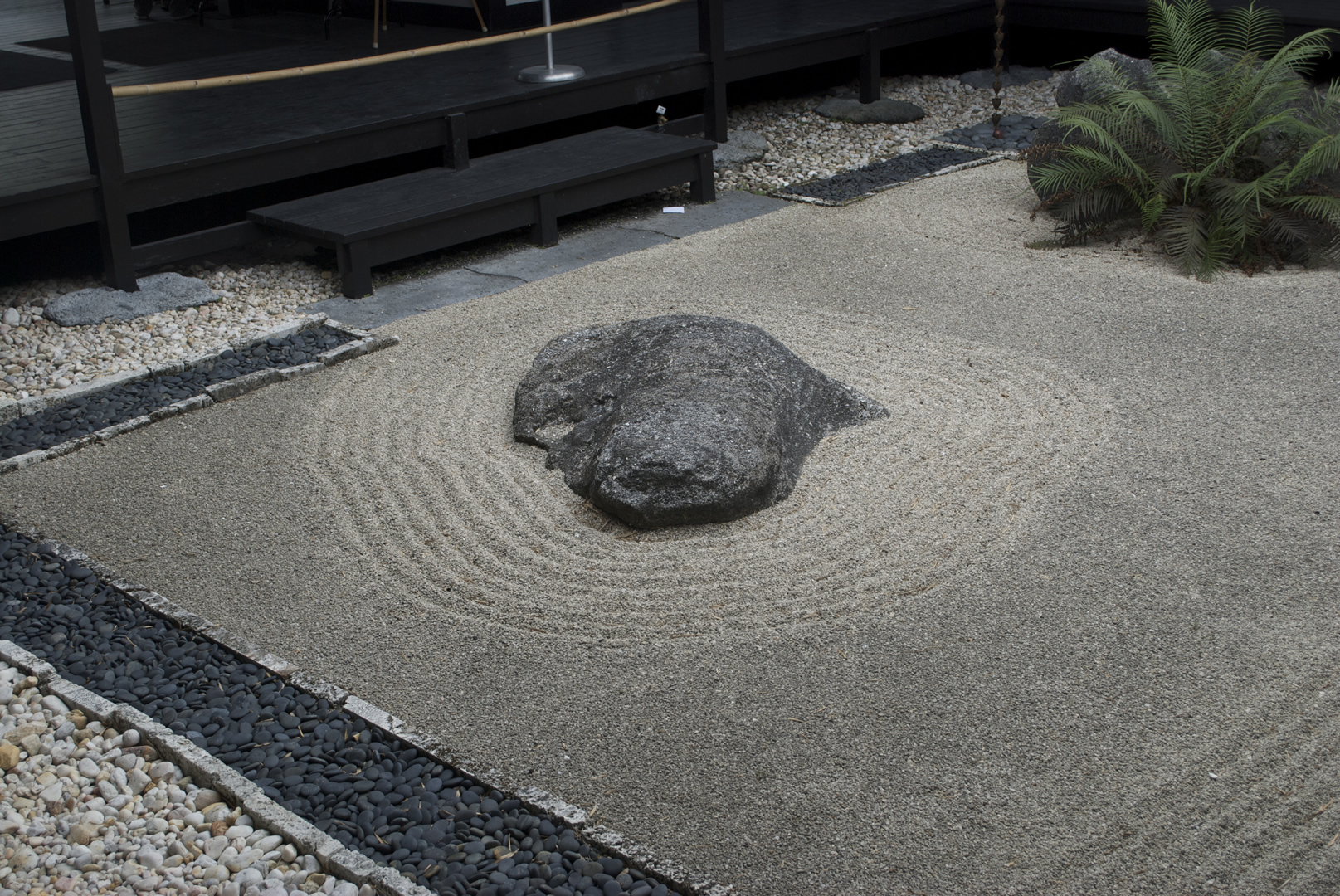
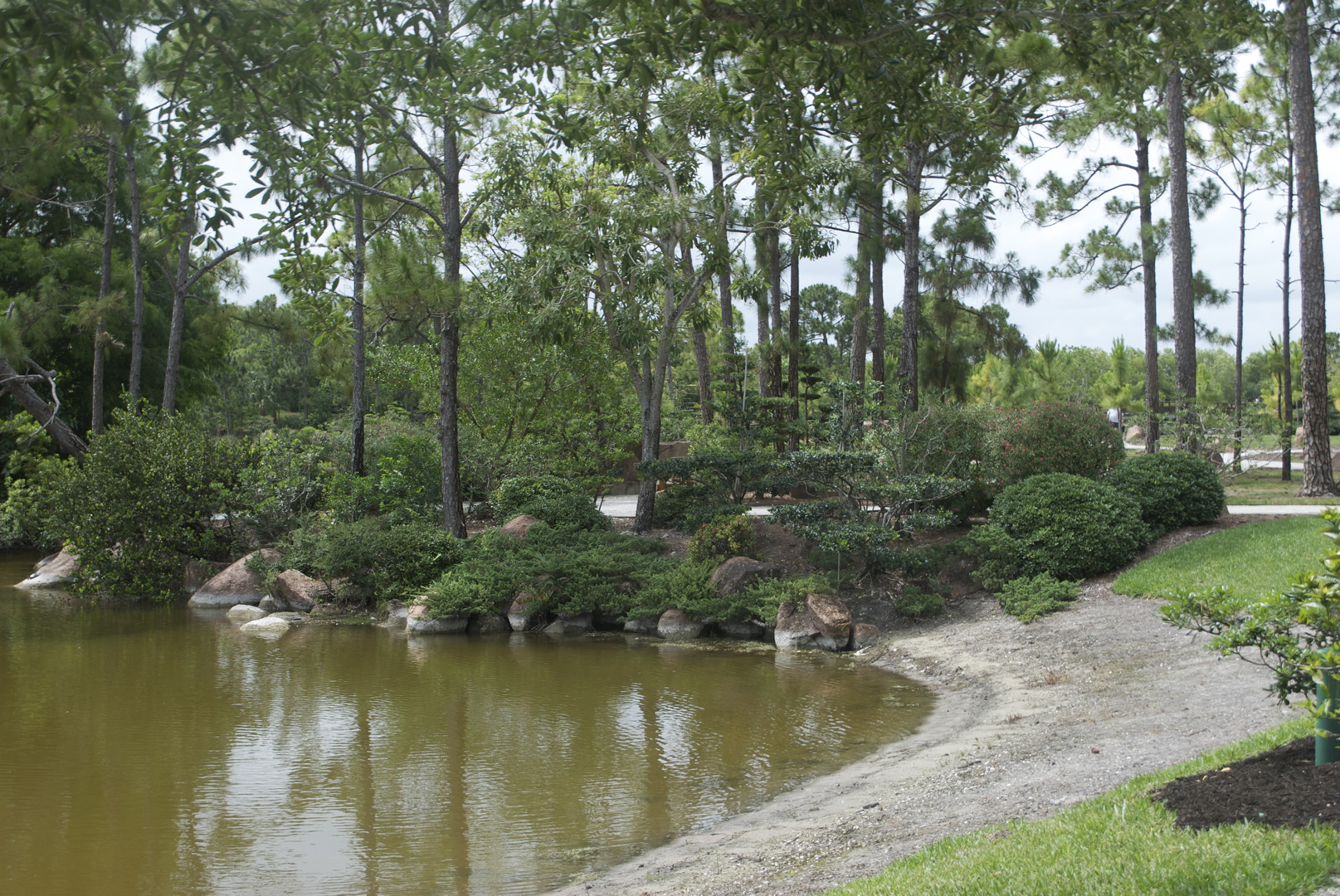
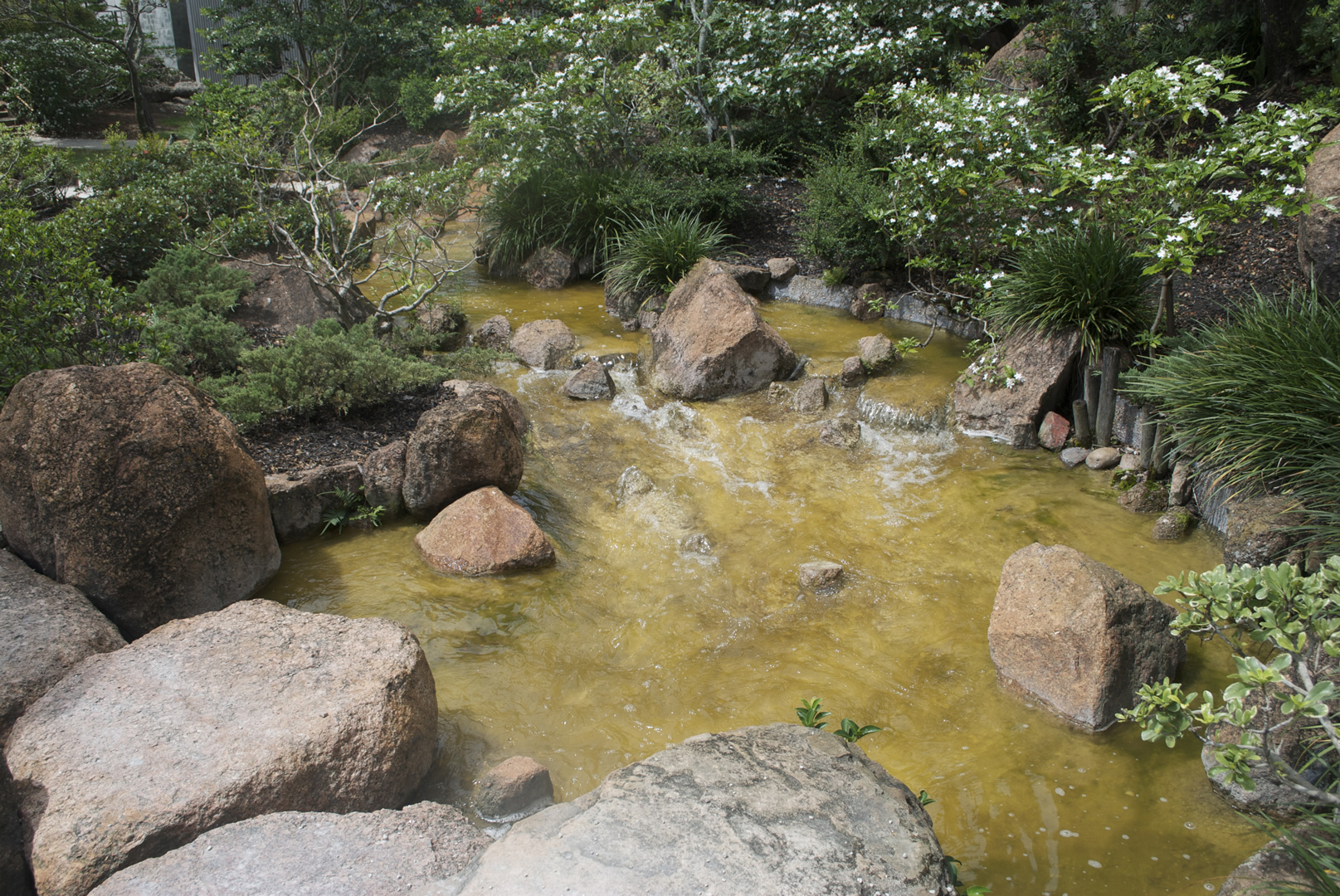
A selection of photos taken over the weekend at the Fairchild and Morikami Gardens.




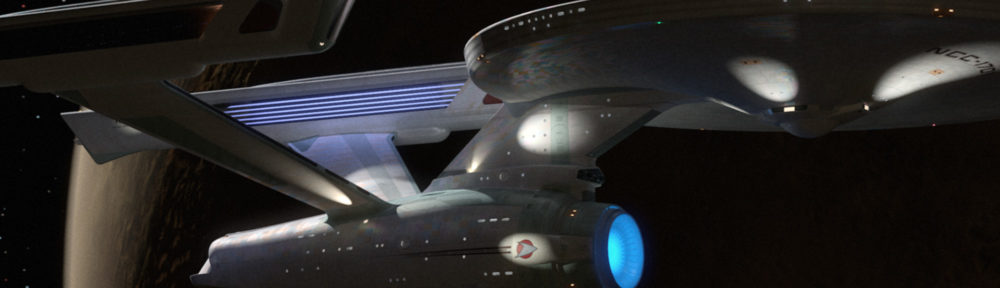
Just a quick refit-Enterprise beauty shot
(I just realized writing the topic, I really can’t call this ship “the movie Enterprise” anymore)
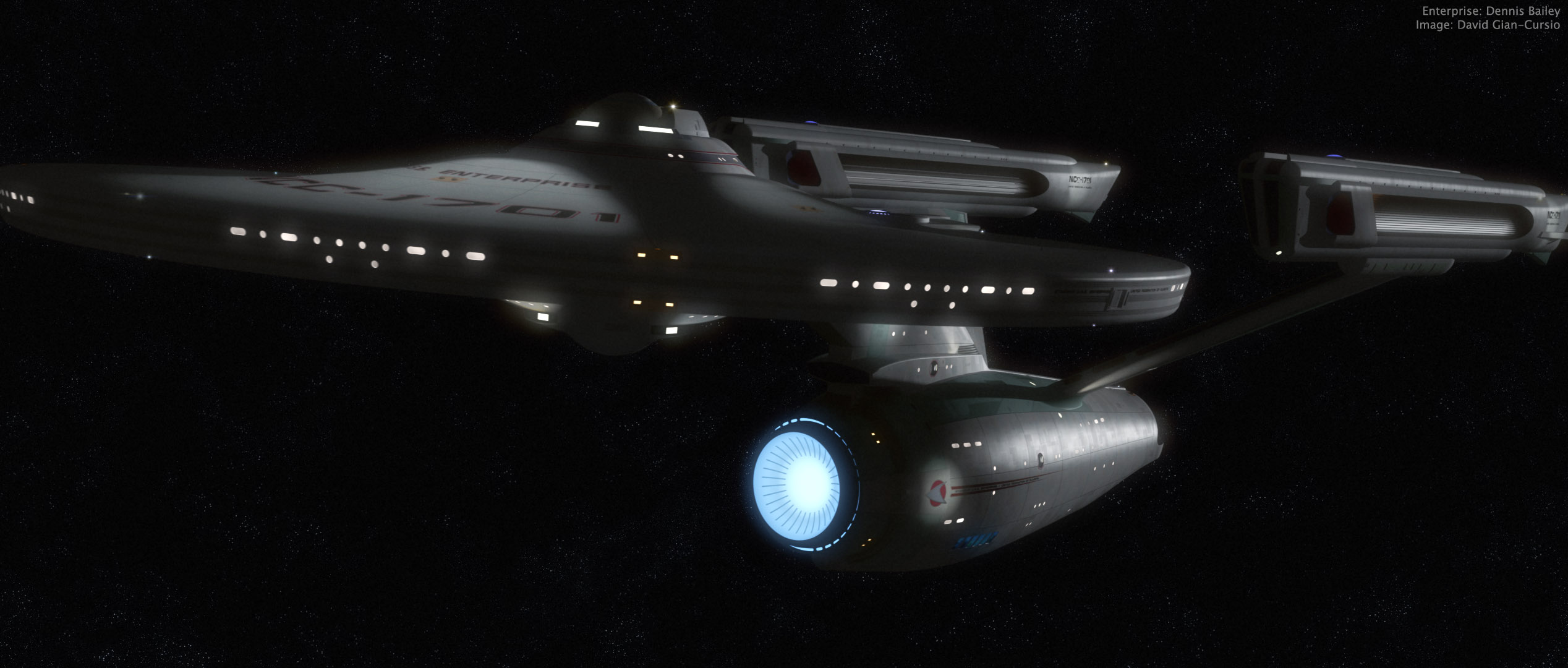
I suddenly felt the spirt move me today waiting for class to begin, and fired up Lightwave for a quick pic. I couldn’t have spent more than ten minutes setting up the camera and the key light (and most of that was fine-tuning the light to get a spec hit I liked). Since it was just me doing a quick little thing, I didn’t do a proper multi-file breakdown, but instead manually turned on and off each set of lights and glows to render out six layers (ambient occlusion, key diffusion, key spec, model glows, the model’s self-light rig, and the model’s lighting-rig’s lens flares), all saved as HDR .exr files.
I felt like trying something new, so rather than using my trusty old BetterSpace star field (first thing I ever made in Lightwave!) I gave Greg Martin’s photoshop star field a shot. It’s definitely different. More painterly than usual. Also, while I was looking it up, I saw Greg Martin’s doing a cool eight-planets multi-artist astronomical art thing that I thought was pretty inspiring.
Anywho, I adjusted and bloomed the heck out of all my passes, slapped in some film grain, and called it done. Well, there was a little more fine-tuning and experimentation involved than that makes it sound like, but it’s really more fun to do than it is to talk about.
Stardate 1277.1— All is Well
Ship’s Log, U.S.S. Kelvin, Stardate 1277.1. Captain Richard Robau recording.
We are on course to deliver our cargo of colonists and supplies to Beta Antares IV. The journey remains uneventful, and all is well. On a personal note, it gives me great pride to record in this log the first birth on board the Kelvin. James Tiberius Kirk was born this morning to Lieutenant Commander George and Lieutenant J.G. Winona Kirk. James is named for his grandfathers, and is the Kirks’ second son. On behalf of the entire crew, I’d like to note our congratulations and good wishes on this happy occasion.

So, here’s how it happened in the Prime Universe (“Harold,” to its friends). No Red Matter singularity, no diversion to the star to investigate, no mystery attack, just another day in space. My own little (very little) twist on the opening sequence of the new Star Trek. I pretty much had to do it as soon as I saw that a Lightwave version of Tobias Richter’s Kelvin was available, since I felt that it totally stole the show.
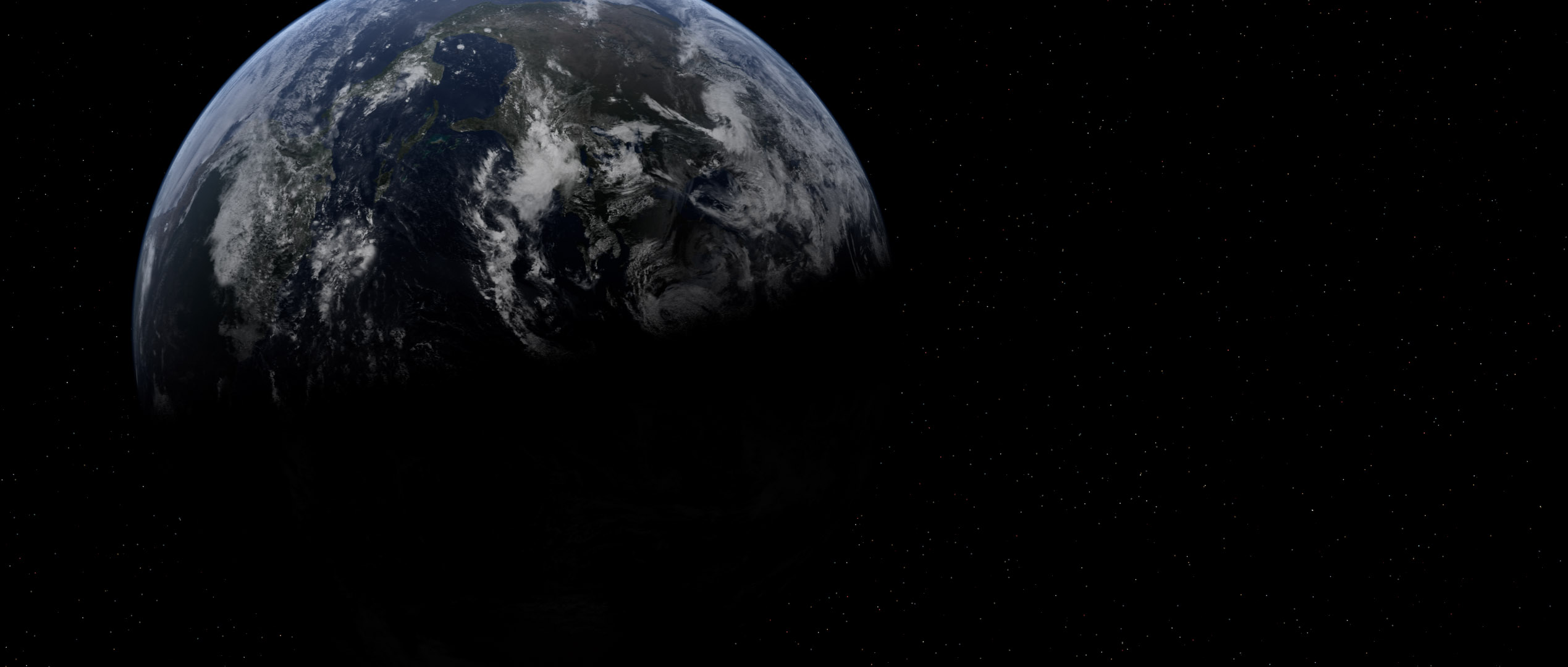
Revamped Earth, because I can’t resist a bandwagon
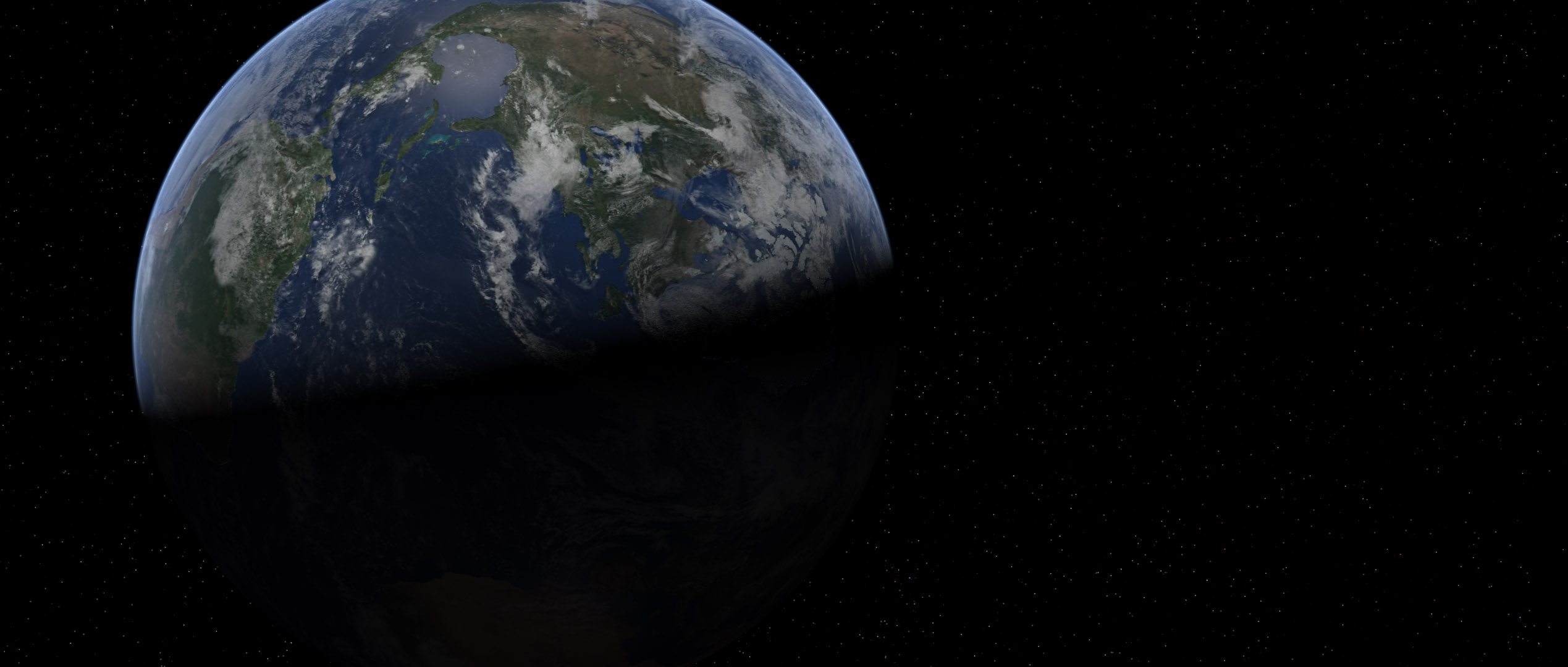
After seeing those sweet-looking new Earths in the Foundation3D WIP forum, I just had to get in on the action myself. I’d started to think my Earth, made from Dean Scott’s tutorial with the Blue Marble maps, looked cartoony, so I began fiddling with it.
I reduced the diffuse sharpness on the surface object so it would begin to shadow more quickly, making the clouds keep their brightness slightly farther into the night side. I darkened the surface, as well, so it was a bit less shiny and colorful. I also made the cloud layer brighter, and reduced the transparency of the atmosphere object away from the edges to help flatten the contrast of the planet.
I also swapped out the moon map with a new one I found that didn’t have shadows on the craters (which kept making them look like domes unless I kept the camera and the sun light at specific angles), and I found where the high-res Blue Marble cloud data was hiding on-line. I needed to fill in the poles with cloned data from the regular resolution version on their website, and then I had to shrink it down so it would actually load, so it ended up being only negligibly larger than the version I’d been using. At least I have a 43,200 x 21,600 cloud map waiting for the happy day when my desktop replacement is replaced with a desktop and I have the kind of power I’d need to use it.
(Incidentally, the cloud map can be found here, in two 21,600 by 21,600 chunks. Here is the smaller version I used to fill in the missing data at the poles, rather than painting in my own.)
After I rendered out these shots in LightWave, I saved them as HDRIs, as is my custom, and brought them into Photoshop for my usual bloom-and-grain treatment.


Just so everyone can see the difference, here’s that last one twice more, first with my old Earth model, and second with the new one just as it came out of LightWave, with no post work.
Movie-poster style Stargate image
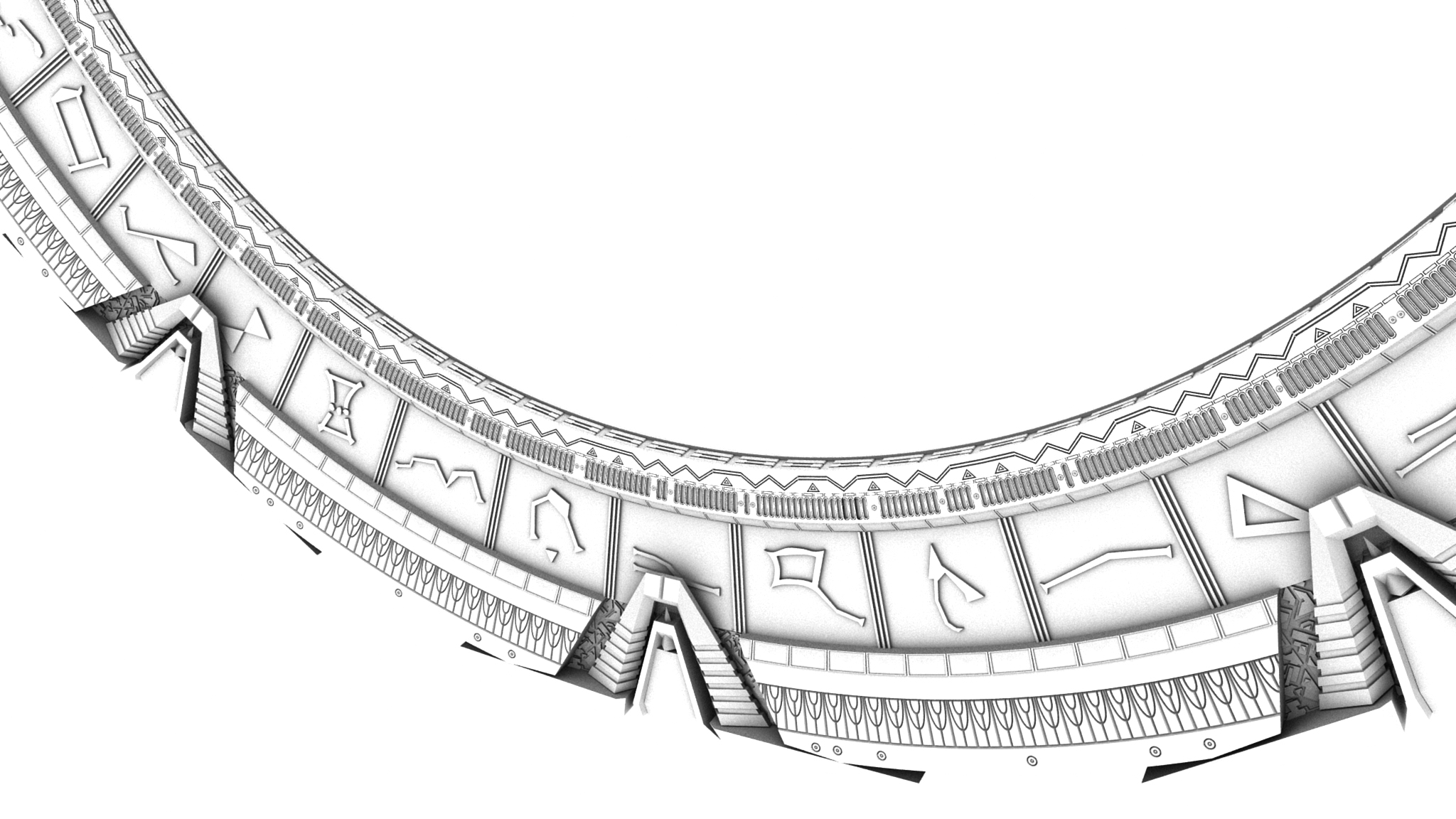
A while ago, I came up with the idea to try to recreate the image of the stargate used in the original movie poster in 1994. I finally got around to it after matching the angle last night for an AO render in the “New Headers” thread. To get that extra-shiny look, I rendered it in seven passes; three lights, each with a separate diffuse and specularity pass, plus one for the red chevron lights. I saved them all as HDRIs, and put them together in Photoshop, adjusting the gamma and exposure of each layer, with blending mode set to “Linear Dodge (Add).” Once I had it the way I liked it, I merged them together into a single HDR layer, and used that to make the bloom effect. I think it’s a little strong, but that’s why we’ve got layers. I can fiddle with it more if I want to use it in the future.
I’m not sure if I’ll ever end up using the image for anything, but it ended up being a pretty fun exercise.
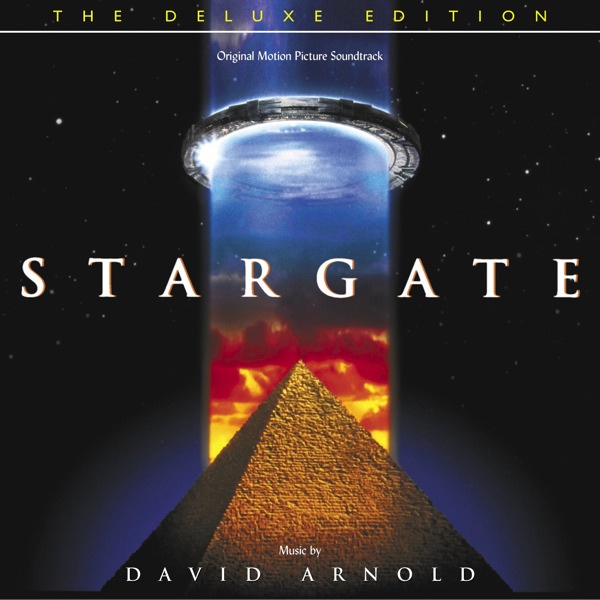
The reference image
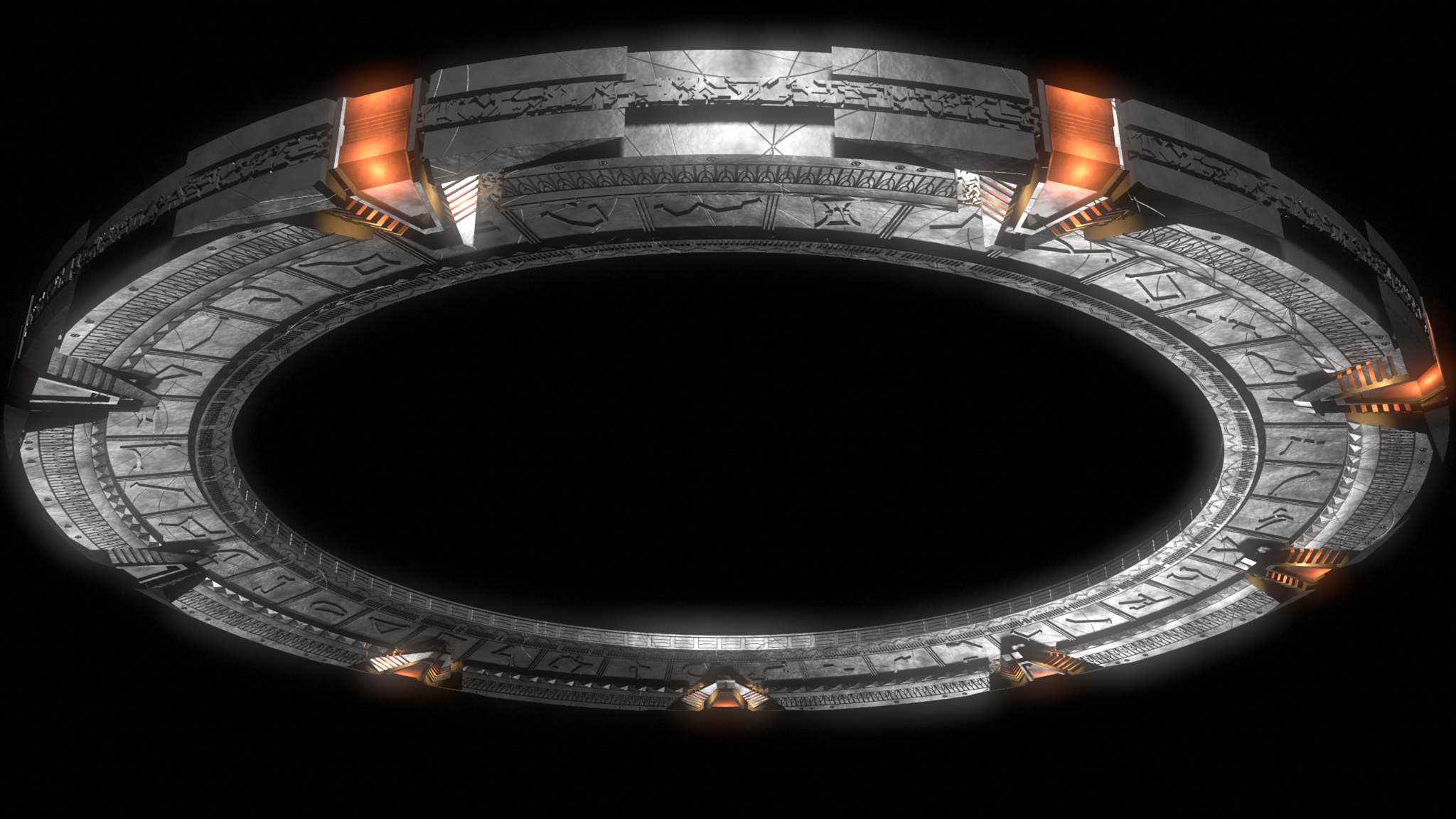
The final product
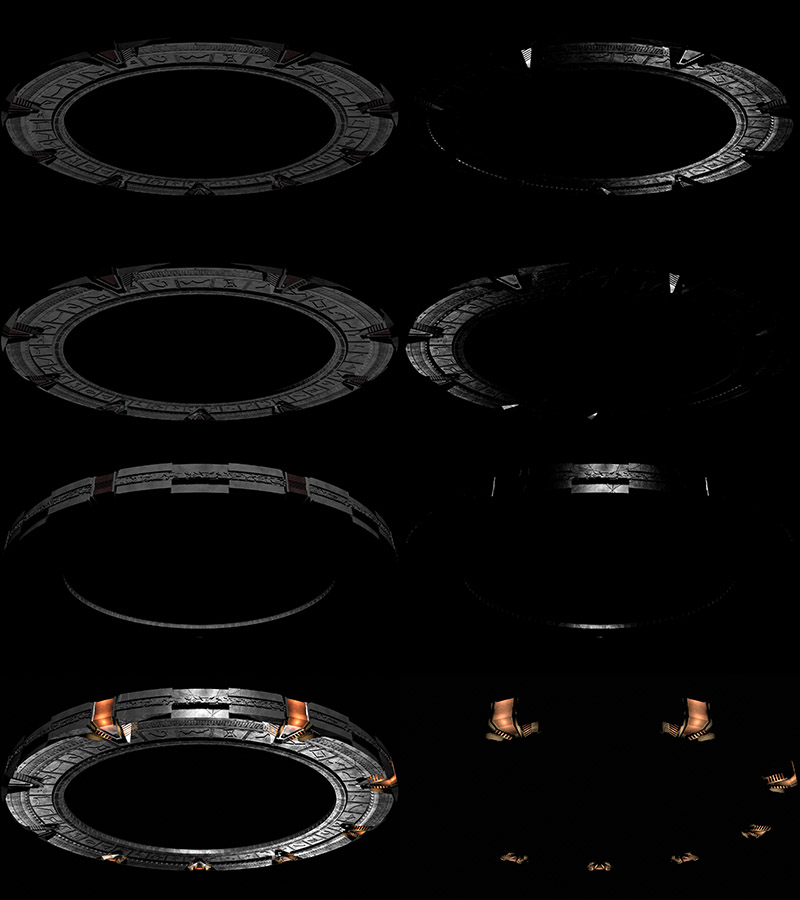
Breakdown of the component passes
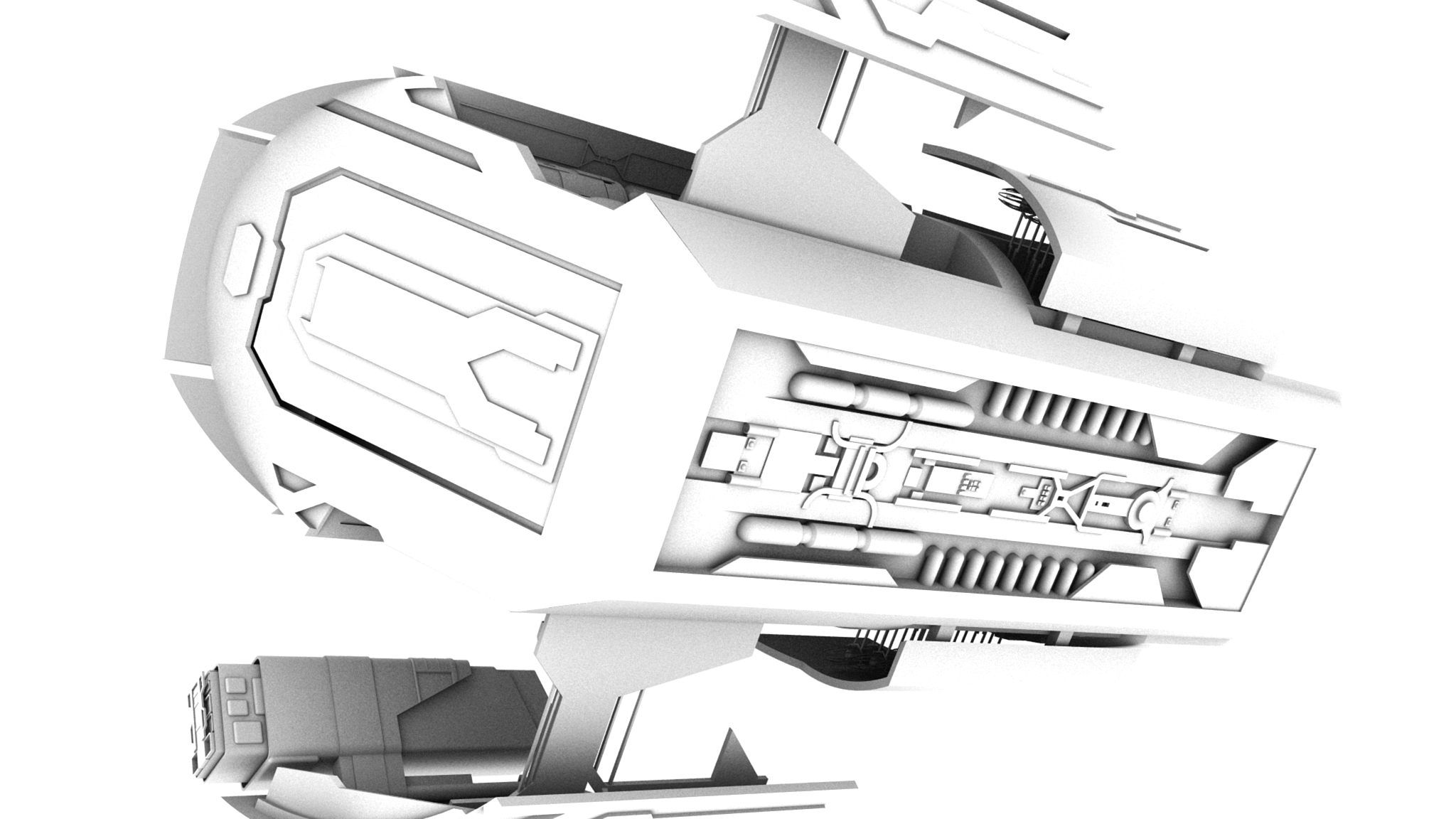
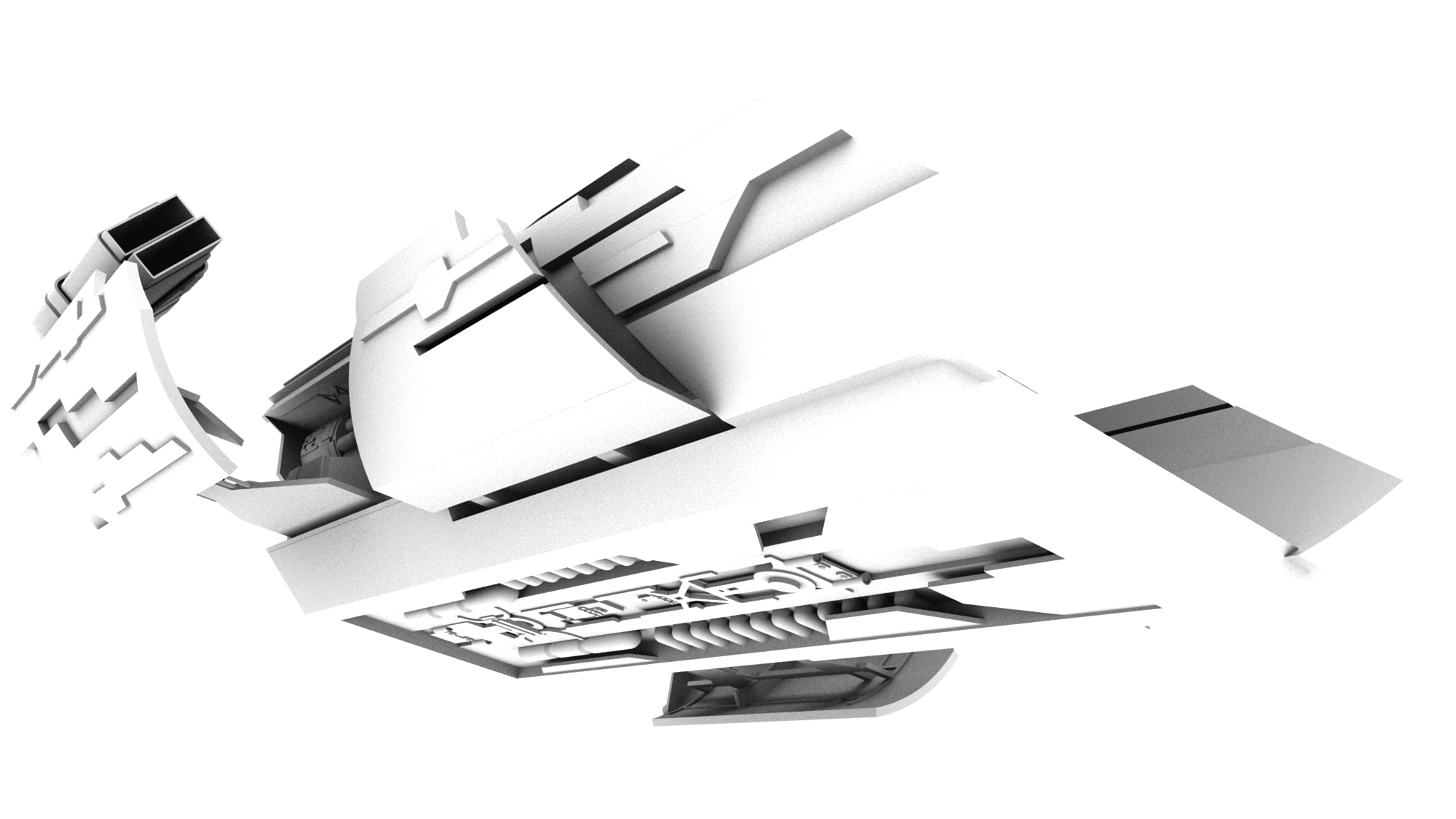
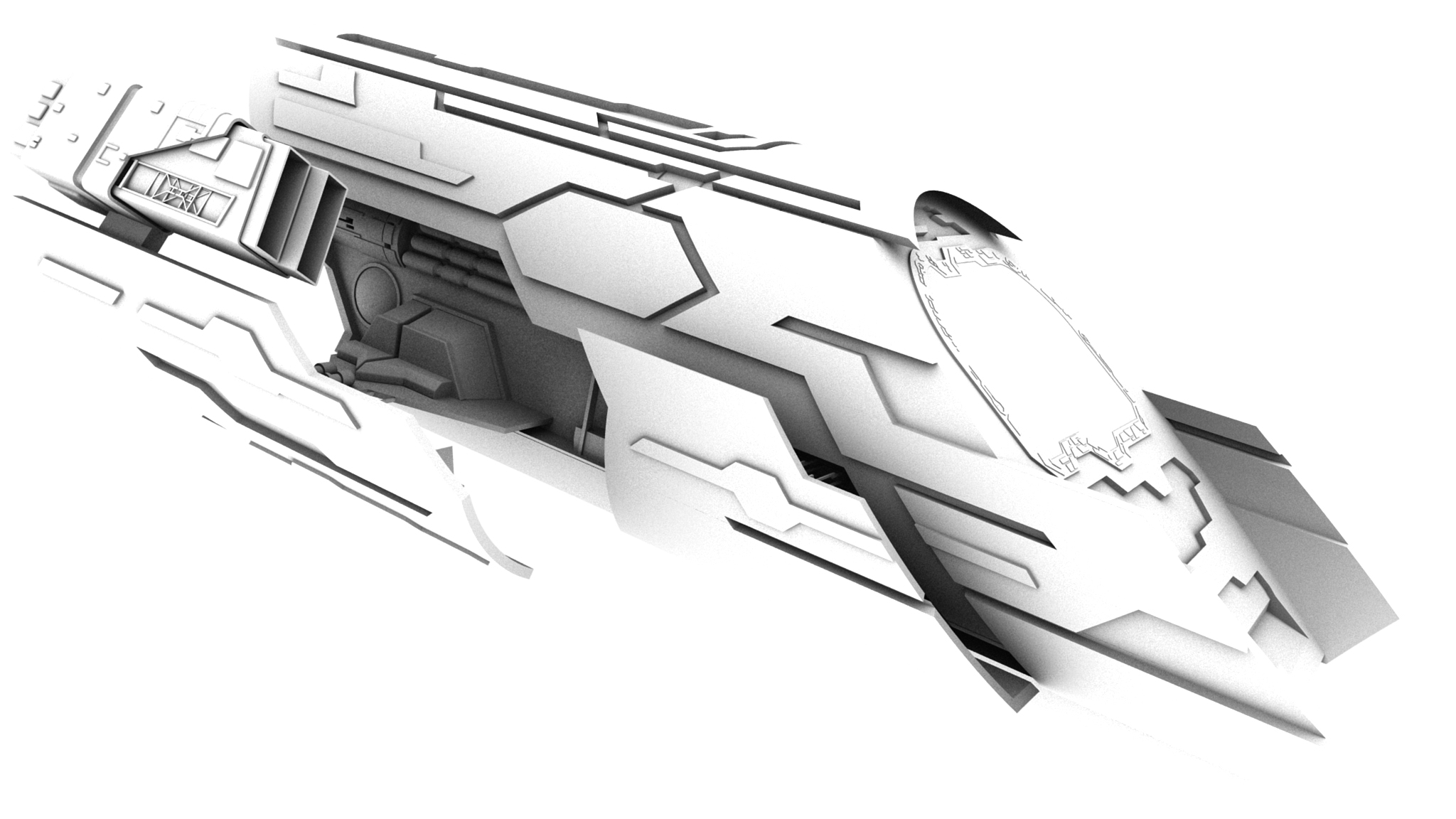
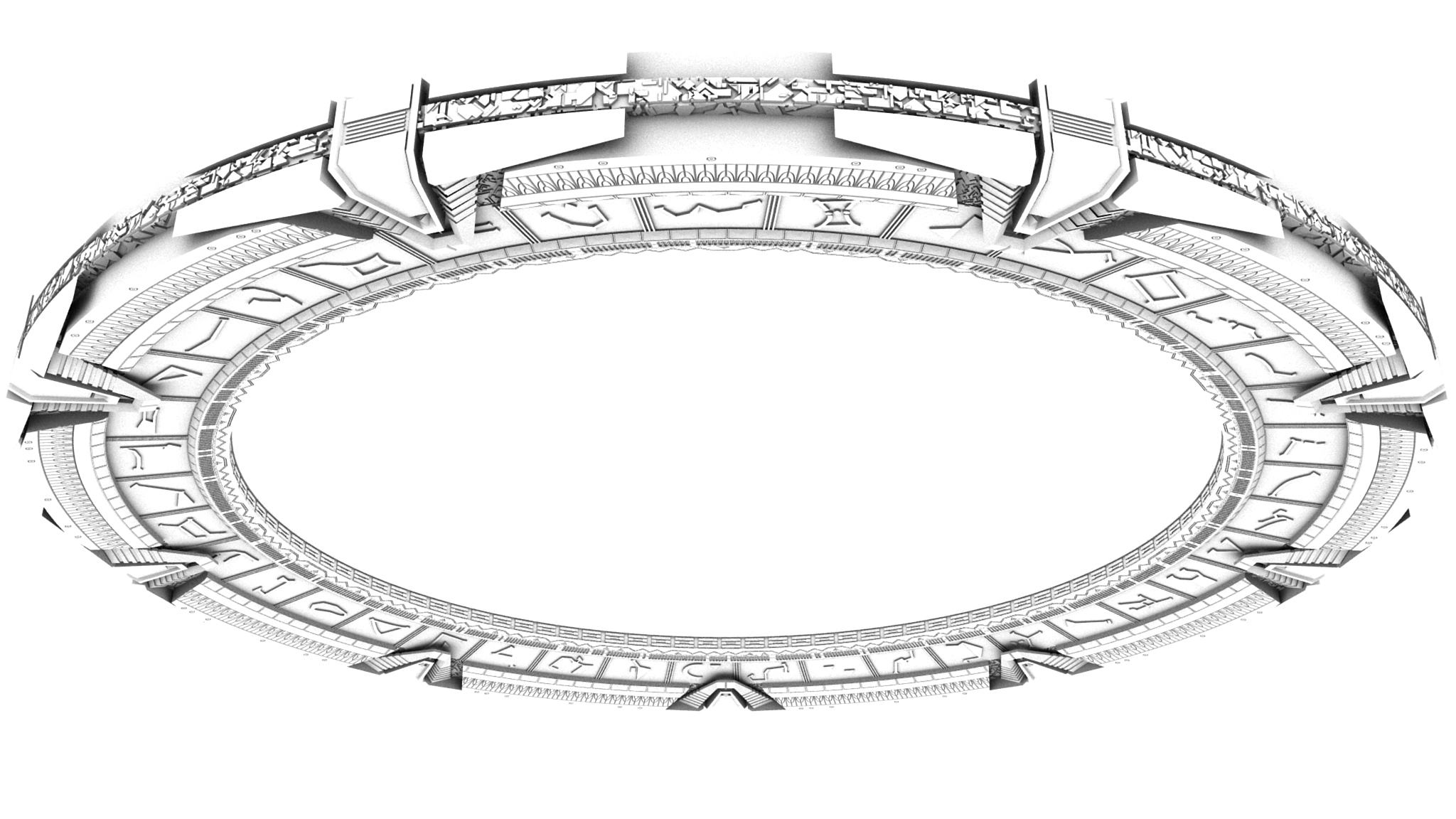
Ambient Occlusion Renders of the Jumper and Stargate
I made these Ambient Occlusion renders for the Foundation3D rotating site headers. Two were put into the rotation.
Charting the Crucible
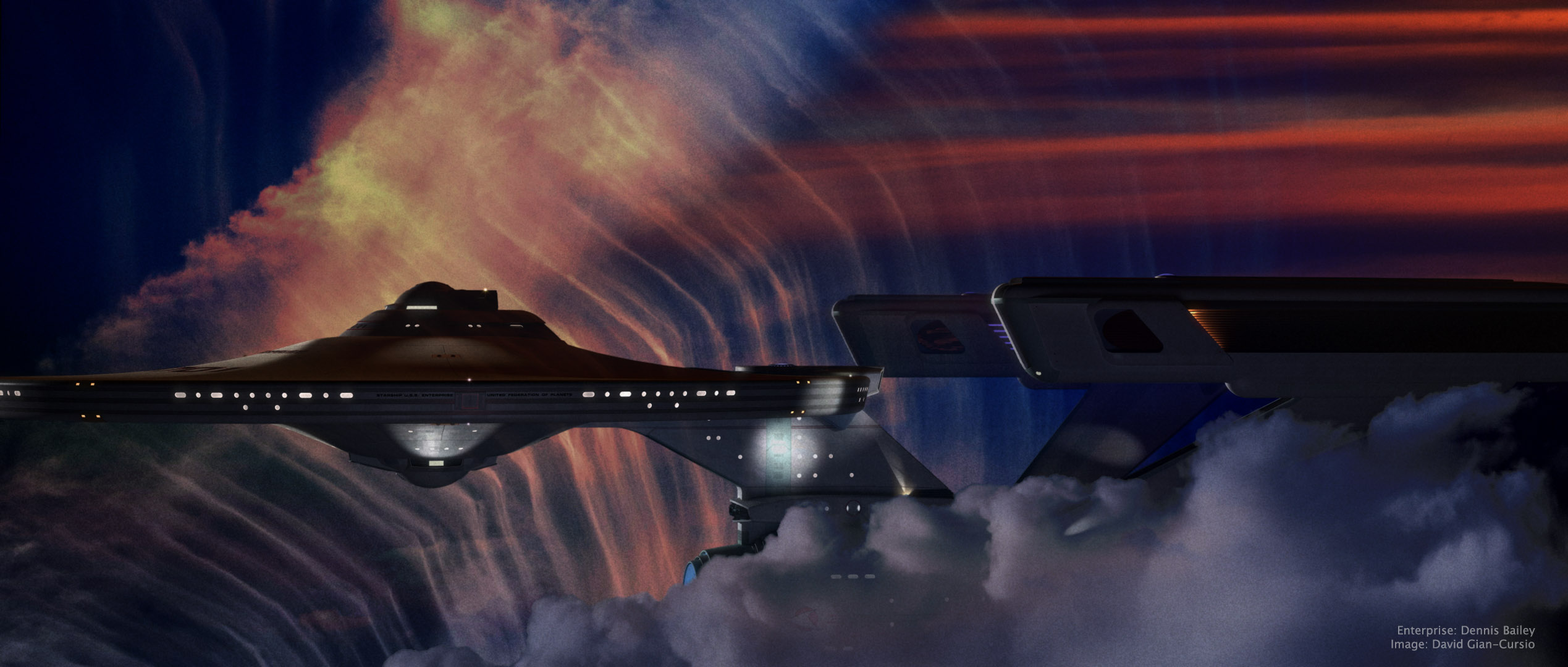
This picture was inspired by a shot in early season 3 of Battlestar Galactica, where Galactica emerges from behind a cloud in a nebula, looking for all the world like a seaship emerging from a fogbank. I decided some time ago that the movie-era Enterprise would be a perfect ship for my own take on the shot, given that it’s my favorite spaceship and that it’s long, sleek profile means it’d fit well in the aspect ratio I normally use.
The nebula background (and foreground) was a composite of four photos of clouds I’ve taken over the years (and anyone who’s ever seen me while I’m holding a camera can tell you that I photograph a lot of clouds), colored, mixed, and generally fussed with in Photoshop. I did a good deal of fiddling with the bloom and fog depth effects on the ship as well, until I was happy with them. I quite like the colors in this picture, and it’s one of my new favorites. And any day I can look at a picture and think “new favorite” is a good day.
As for the narrative of the image, all I can say is, it’s not from The Wrath of Khan. It’s a nice, peaceful image of the starship Enterprise exploring another, completely unrelated nebula. I know it looks like the nebula from The Wrath of Khan but, well, it’s not. Because I said so.
—
Added July 11, 2008
In light of the interest this picture has gotten, I’m putting up a quarter-sized version of the final Photoshop file, as well as the source files I used to create it, for others to examine for self-educational purposes.
On the nebula effects:
The first thing I did was put in the foreground cloud. I cut it out using a layer mask that I made from selecting the color of the sky, because there was a pretty clean division and I’m far, far too lazy to matte by hand when I don’t absolutely have to. I used an adjustment layer to give it it’s color, and then another photo of a sunset to break up its color a little. I used the same layer mask to block out these two layers, as well as the bloom layer for the ship.
For the bottom layer of the background nebula, I started with a light, whispy photo of clouds, with the opacity turned down a smidge so the black background layer would darken it up a little. Then came an adjustment layer the same color as the one for the foreground cloud, with this one set to “Linear Burn” in the blending mode to darken it up, and the “Blend if” box in the blending options being set to reduce the blending as the underlying layer got brighter. This set off the clouds in that picture more from the sky. I used the same sunset again to alter the color of this part of the clouds in the next layer up, this one set to “Vivid Light.” The topmost layer was another sunset photo, with smooth bands of red clouds, that I placed in the upper right to help justify the red light on the top of the ship. That one was matted in with a layer mask as well, with much tweaking of its levels so the red part would show up but not the sky behind it.
After I’d done all this, I still didn’t feel like it was quite done. Eventually, I realized what was missing and ran back to Lightwave to render out a depth pass of the ship using the Render Buffer Export. I used that as a layer mask on the ship layer, which helped sell that it was traveling through a gaseous medium (it’s most apparent where you can see the foreground warp engine overlap the background one, but it affected the whole ship.) The topmost layer was a merged version of the image, with a filmgrain-and-blur applied, and then darkened substantially with levels, and set to about 50% opacity.
—–
It took some doing to matte in the cloud without getting a black edge of what used to be sky. Even once I’d pulled that out, I found that the thick, full feel of the cloud completely broke with the thin, wispy clouds I used in the background. I didn’t really have a more suitable cloud, and didn’t want to render a 3D one for time and aesthetic reasons, and the composition didn’t work if I took it out all together, so I made it fit more with the background by giving it some of the same color variation. It still wasn’t perfect, but it served its purpose of framing the ship.
———-
On the appearance of the ship:
I think that feeling of solidity came out in Photoshop. The lighting was pretty basic, all told. The model’s rig, along with a small white area light at about ten o’clock for the rim light, a large red area light high and past the model, and a bluish area light behind and below the camera. (I also rendered the image with “Final Gather” radiosity enabled.)
Turning layers on and off, it seems that the CGI went away with the top layer, which was duplicate of the merged image, with film grain applied and the levels adjusted so the whole ship was almost entirely black, and then reduced it to 50% opacity.
The Stolen Earth
“Do you know what, I look up and there’s all these moons and things, have you seen them? Do ya see ’em? What was I drinking last night? Furniture polish?”
“Ianto! Time and a place!”
“Yeah, it’s funny though.”
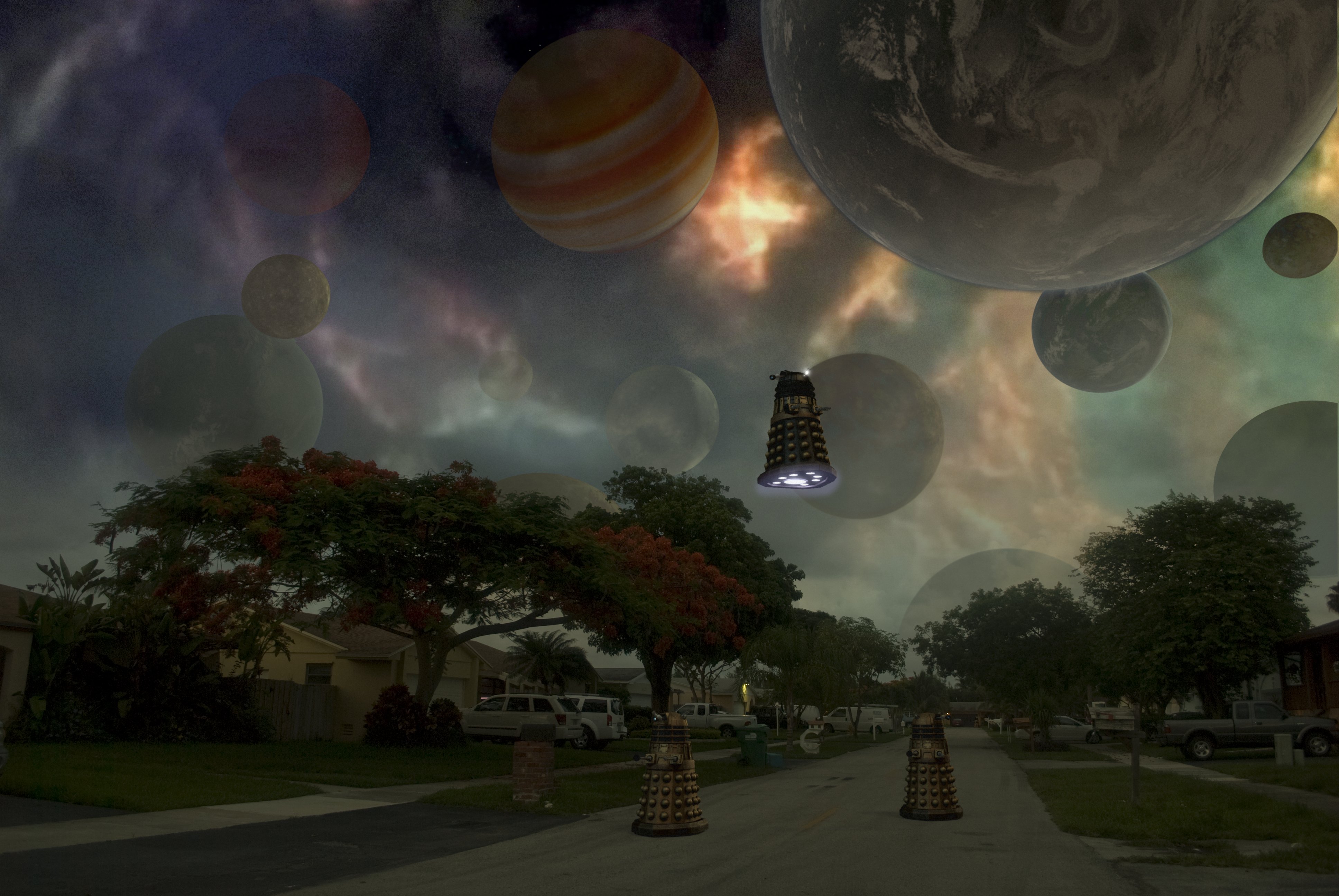
The impetus for this picture was a comment on a web-board where someone mentioned that they’d like a wallpaper-sized version of one the scene with the planets above the streetscape at the beginning of “The Stolen Earth.” After pointing out that since Doctor Who isn’t made in HD, there isn’t enough resolution in any version of the scene for it to work, I (and my massive ego) realized that I did not have the same limitation. And, hey, any excuse to fire up Layout.
I went out onto my street just after the sun had set, so I could get some appropriately dim yet not completely dark lighting. I then matched the perspective in Lightwave, and rendered the Daleks and the planets separately. I decided to give the Supreme Dalek who’s lording it over everyone an extra gun just to mix it up a little. As for the planets, I pretty much picked out anything I had that wouldn’t be a recognizable real planet and tossed it into the sky.
The real fun was in Photoshop, where I changed the white balance in the original photo (which had a heavy blue cast from the dusk light), pulled out the sky, put the sky back in a little to form a sort of haze because the gaps in the trees were giving me trouble, added in the Medusa Cascade from a screencap, and faded the planets in different amounts to give it the appearance of depth. I then fiddled with it on and off for the better part of a day before deciding it wasn’t getting better anymore, just different, and decided it was time to post it.
TOS Cylon Basestar Montage
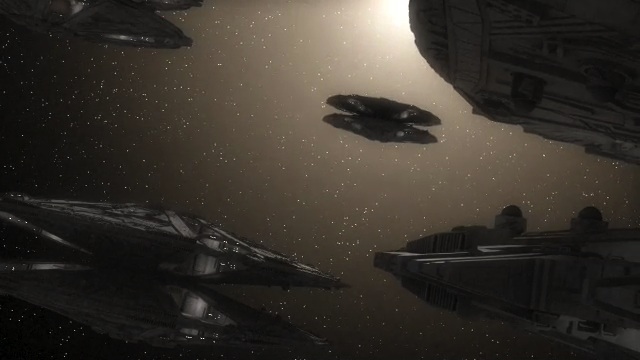
Since I hadn’t done much in Lightwave for the past few months and have the chance again with the successful end of my creativity-sapping traditional drawing course, I decided to try out an animation. I wanted something reasonably simple to warm up, so I did a series of four drifty shots of Raffs’ Basestar, assembling them into a montage like the ones used for establishing shots of Basestars in season 3 and 4 of the new Galactica.
It also gave me the chance to try out Premiere and After Effects, as well as being my first try at faking radiosity with a spinning light globe and rendering to OpenEXR. I was going to try using Screamernet to set up a little render farm since I have access to more than one computer for the time being, but since it was apparently designed by sadists for sadists, I found it was easier just to grab my dongle, start up Layout on each computer, and set each machine to render a different range of frames.
I’m pretty happy with how it turned out.
How I used Lightwave’s Hypervoxels in “Bombardment”
For the vapor trails, I created a null and parented it to the shell (which I had already animated at its speed), and under the “Dynamics” tab of object properties added the “Emitter” FX. Under Generator I set a birth rate of 300 particles per second (the exact number depends on how fast your object is moving. You want enough so the trail isn’t a gap-filled dotted line, but not so many it’s just an opaque mess. Whether it’s measured by second or frame doesn’t seem to make a difference in how it behaves beyond the obvious, though I’m not sure how particles per “speed,” “collision,” or “wind” work).
The generator size is fairly self explanatory. Make it big enough to fill whatever the trail is coming out of, but not so big particles are appearing outside it in empty space. Particle limit controls when your emitter stops emitting, and start frame when it starts. Interestingly enough, two particle emitters with the exact same settings will spawn particles in exactly the same way. If you have, say, a multiengine airplane, it’s extremely apparent when it has identical vaportrails coming out of each engine, so you’ll want to have each emitter have a different start time.
Under the Particle pane, the only interesting thing is “Life Time(frame).” This way, you can set when old particles disappear and stop using up your valuable memory. I set it to 300 frames, +/- 0. Everything else should be set to 0, as well.
In Motion, “Velocity” should be 100%. I set “Explosion” to 5 m/s, so the particles would expand as the trail aged. I set “Vibration” to 5 m/s as well, so the trail would have a bit more life and randomness to it, instead of expanding uniformly.
Under the descriptively named Etc tab, I set “Position Blur” to 100, so the particles wouldn’t appear in neat little discrete clusters but smoothly along the trail, and “Parent motion” to .5% so the trail would ever-so-slightly follow the shell it was coming off of. For a rocket exhaust, I’d set this to a negative value. For an explosion, I’d set it to 100%.
And that’s the end of the particle settings.
After enabling hypervoxels, and activating my emitter null as a hypervoxel object, I set the object type to “Sprite” (“Volume” takes too long to render, and “Surface” is just a big blob). For “Dissolve,” I went into the texture control and created a gradient with “Particle Age” as the Input Parameter. I set it so the dissolve would be at 0% at 0 frames old, and 100% at 300 frames old (at which point, the particle emitter would remove the particle from the scene, clearing a space for a new particle to be created. It’s very “circle of life.”) Particle size was set to 7 m, and likewise had a Particle Age gradient so it would get bigger in time, maintaining the integrity of the trail even as the particles drifted apart from each other. One of the key things to remember is that each particle is just a little fuzzy procedural-textured circle, but as long as they overlap, they look like natural, organic clouds. Lift them drift apart, though, and the illusion is shattered.
“Shading” had every single channel described with a particle age gradient. “Color” had it start off the same yellow as the shell object, to represent its glow and flames, but faded to smoke gray within a few frames. “Luminosity” is, first of all, not actually equivalent to “Luminosity” in Lightwave’s surfacing system. It corresponds to the diffusion channel, a concept that gave me a bit of trouble before I figured out what was going on in my test renders. Likewise, the luminosity was set very high for the first few frames, and went downward gradually after that. “Opacity” seems to correspond to “Transparency” and “Density” to “Translucency” in the Surface Panel, but in reverse. So a perfectly clear object would have 100% transparency, but 0% Opacity.
I don’t know why the Hypervoxels shading panel doesn’t adhere to the conventions of the Lightwave surface editor but, then, I didn’t design that damn thing, and it seems to work well enough once you figure it out.
The shading panel also gives you the option to pick two lights that will be used on your hypervoxels, or to check a box to “Use All Lights.” To save render times, each vapor trail had the main sun light and its corresponding shell light selected. “Use All Lights” isn’t too bad for stuff like vapor trail, but a big smoke cloud in the middle of lots of lights like in this shot will kill your render times if you have “Use All Lights” turned on.

Hypertexture should be “Turbulence,” tuned to your standards of fuzzy cloudiness. Feel free to experiment on this. I certainly didn’t.
That’s about all I have to say without going so far as to offer a formal tutorial. Clear as mud, right? Maybe I should put the scene and object up for download, and you can look at it yourself.